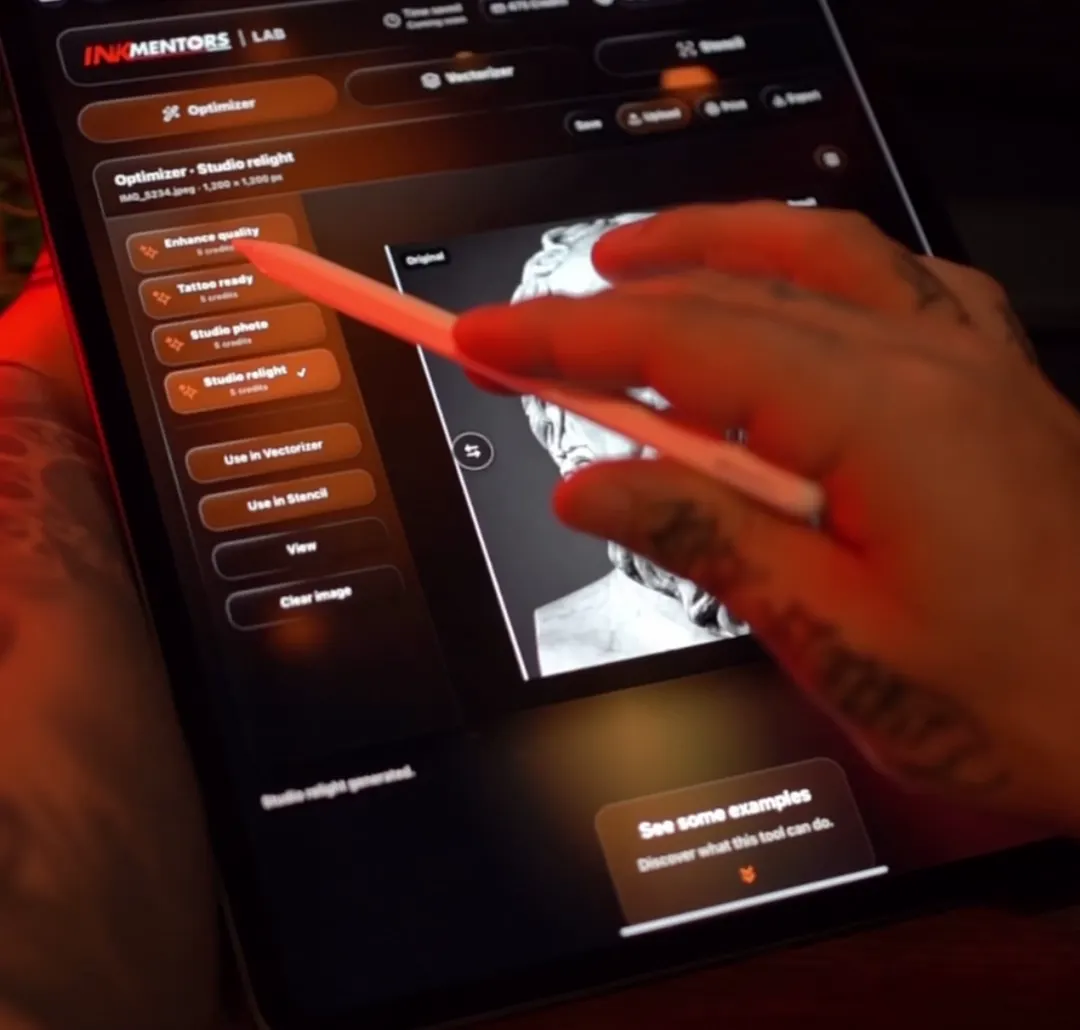
IMPROVE THE REFERENCE
Adjust light, contrast and definition for a clearer reference and explore the potential of your next project.

Tools that simplify preparation and give you more time to tattoo.
iPad · Computer
Adjust light, contrast and definition for a clearer reference and explore the potential of your next project.
Simplify how you read highlights and shadows to guide your decisions while tattooing, with a focus on technique and healed results.
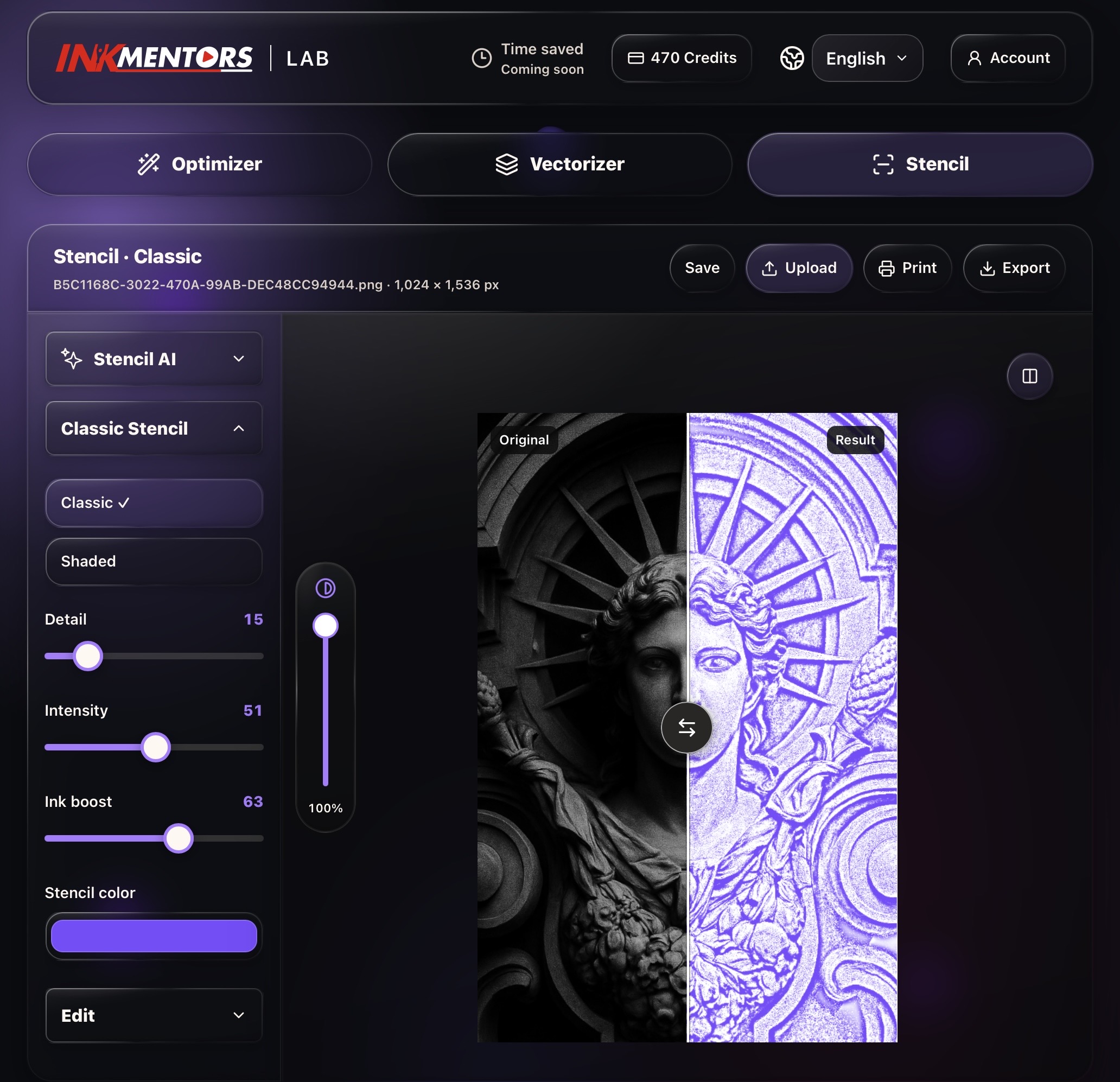
Choose the right stencil type for the design, set its size and prepare it for print. For larger projects, split the stencil across multiple sheets at scale, ready to assemble.
Save your work to the gallery and organize it in folders by client. Return to the images and stencil measurements when you resume the project.
Tools that simplify preparation and give you more time to tattoo.
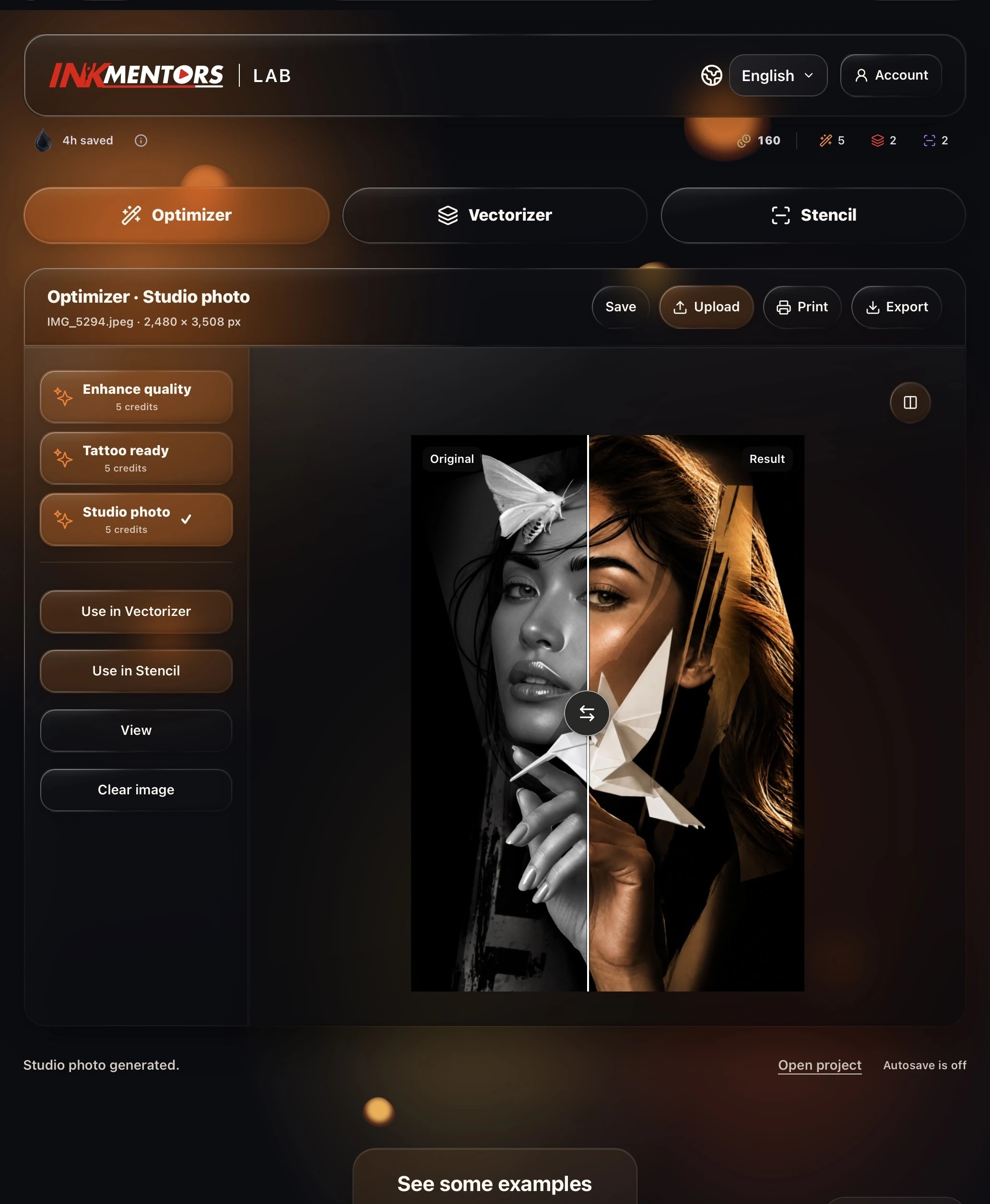
02 / OPTIMIZER
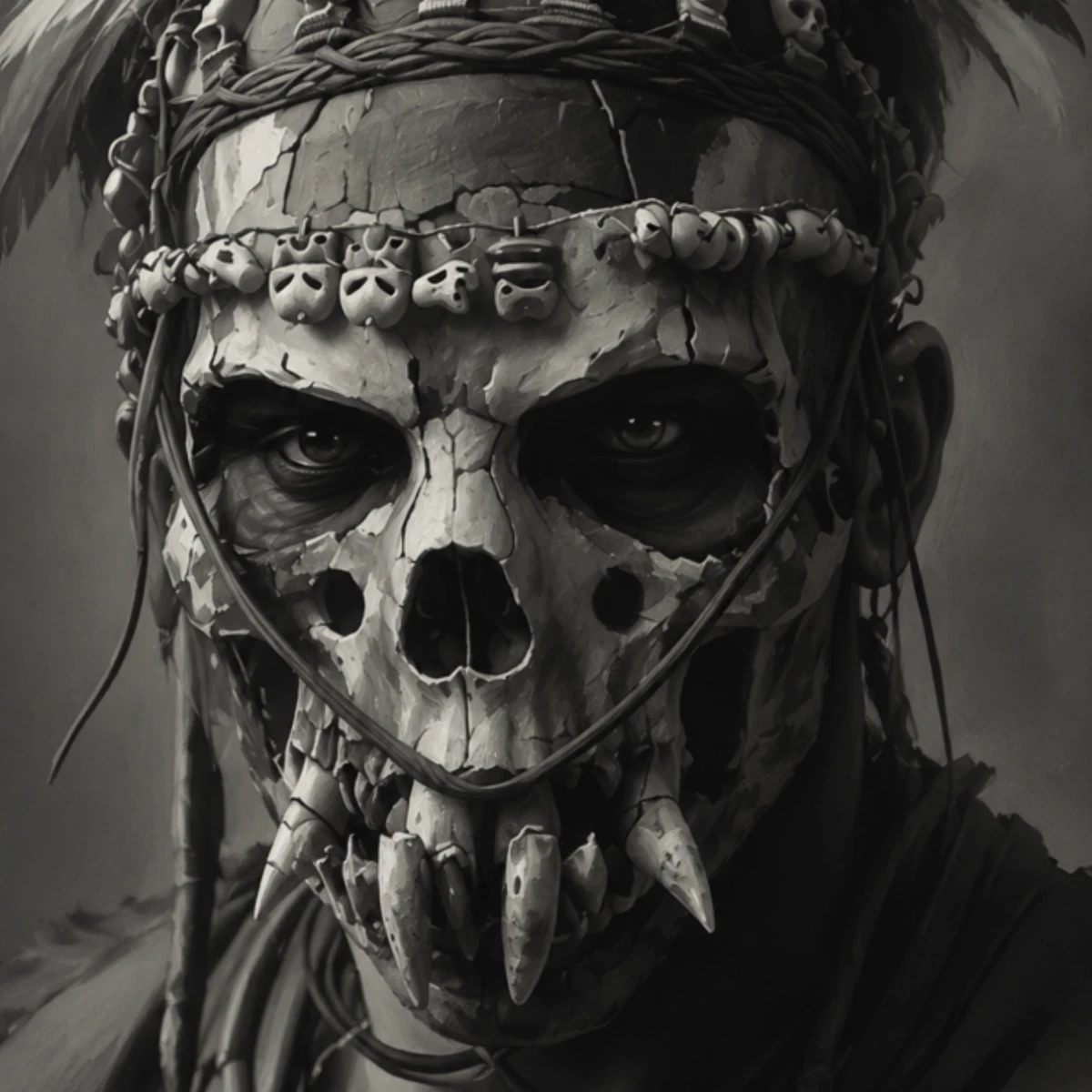
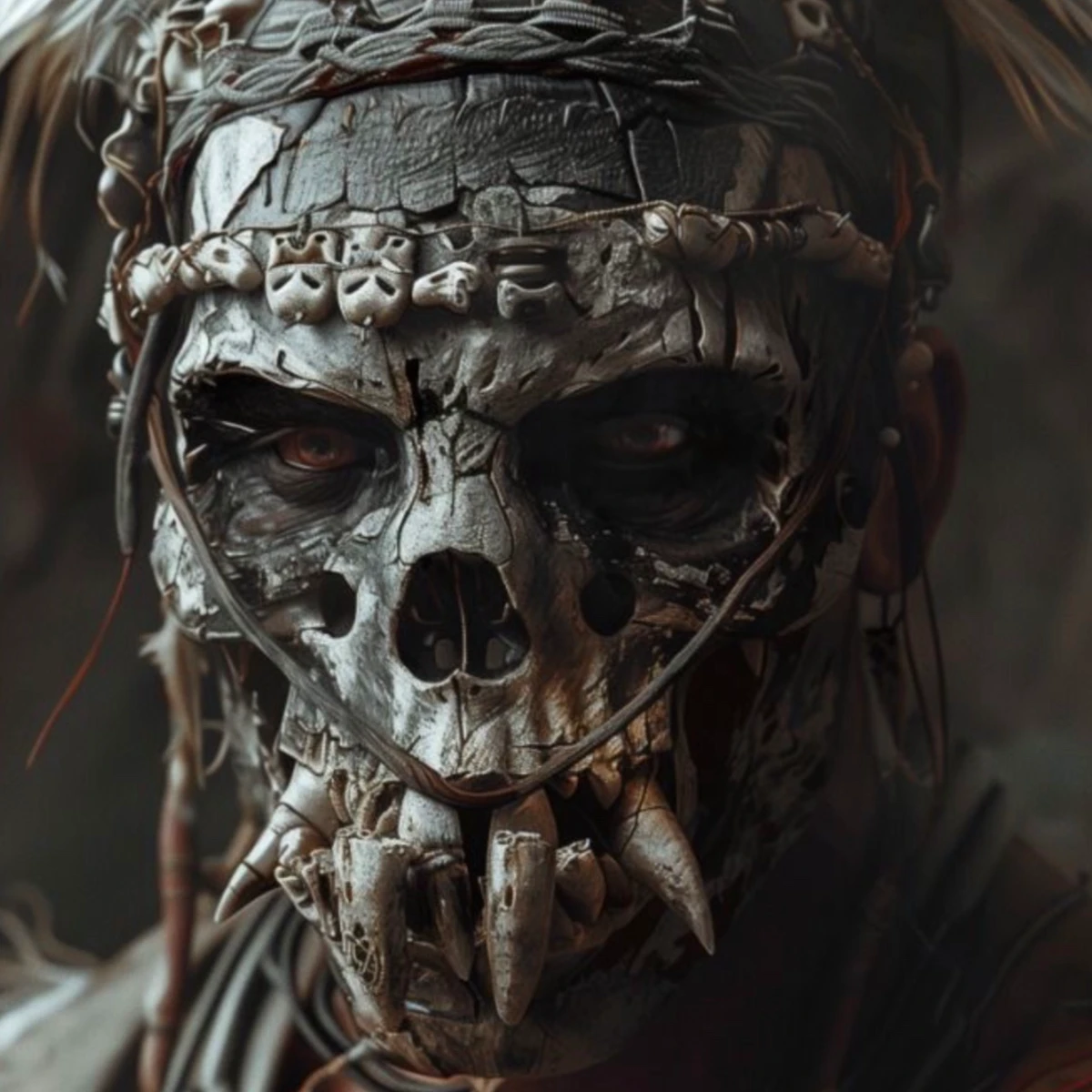
Enhance your image or prepare a tattoo-ready version. Compare the result with the original.
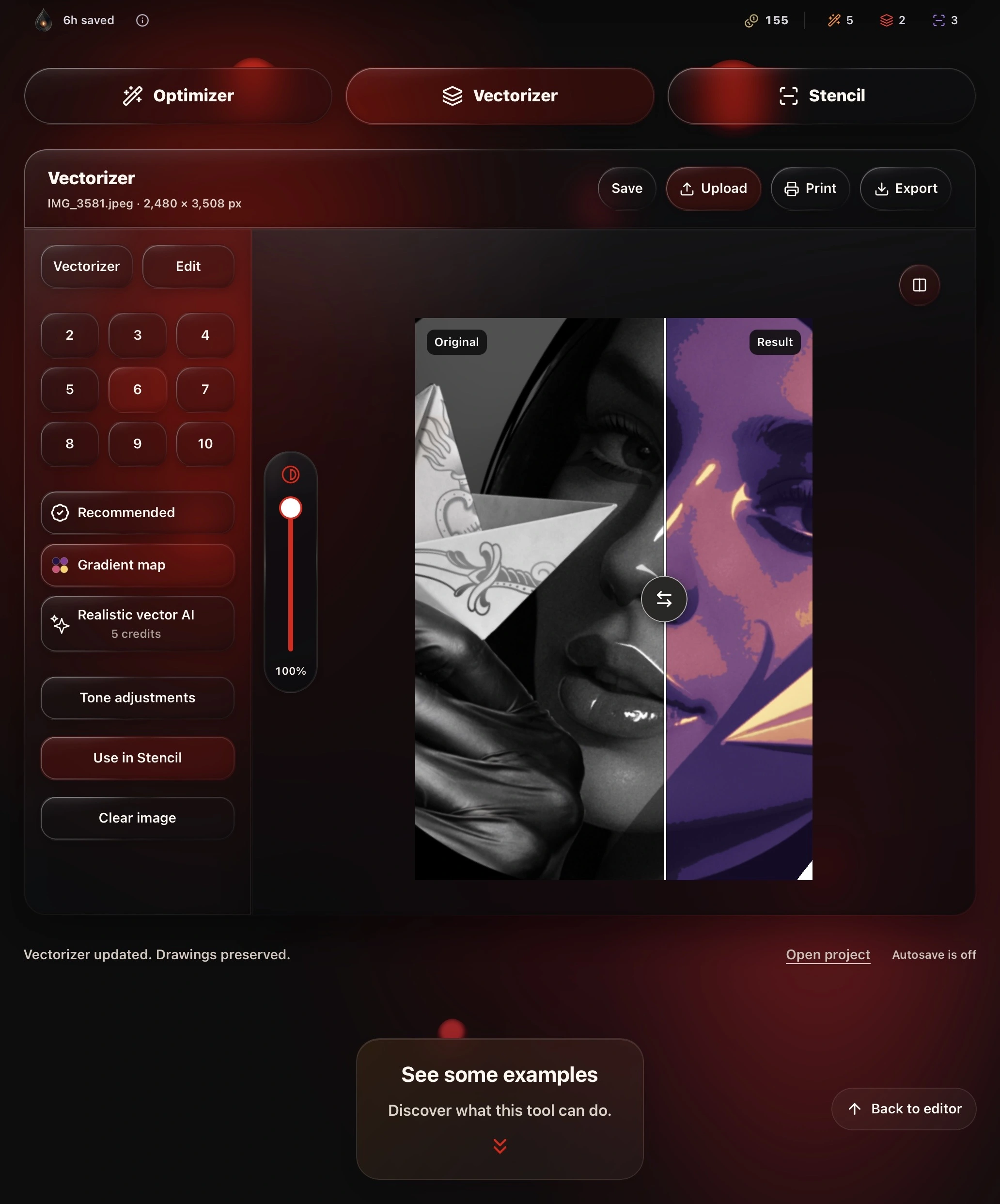
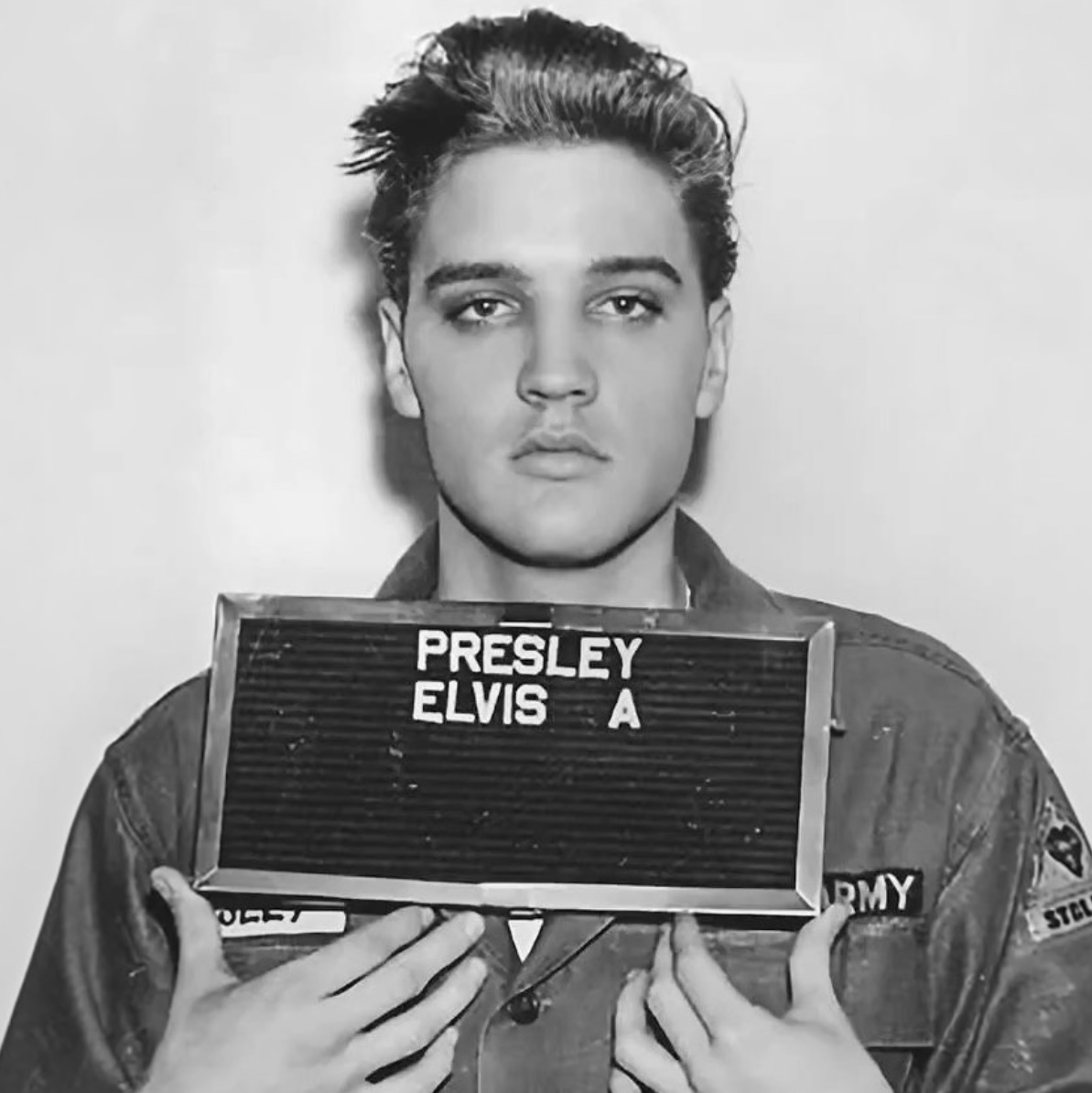
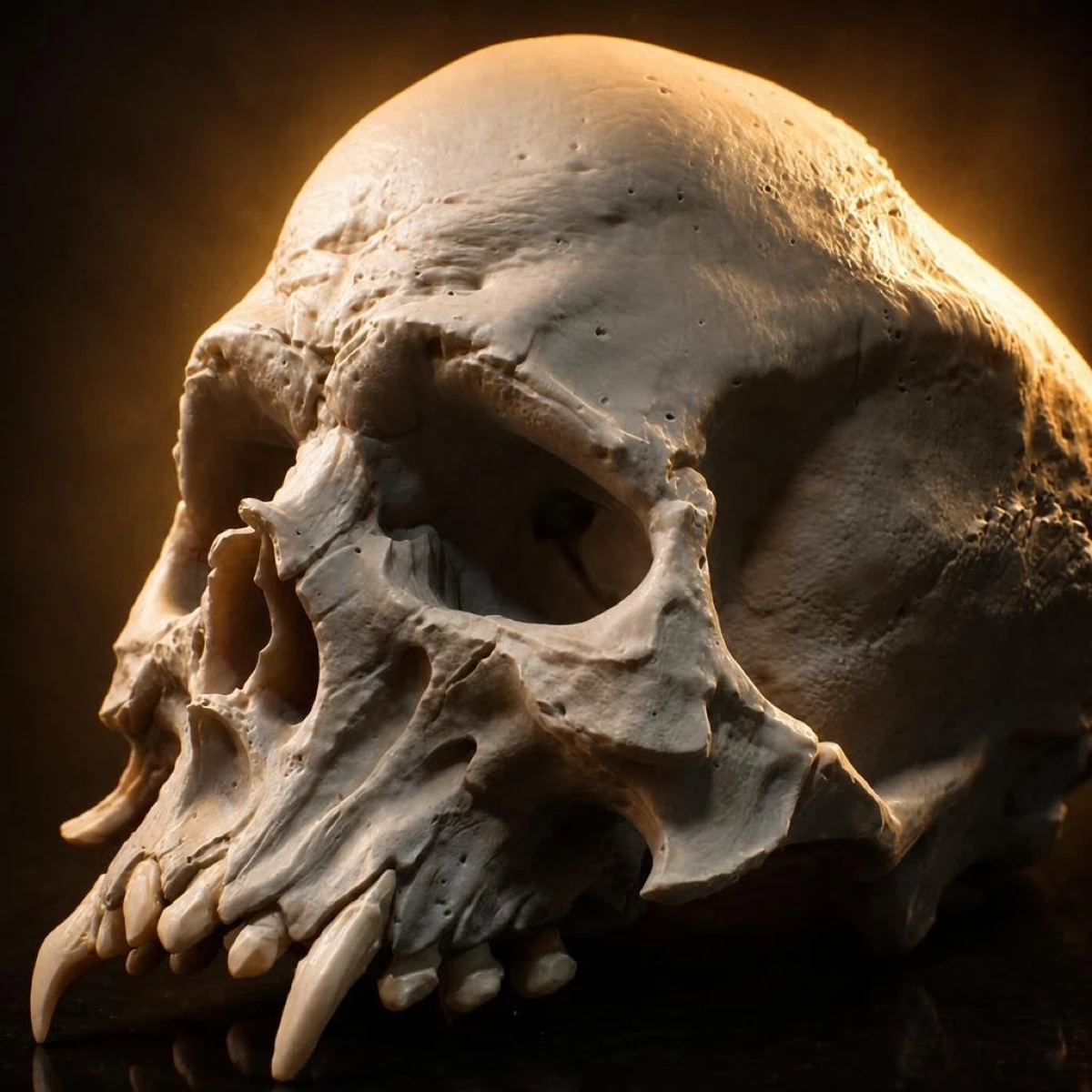
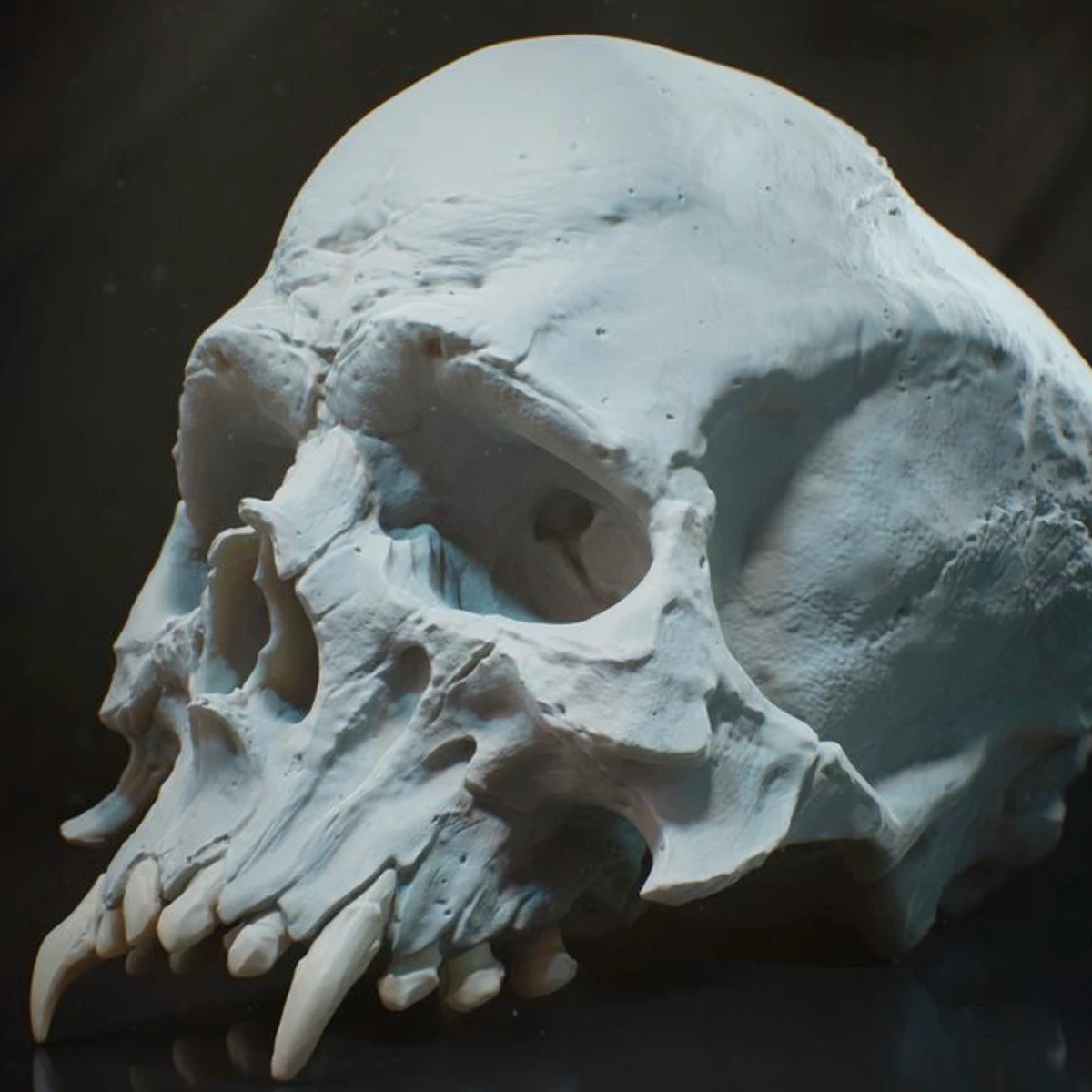




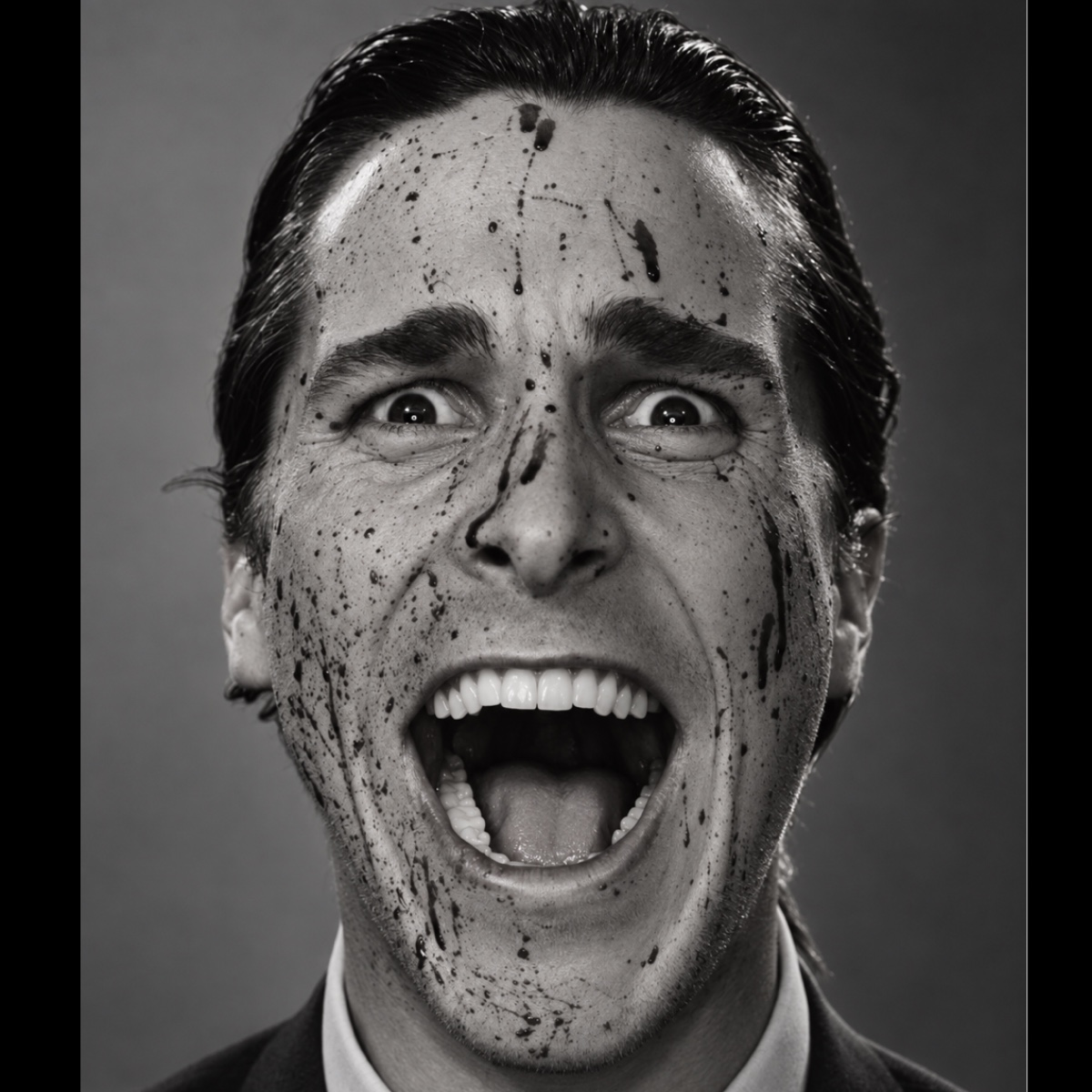

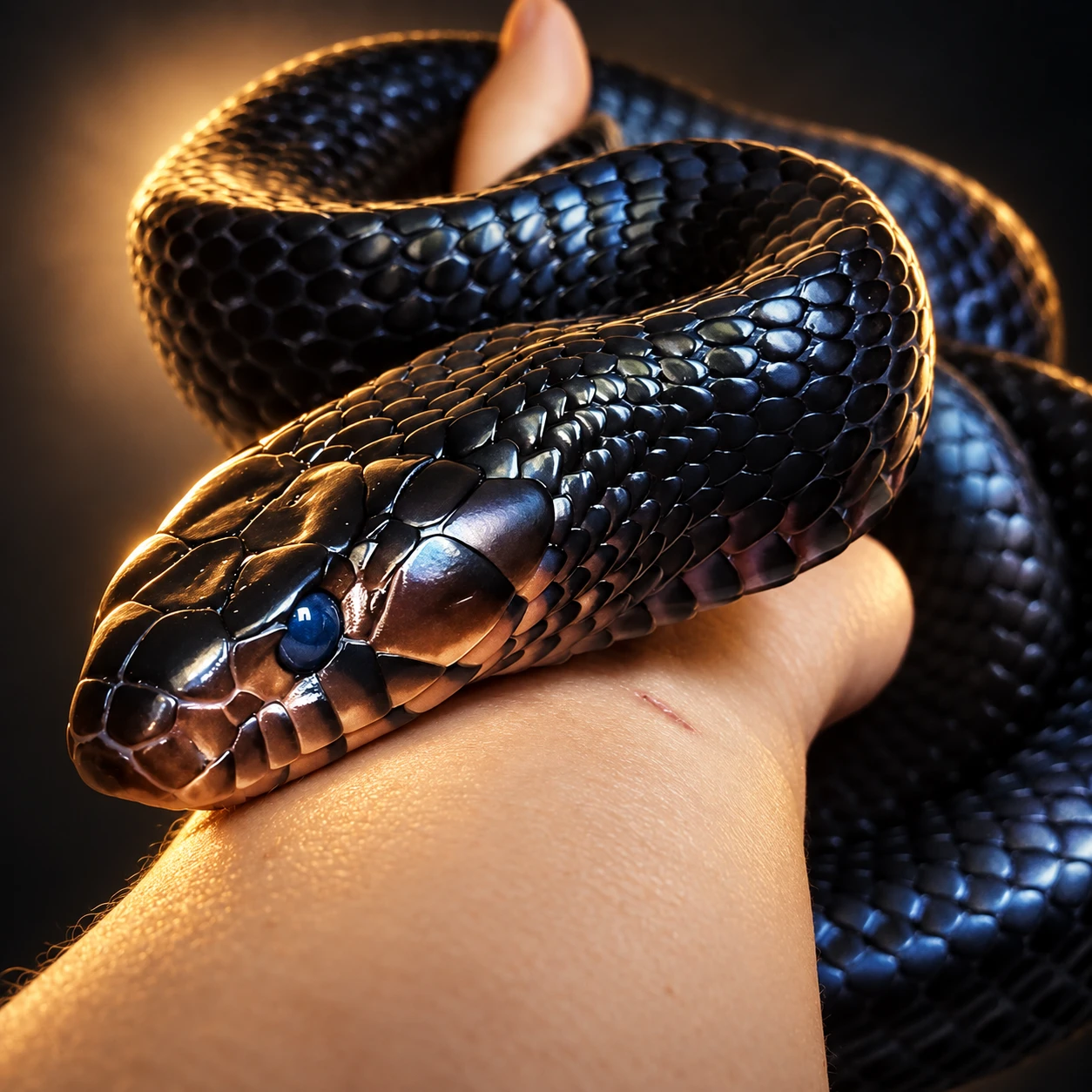
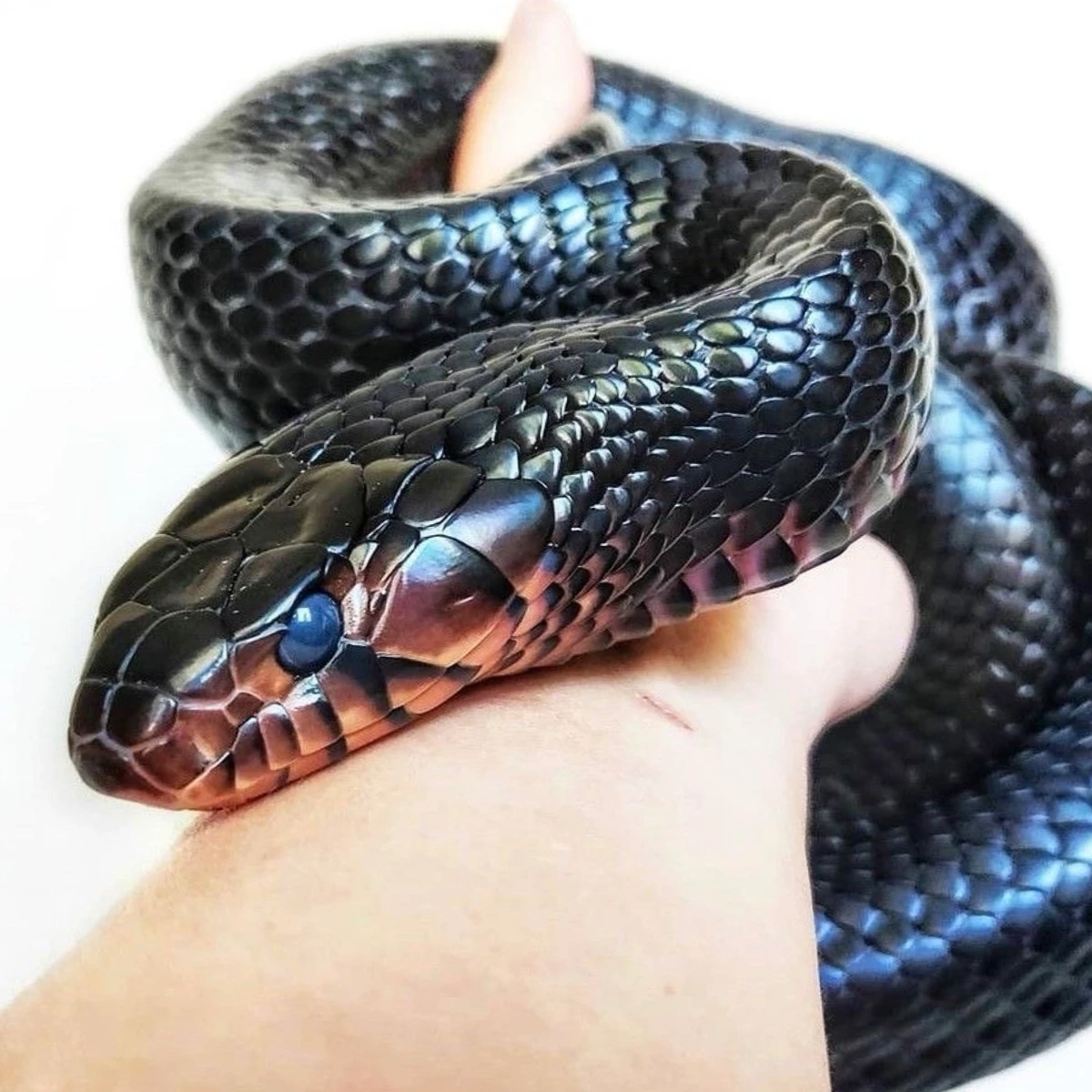
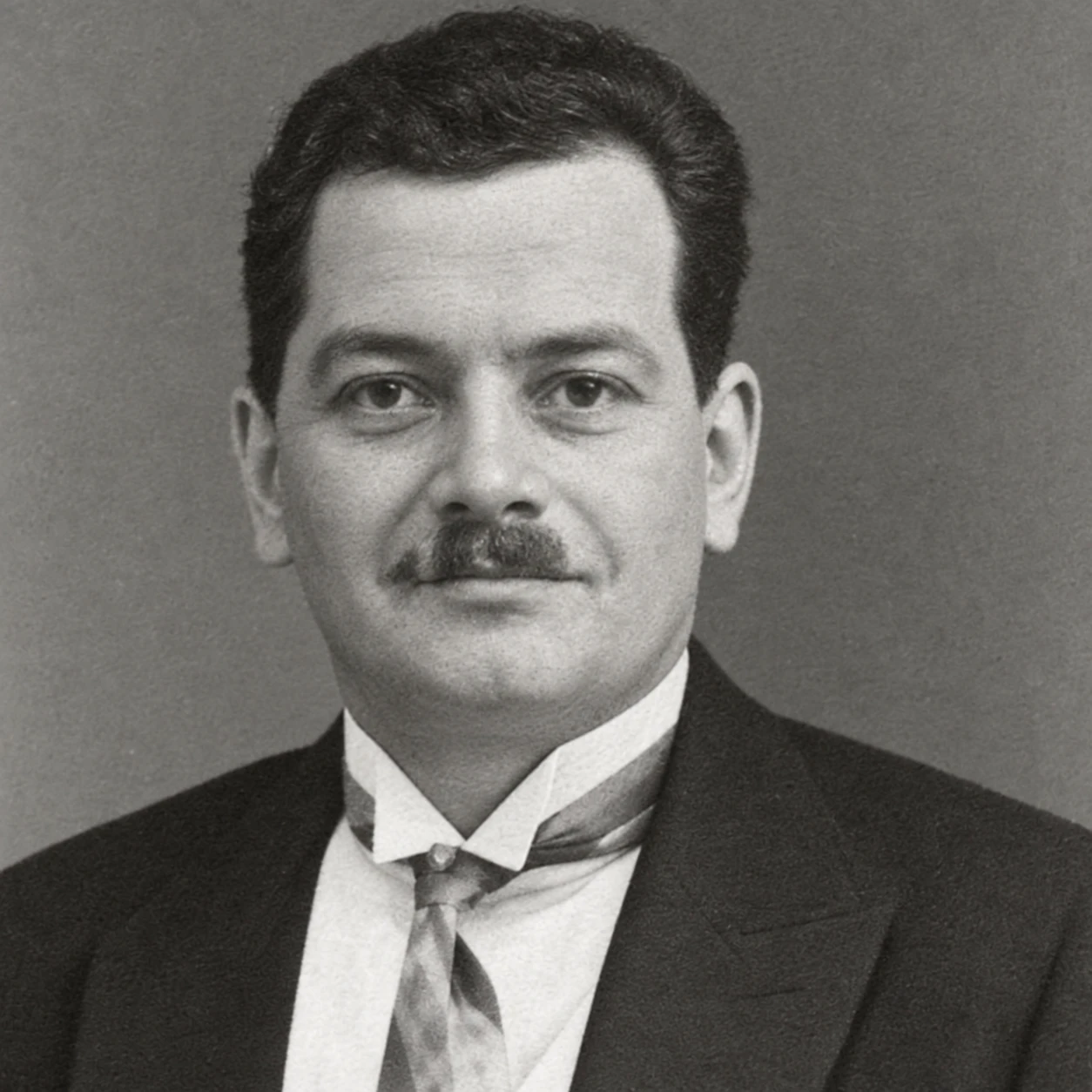
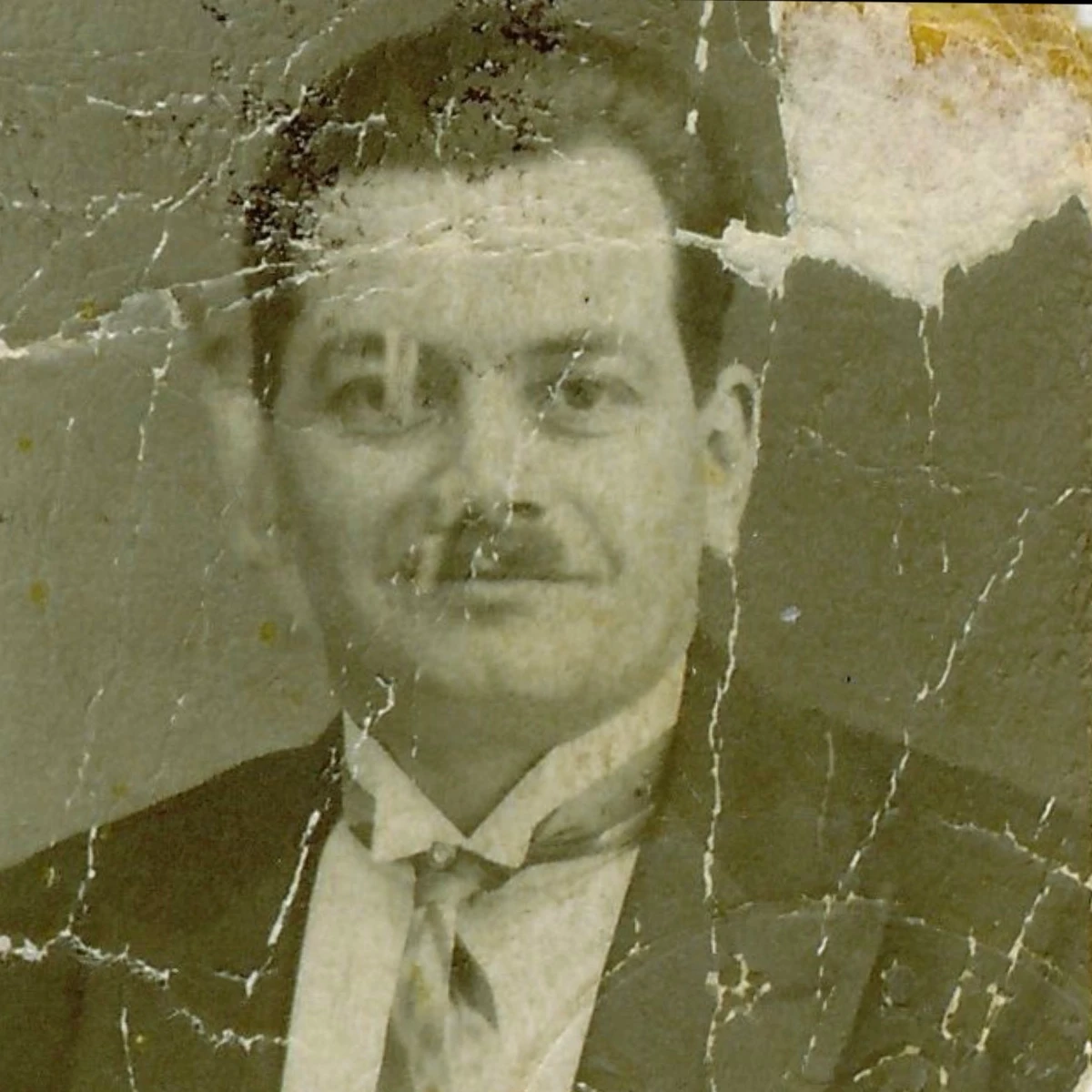
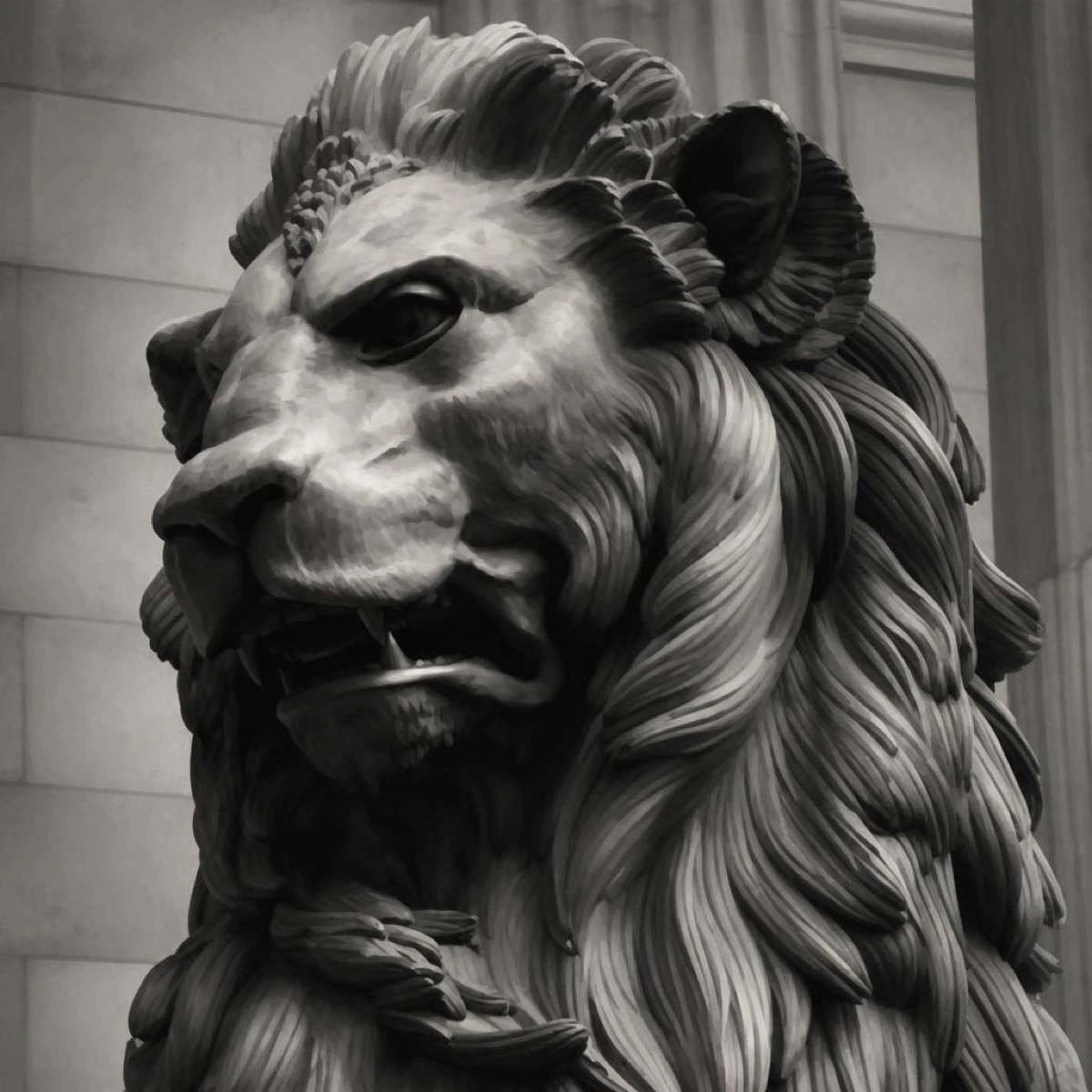
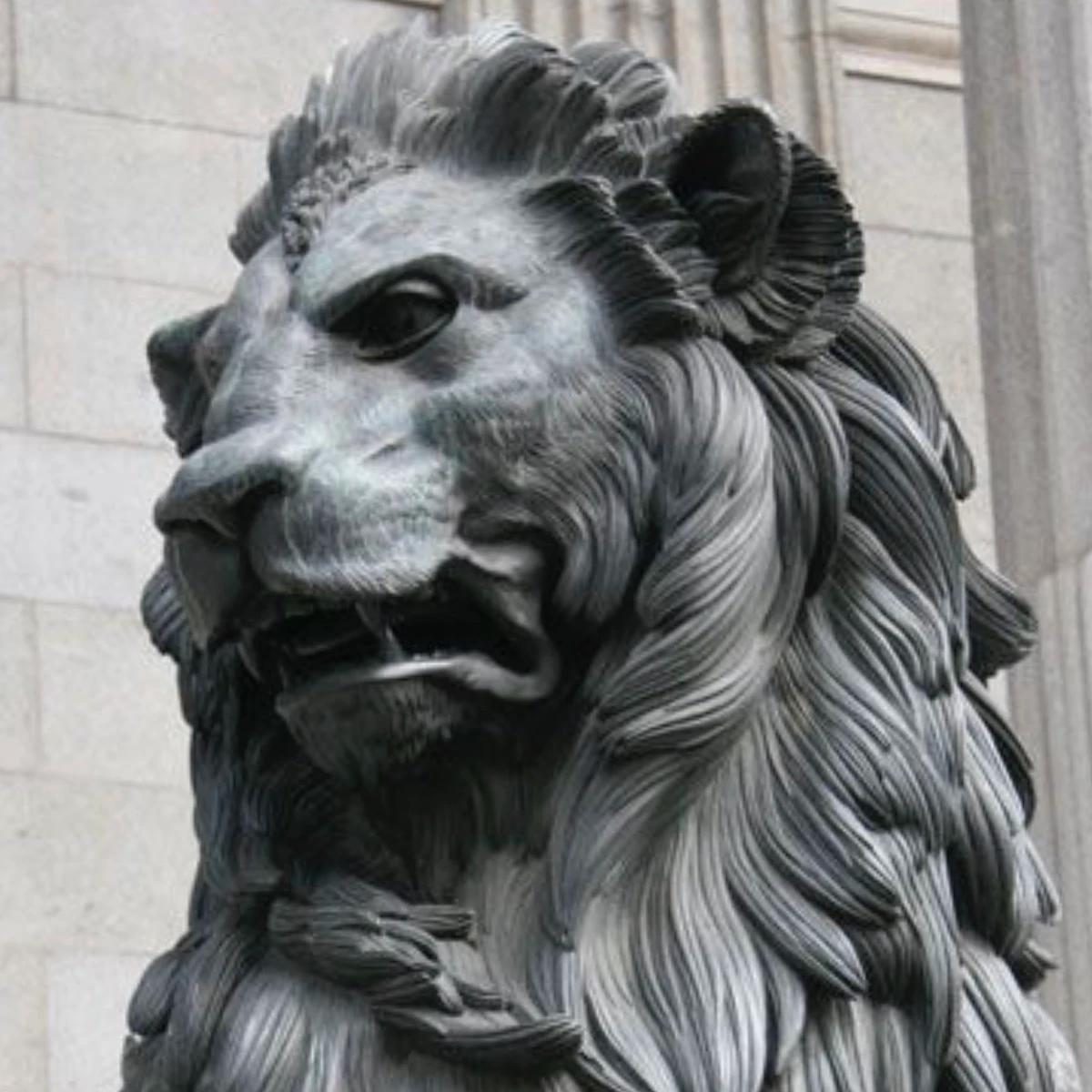
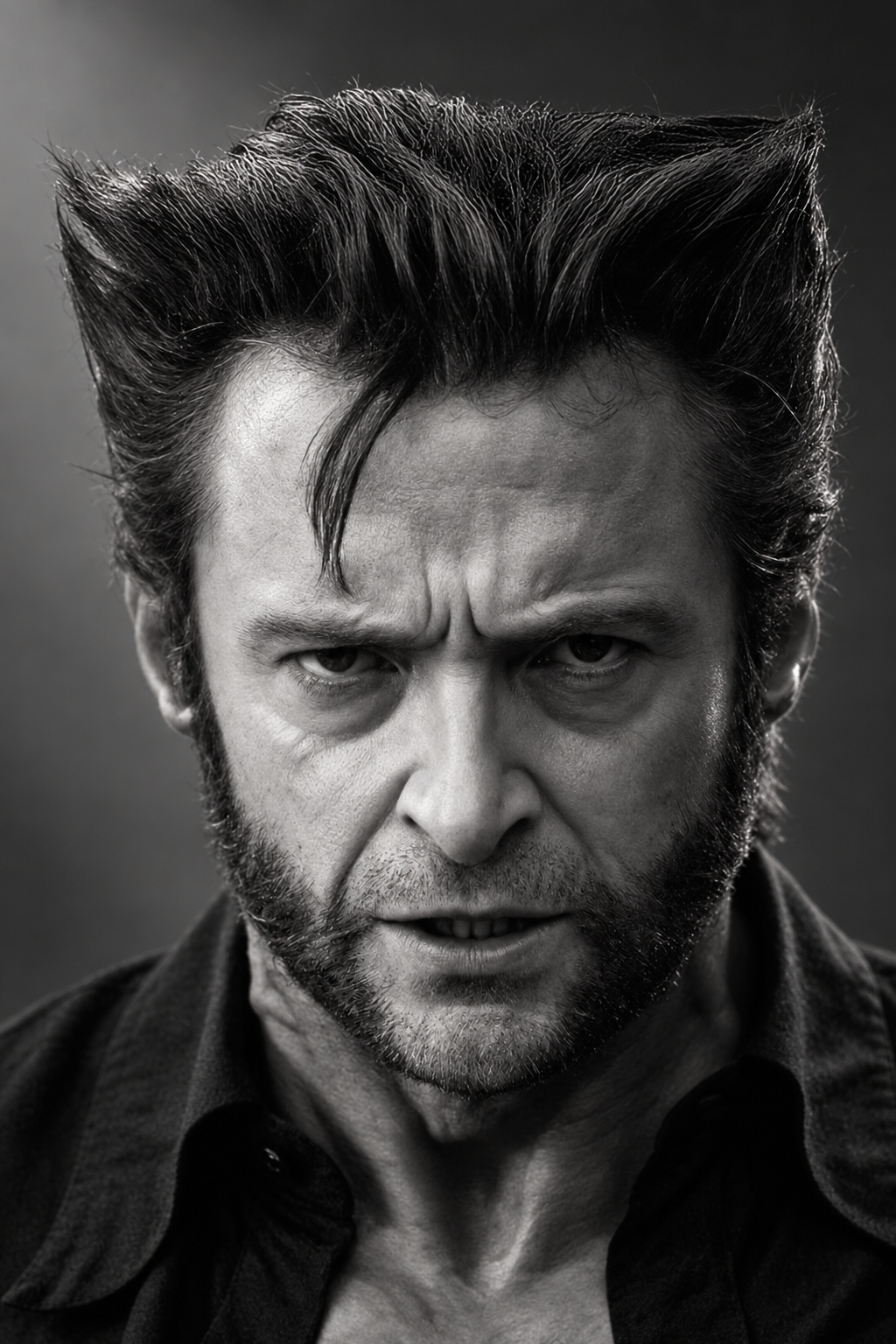
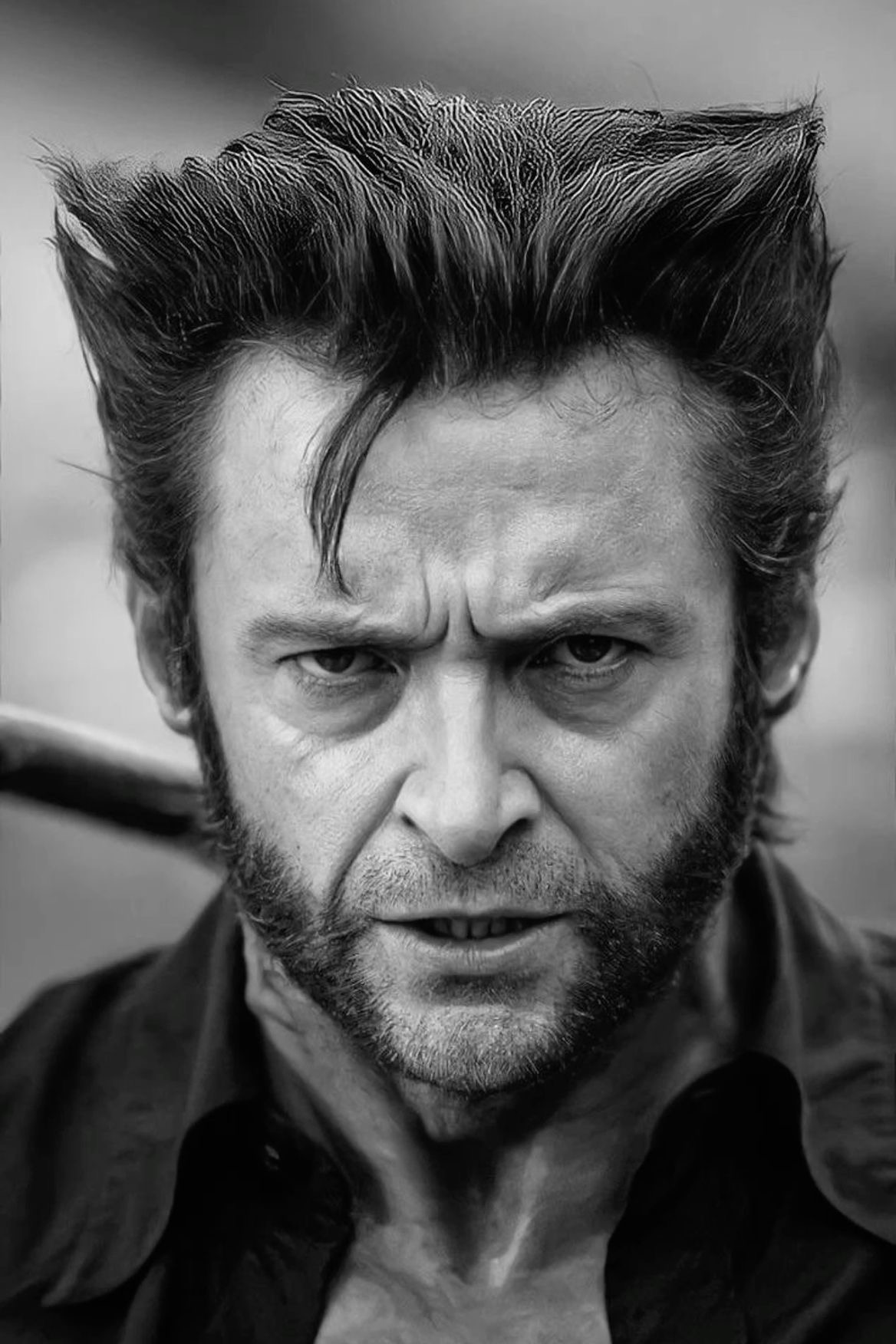
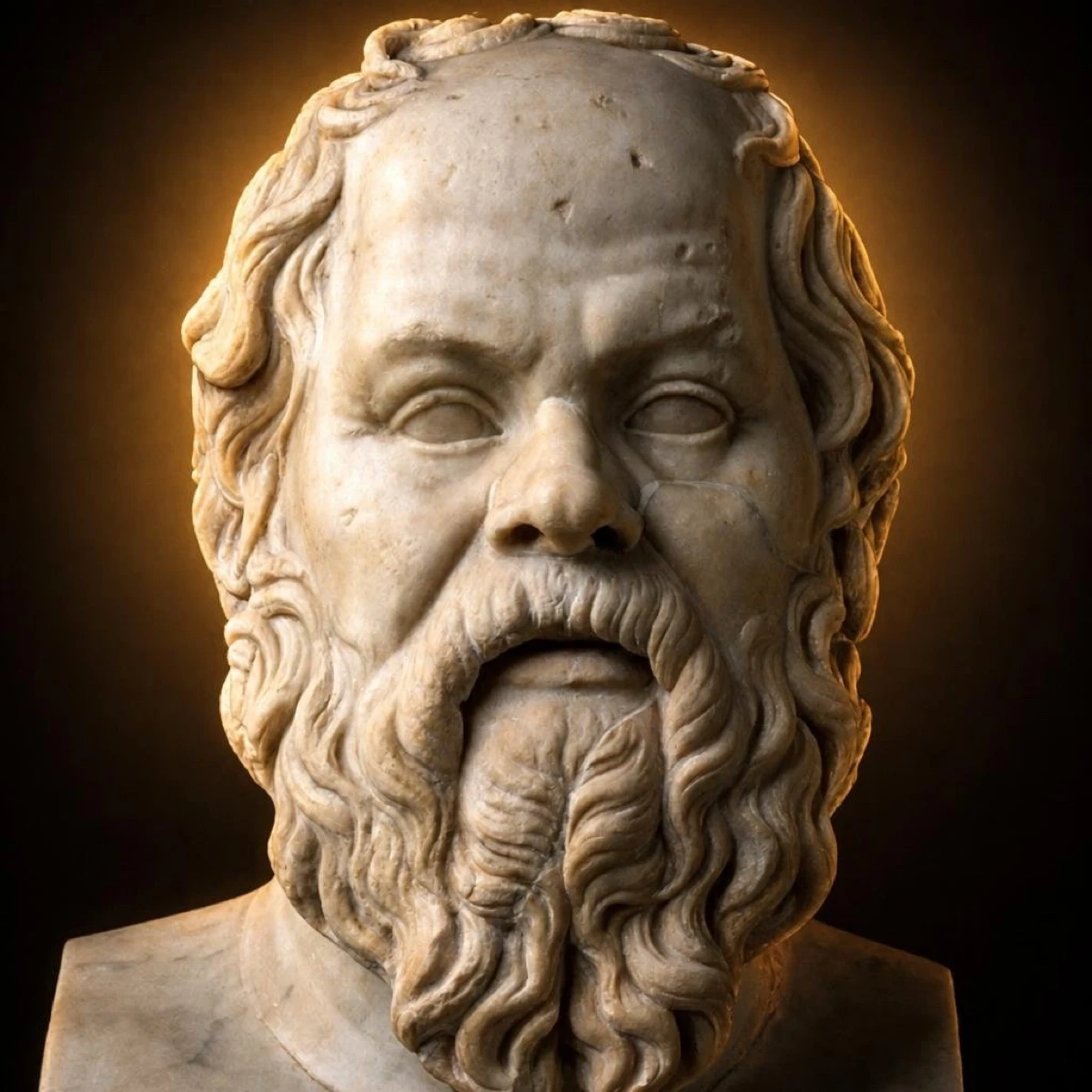
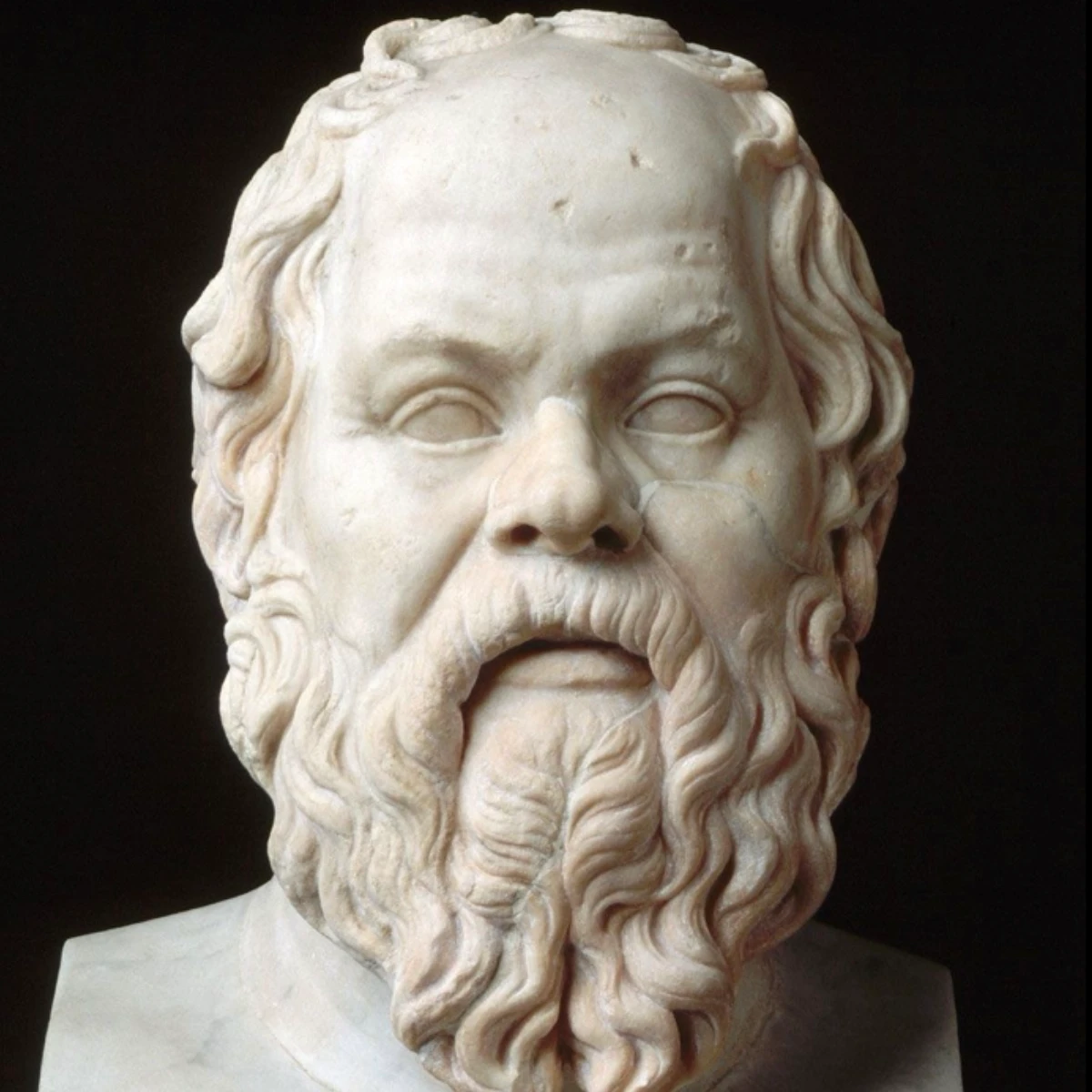

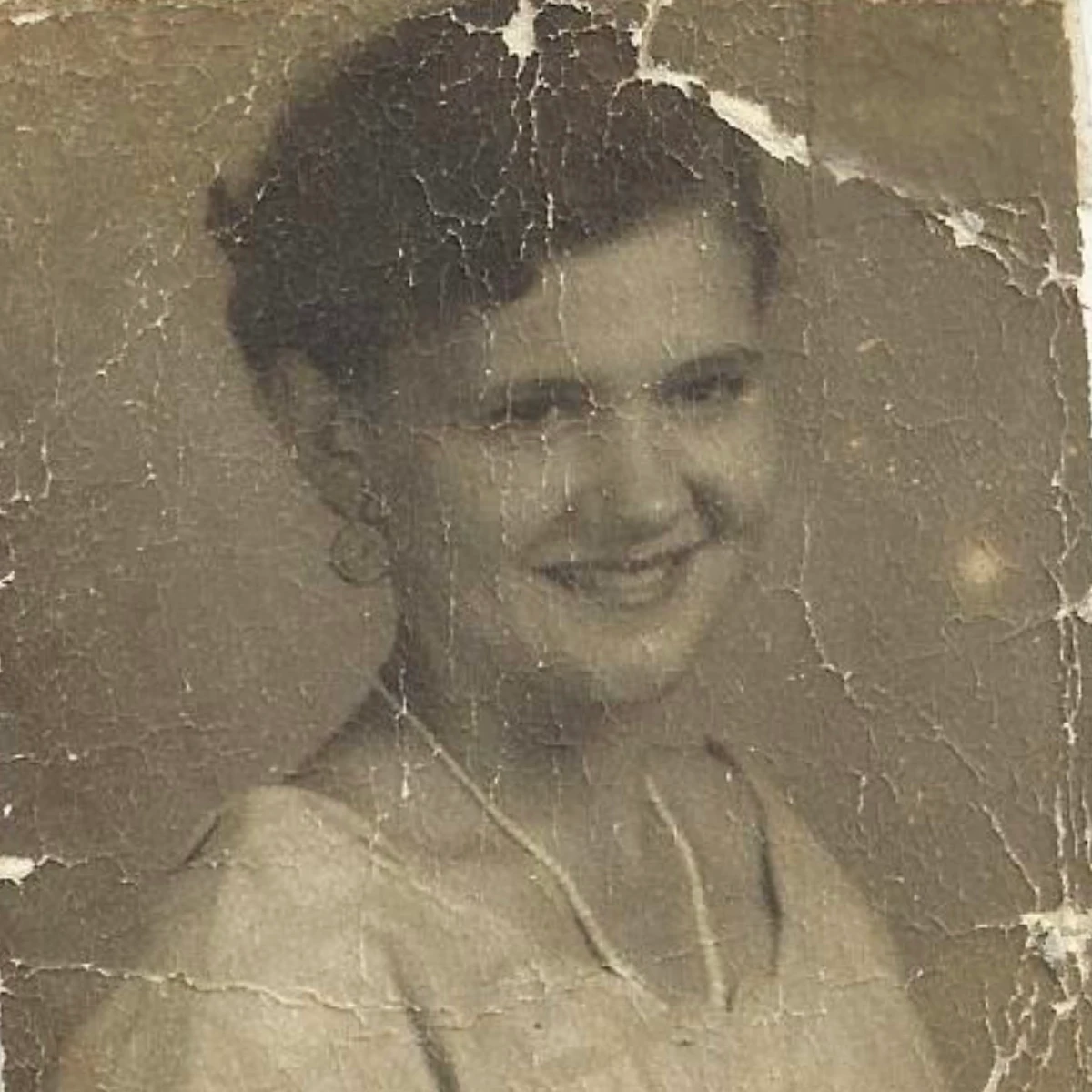
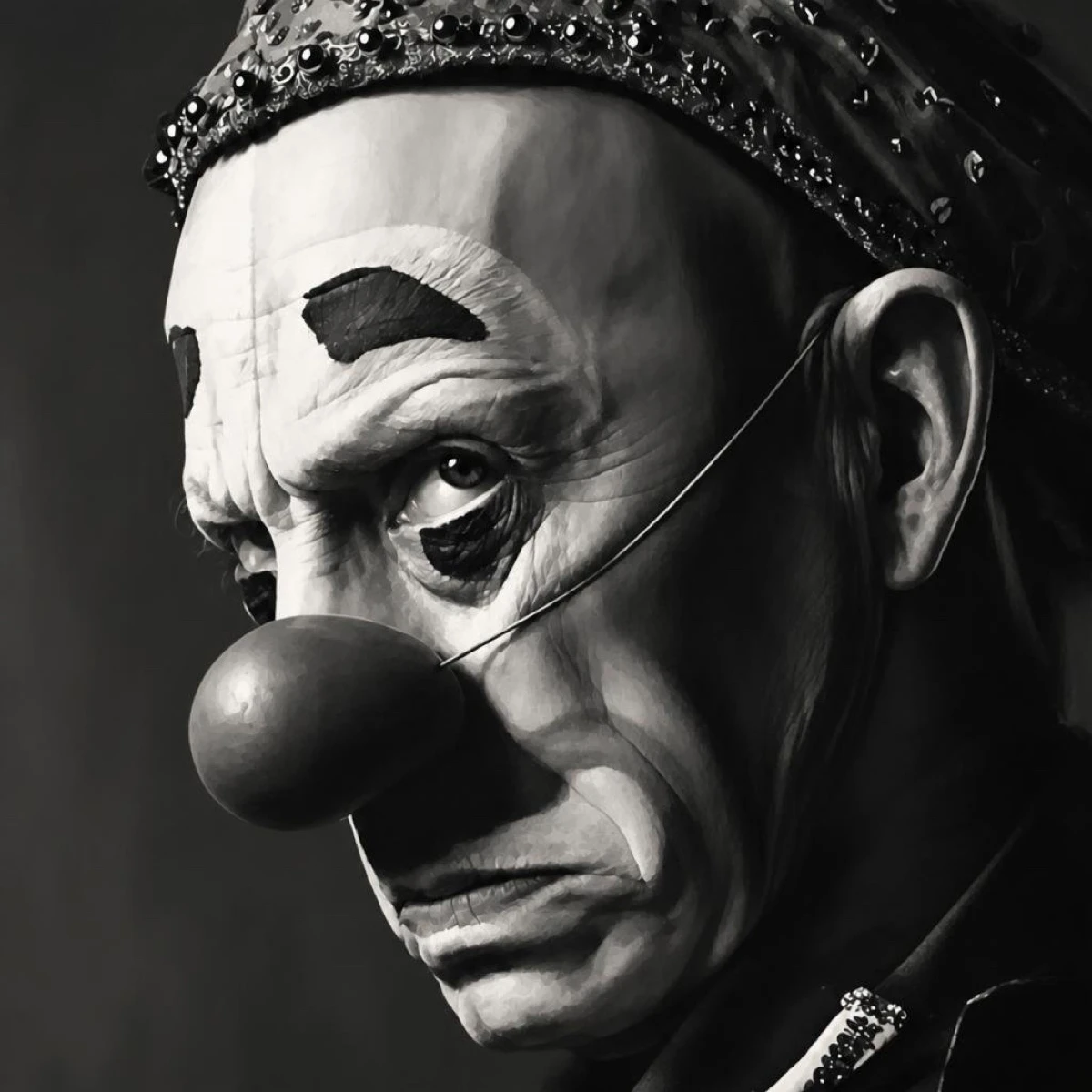
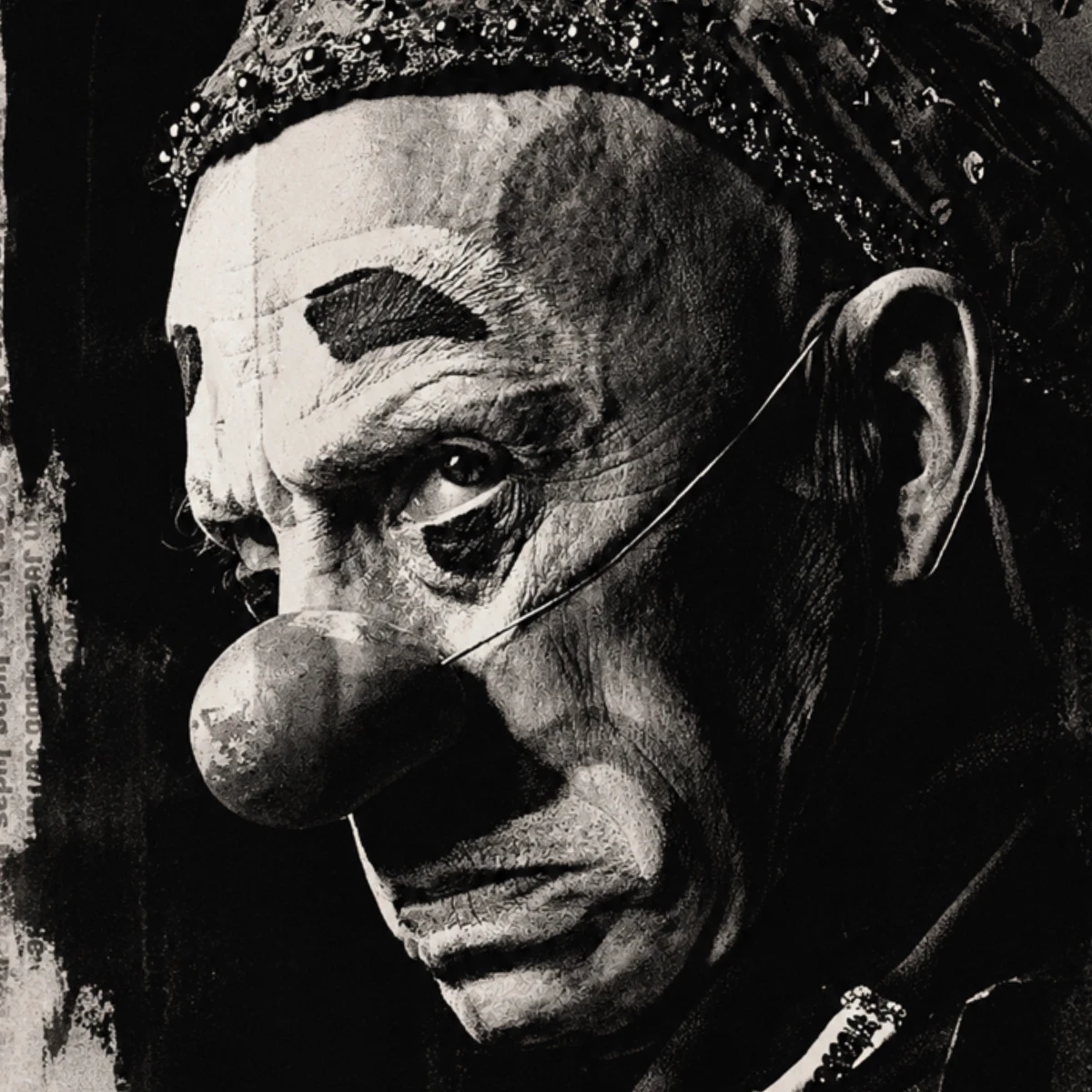
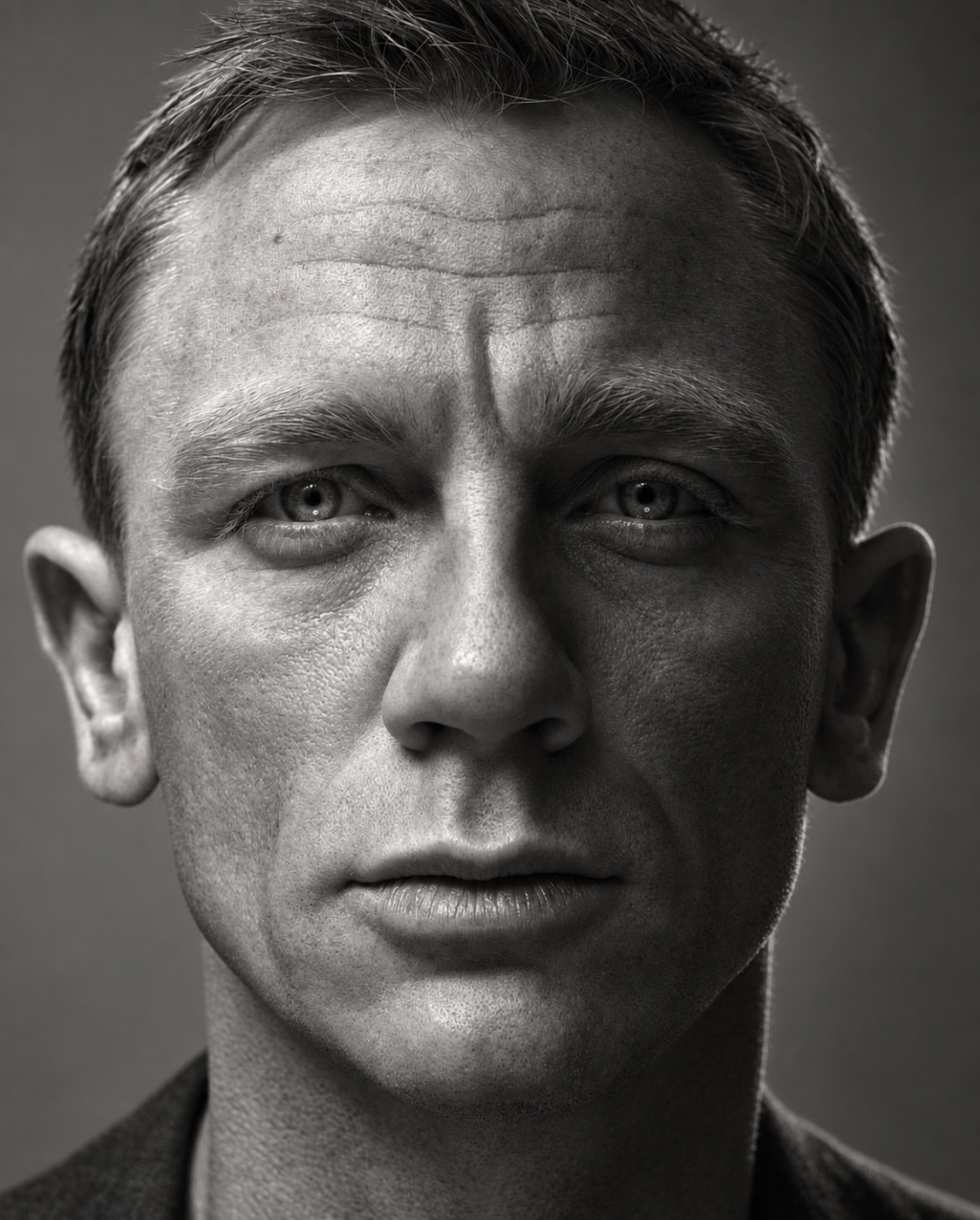
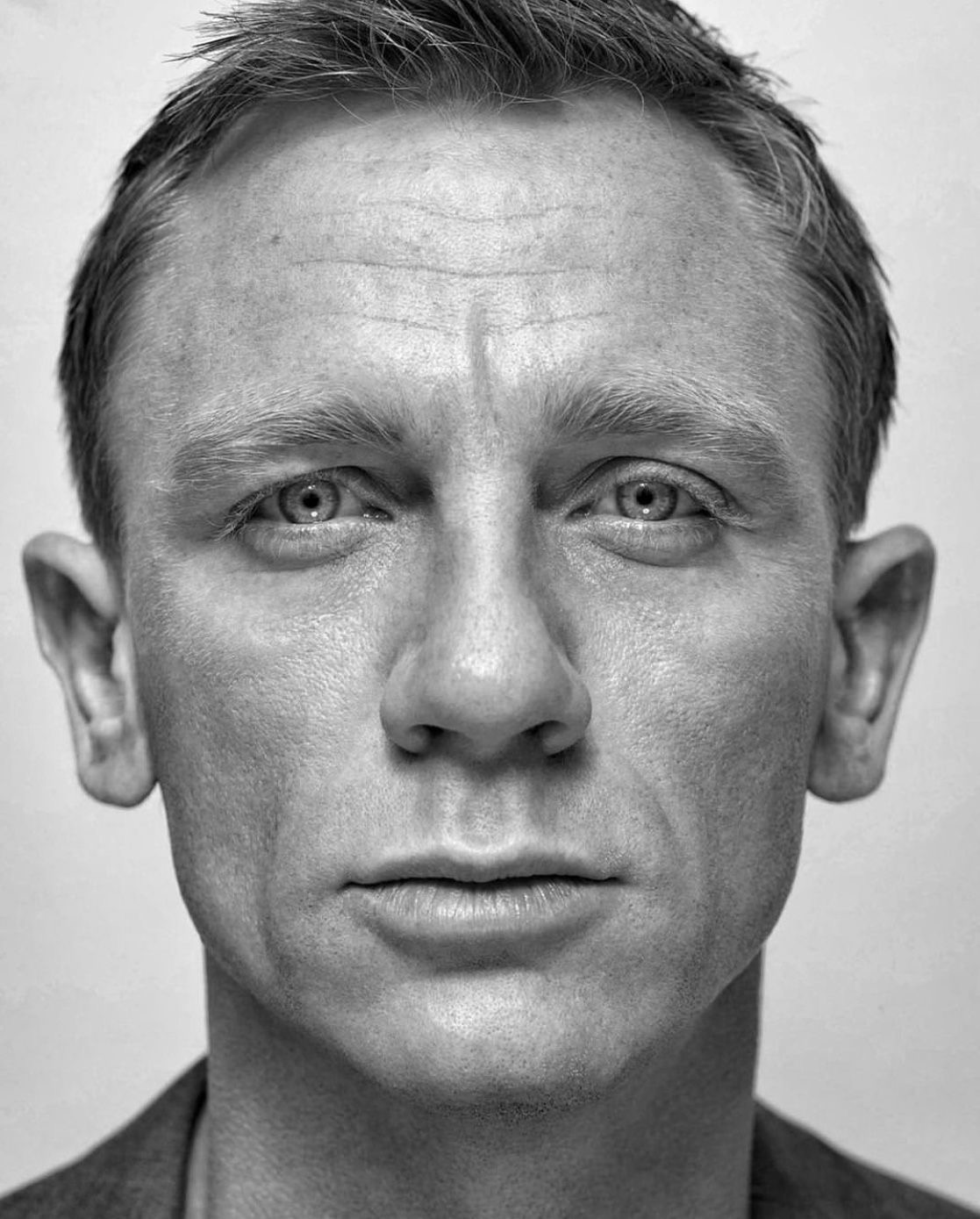
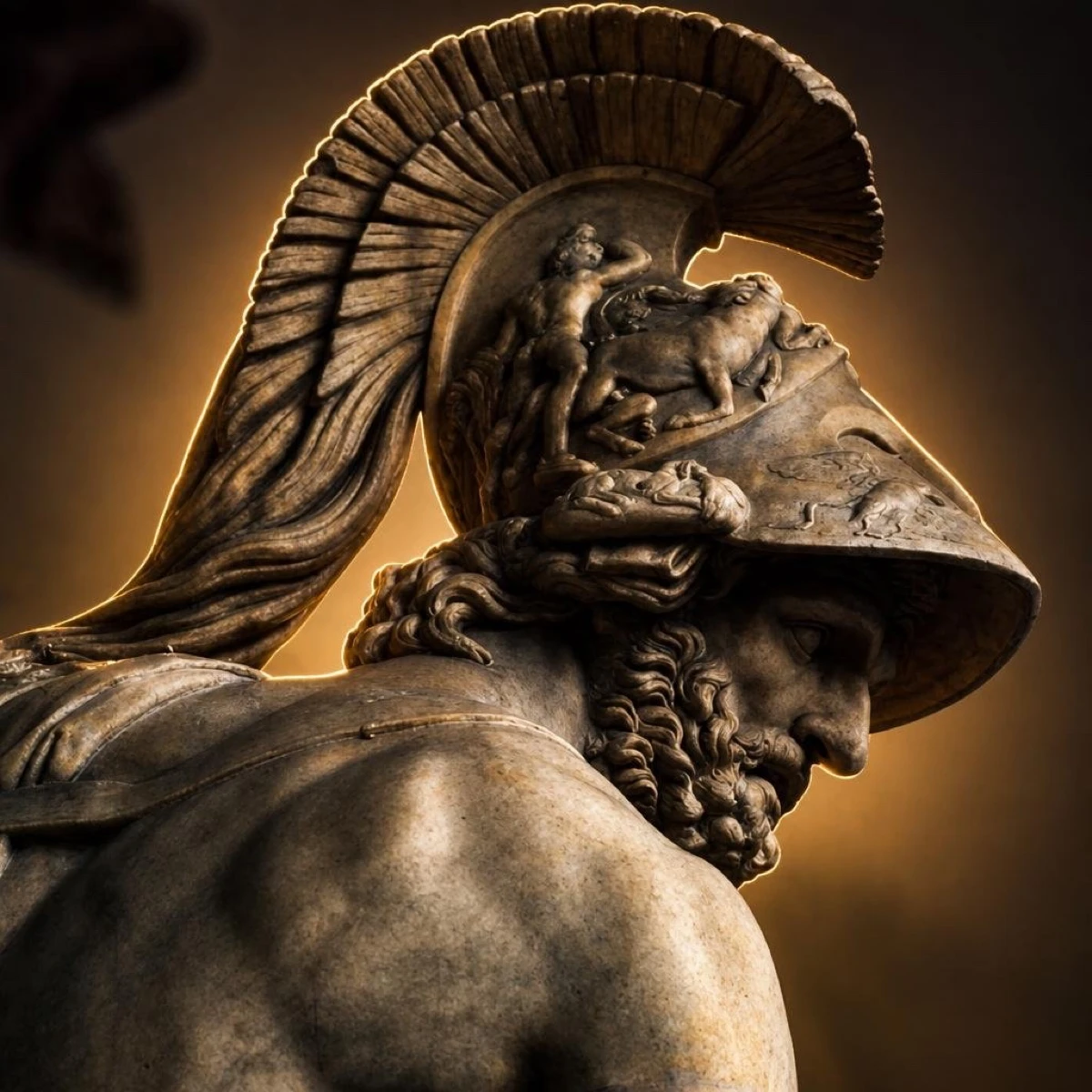
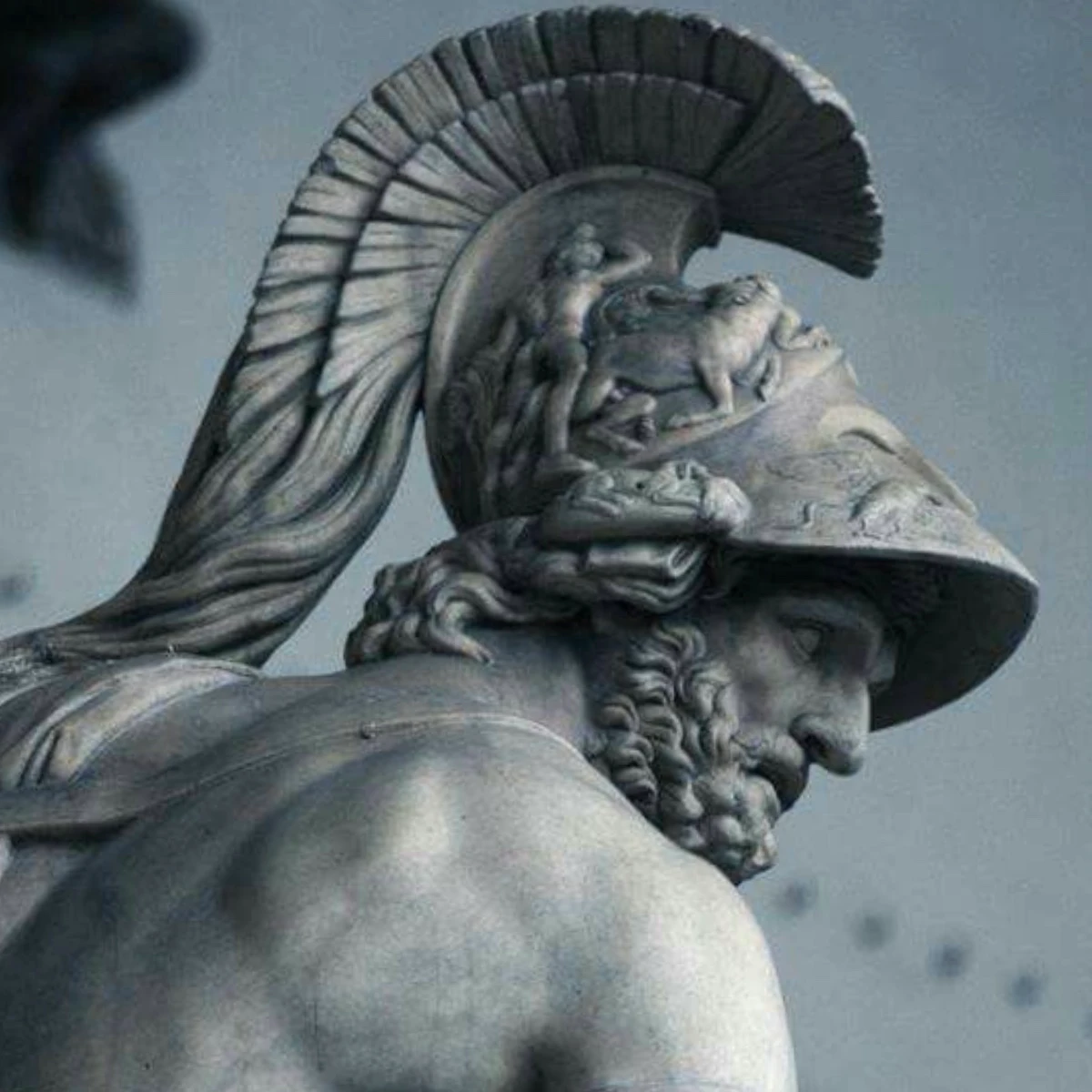
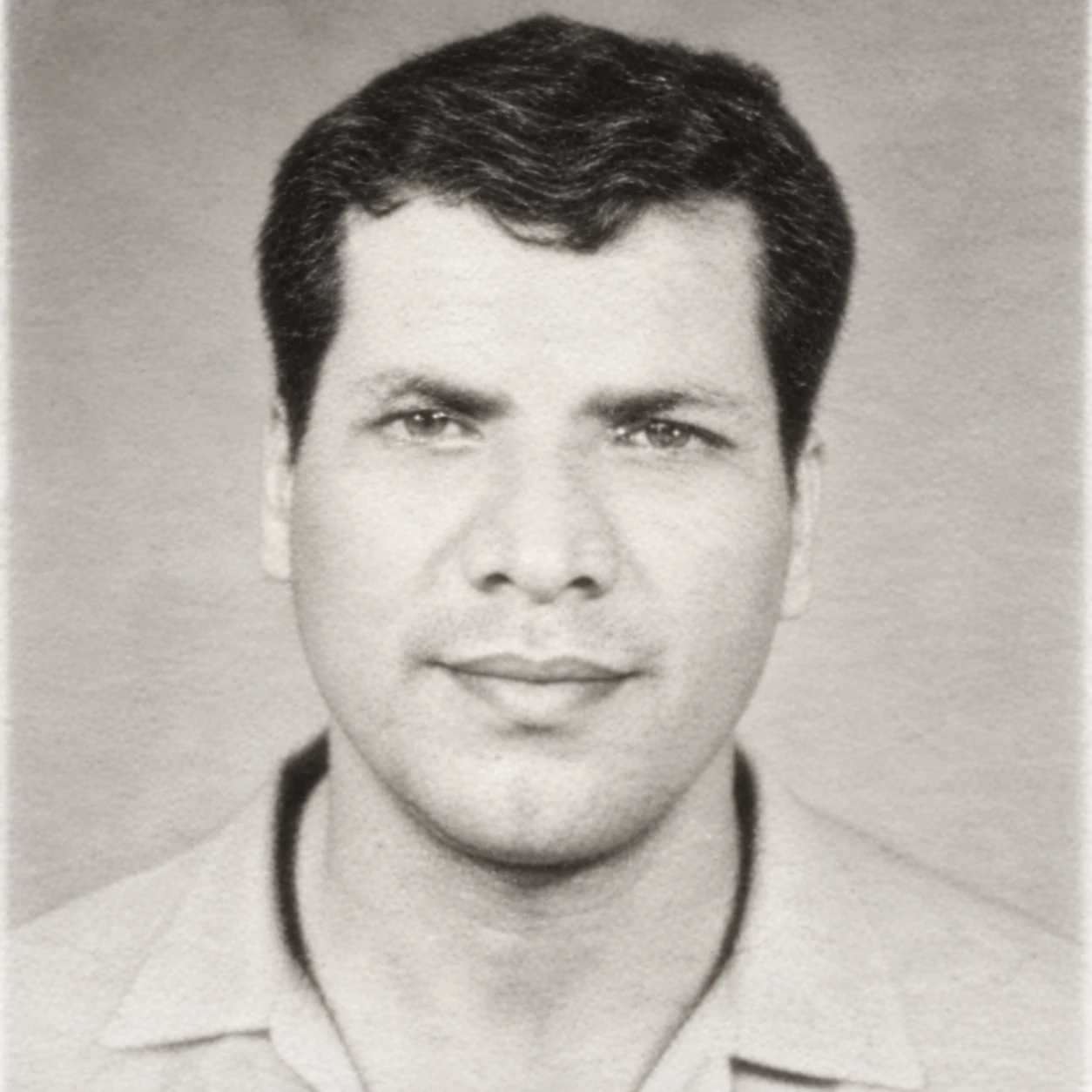
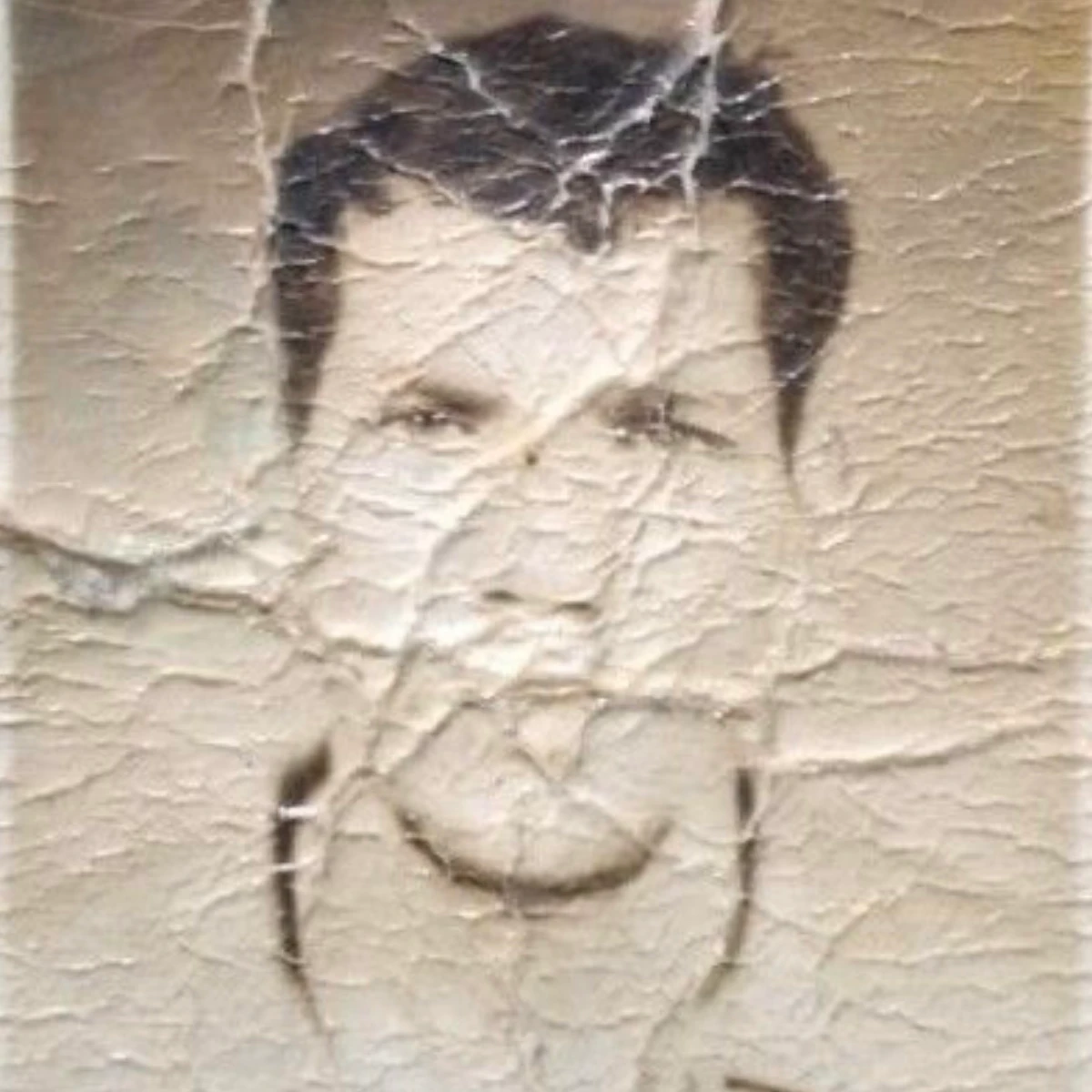
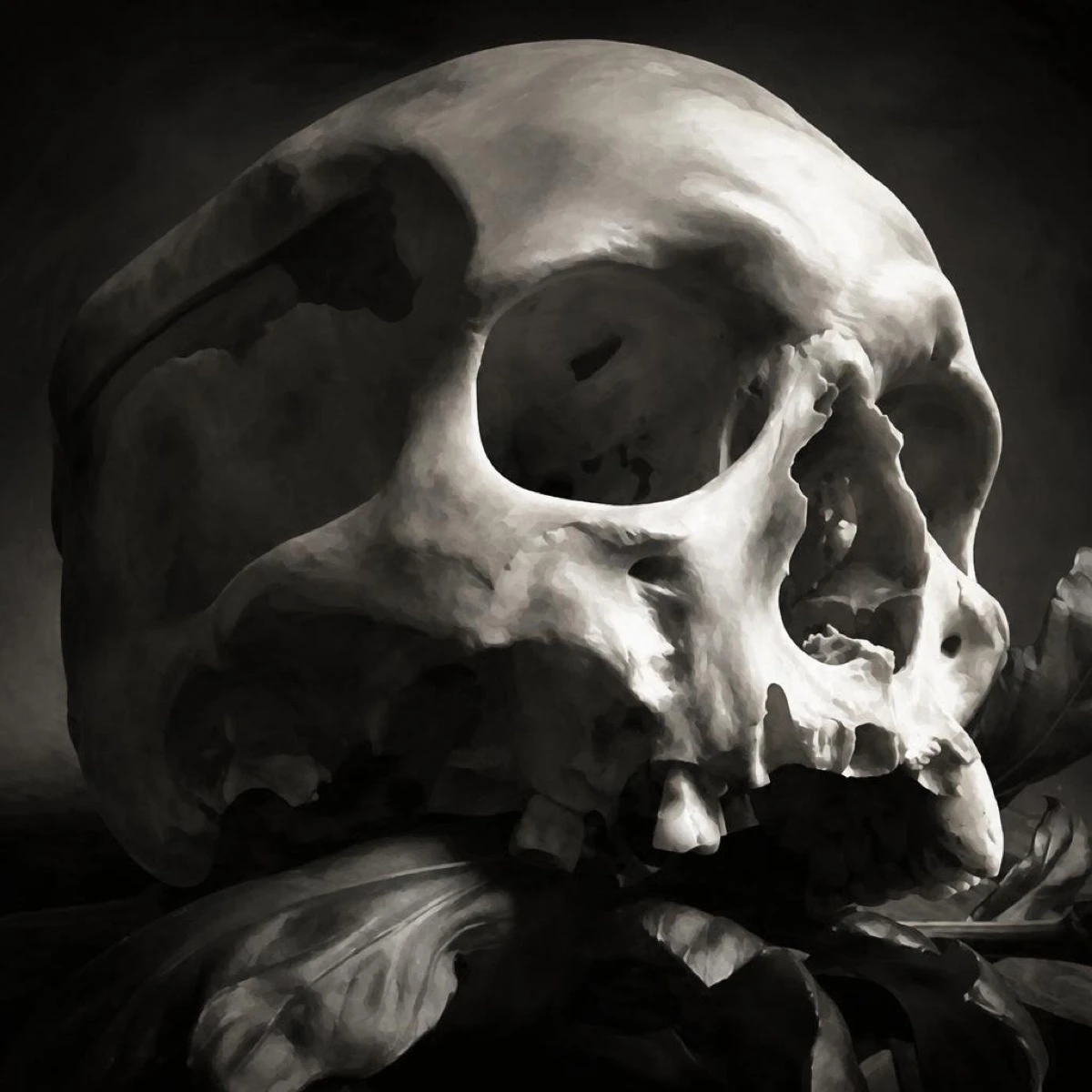
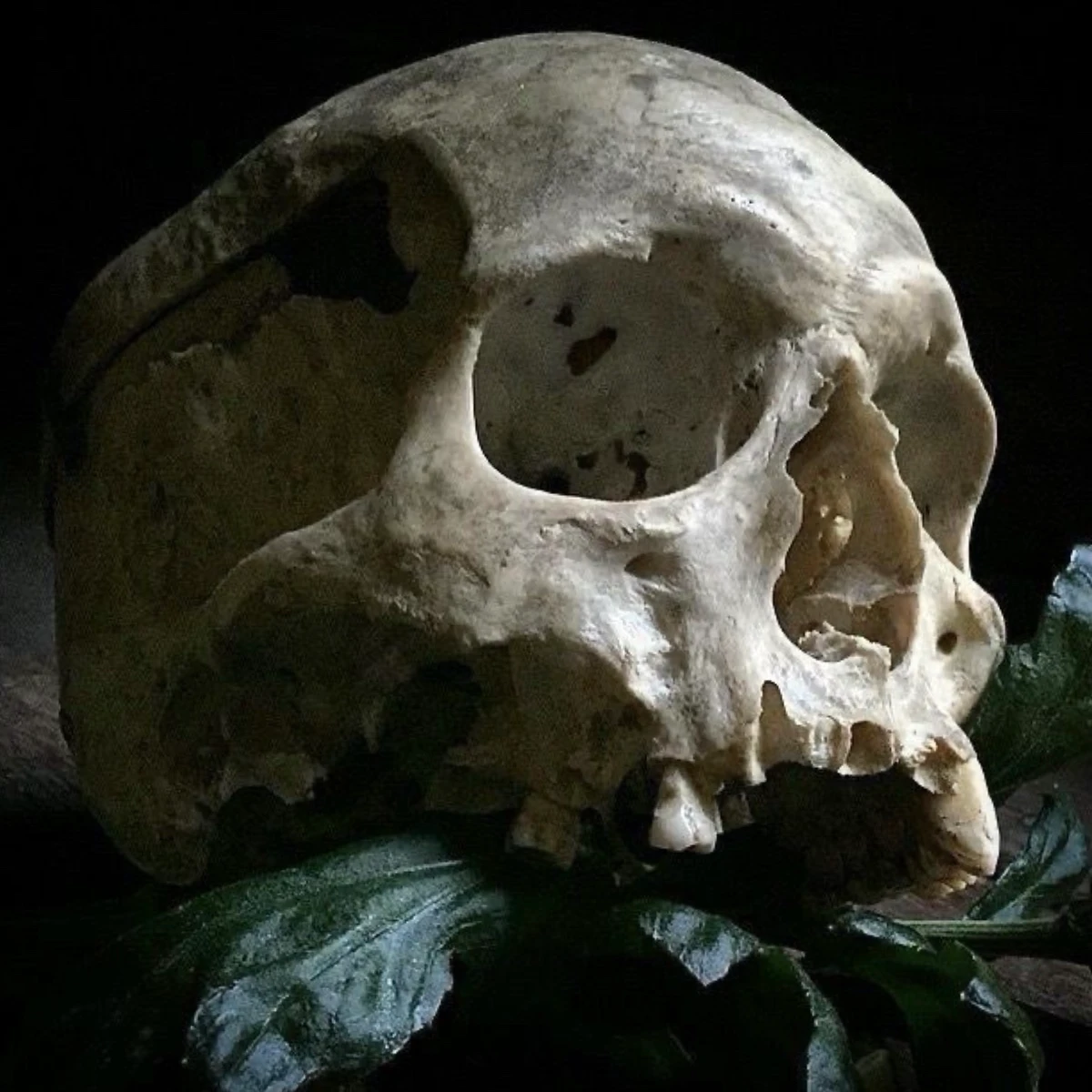
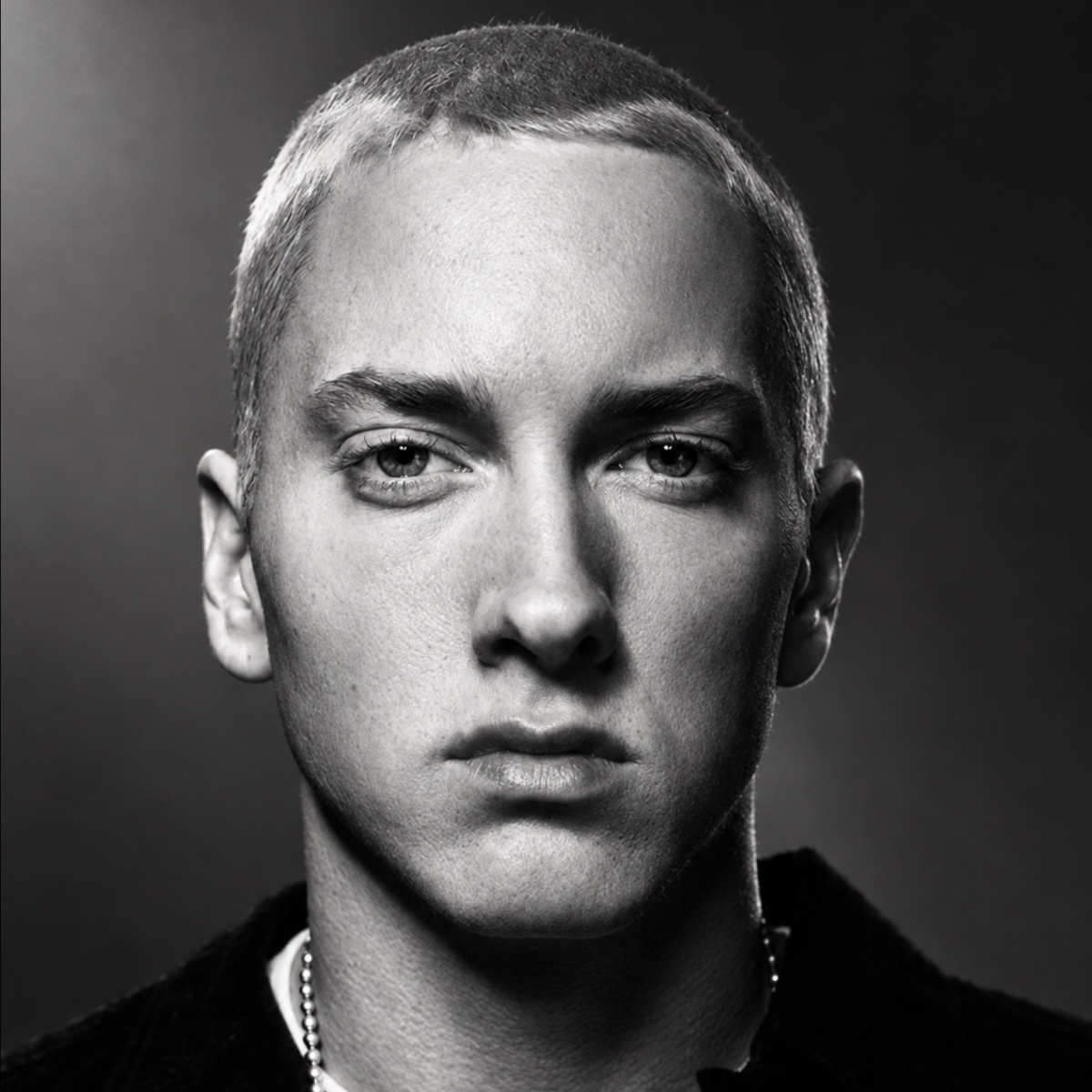
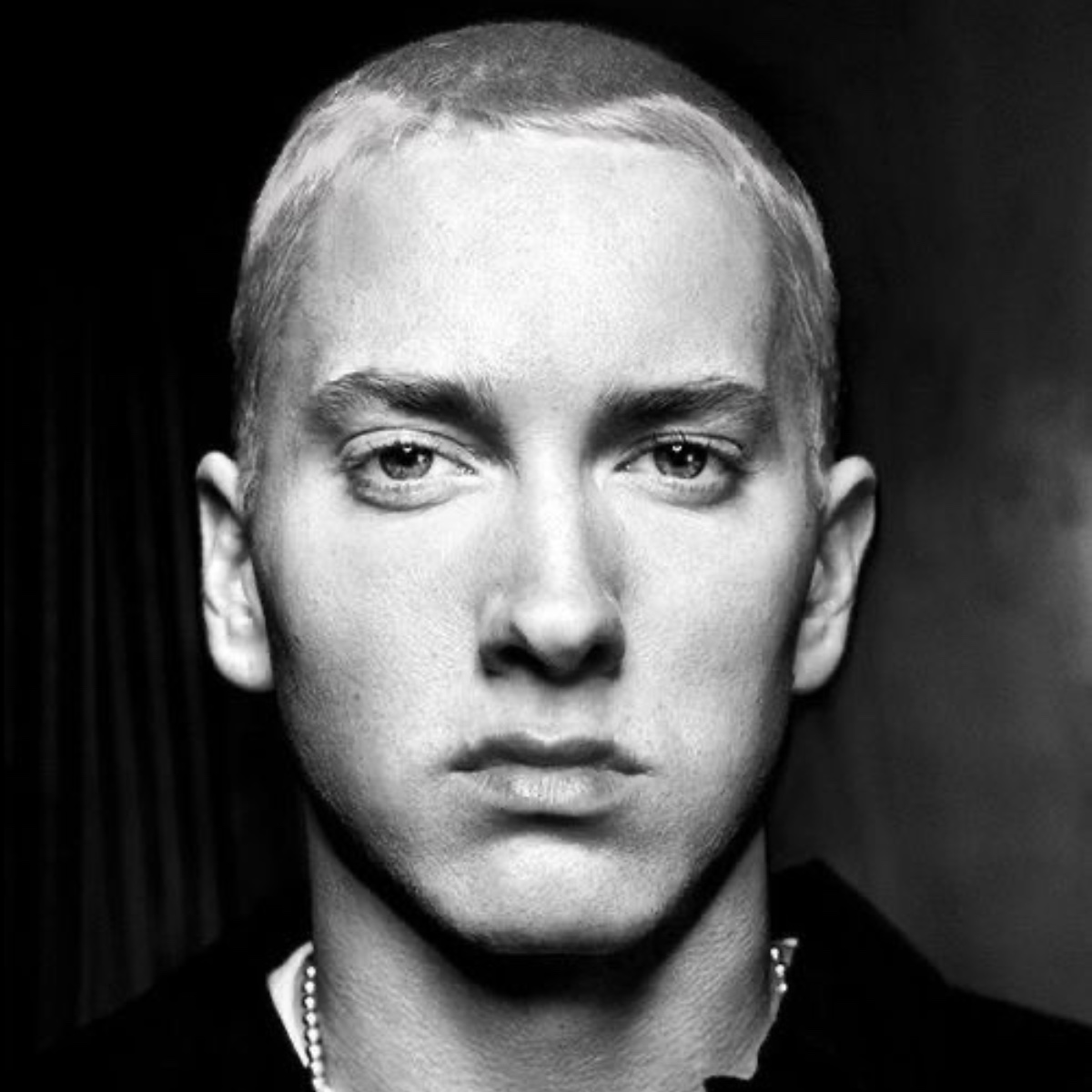


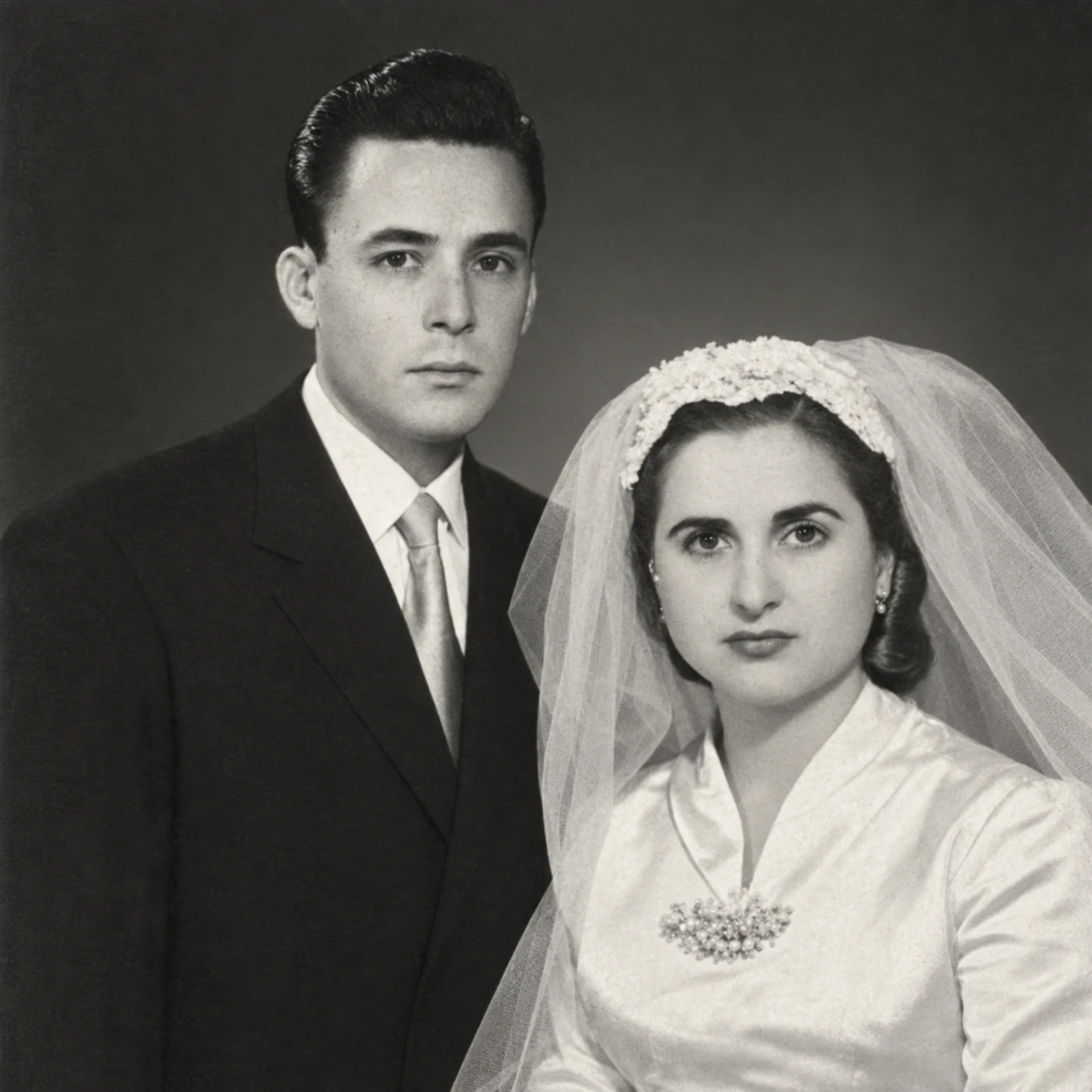
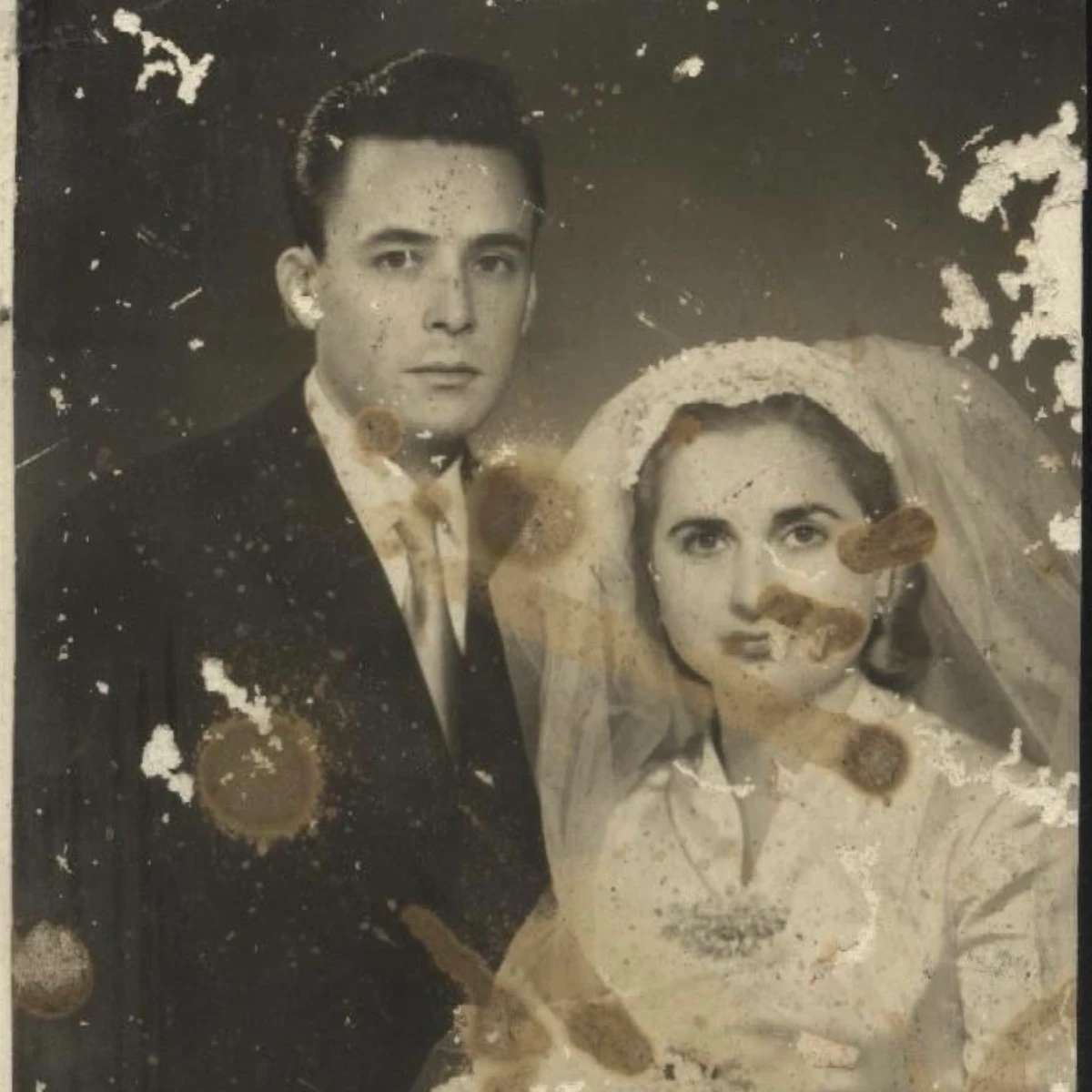
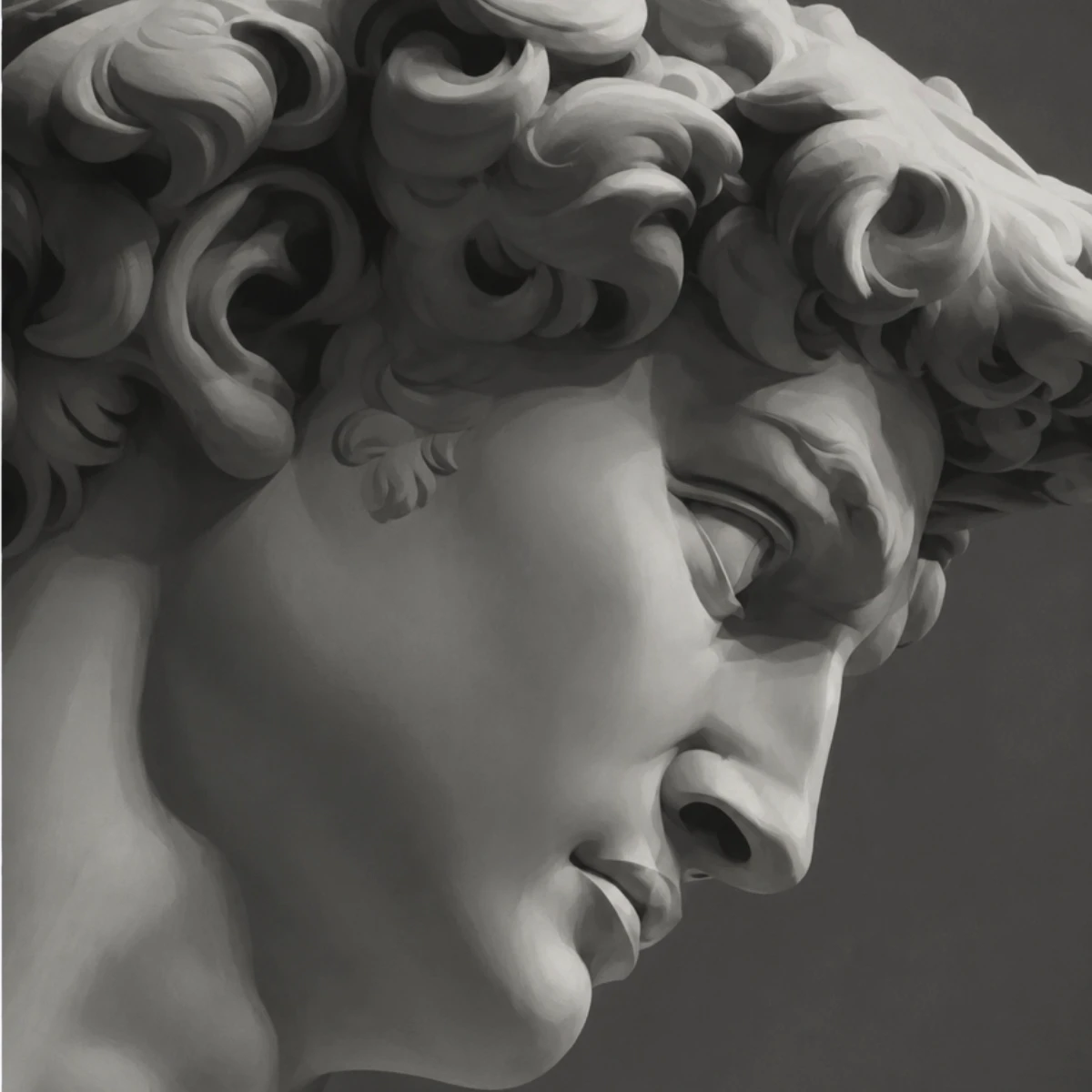
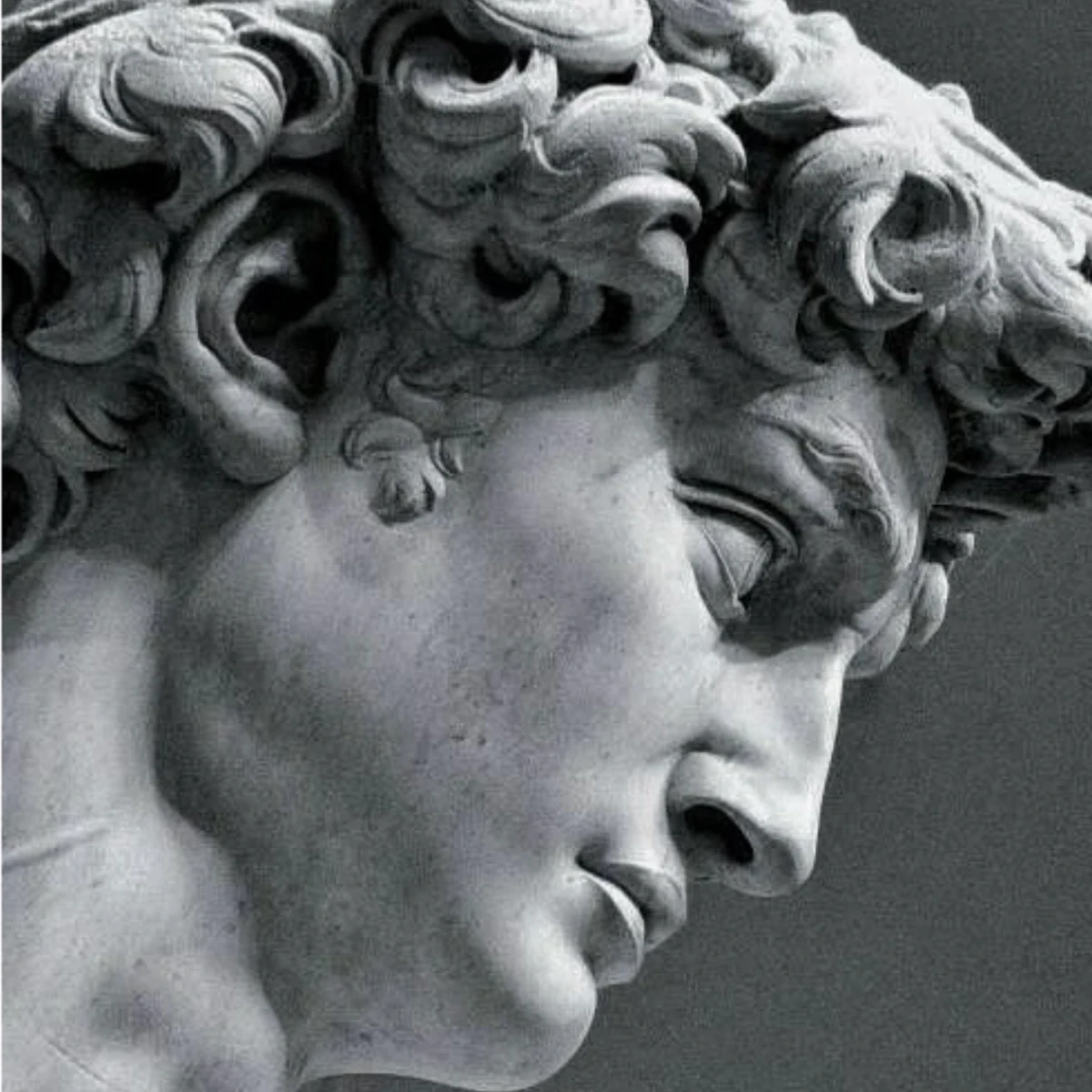
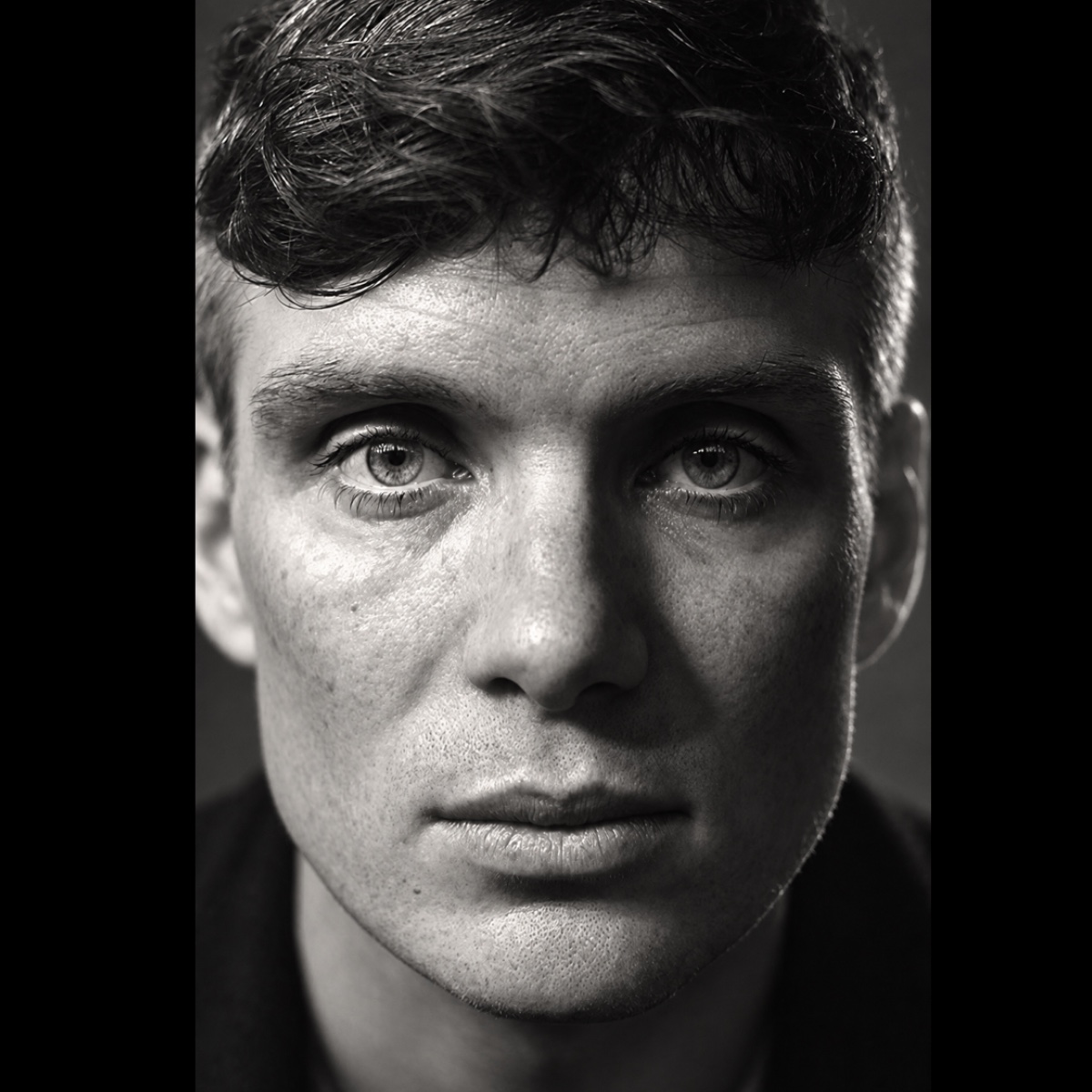
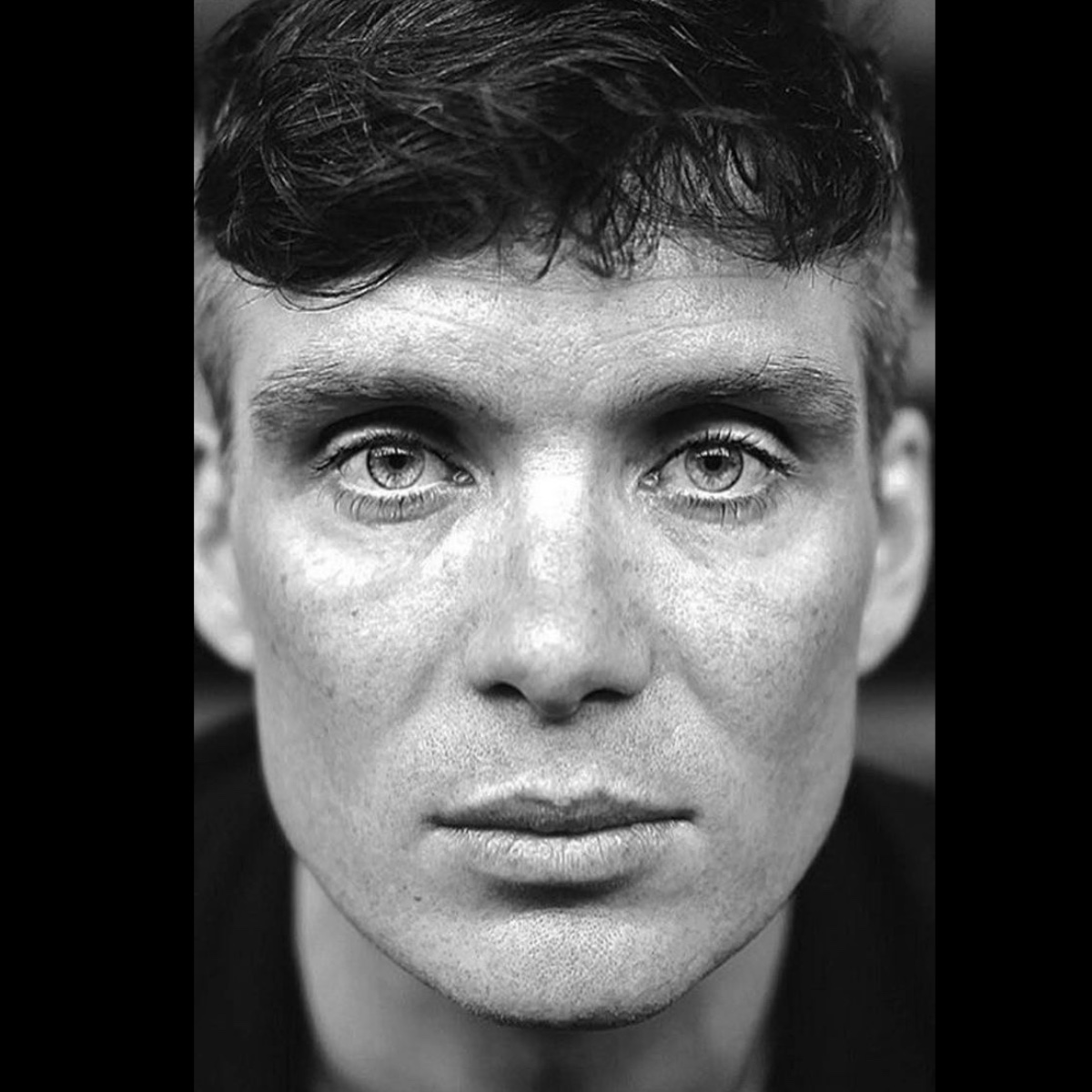


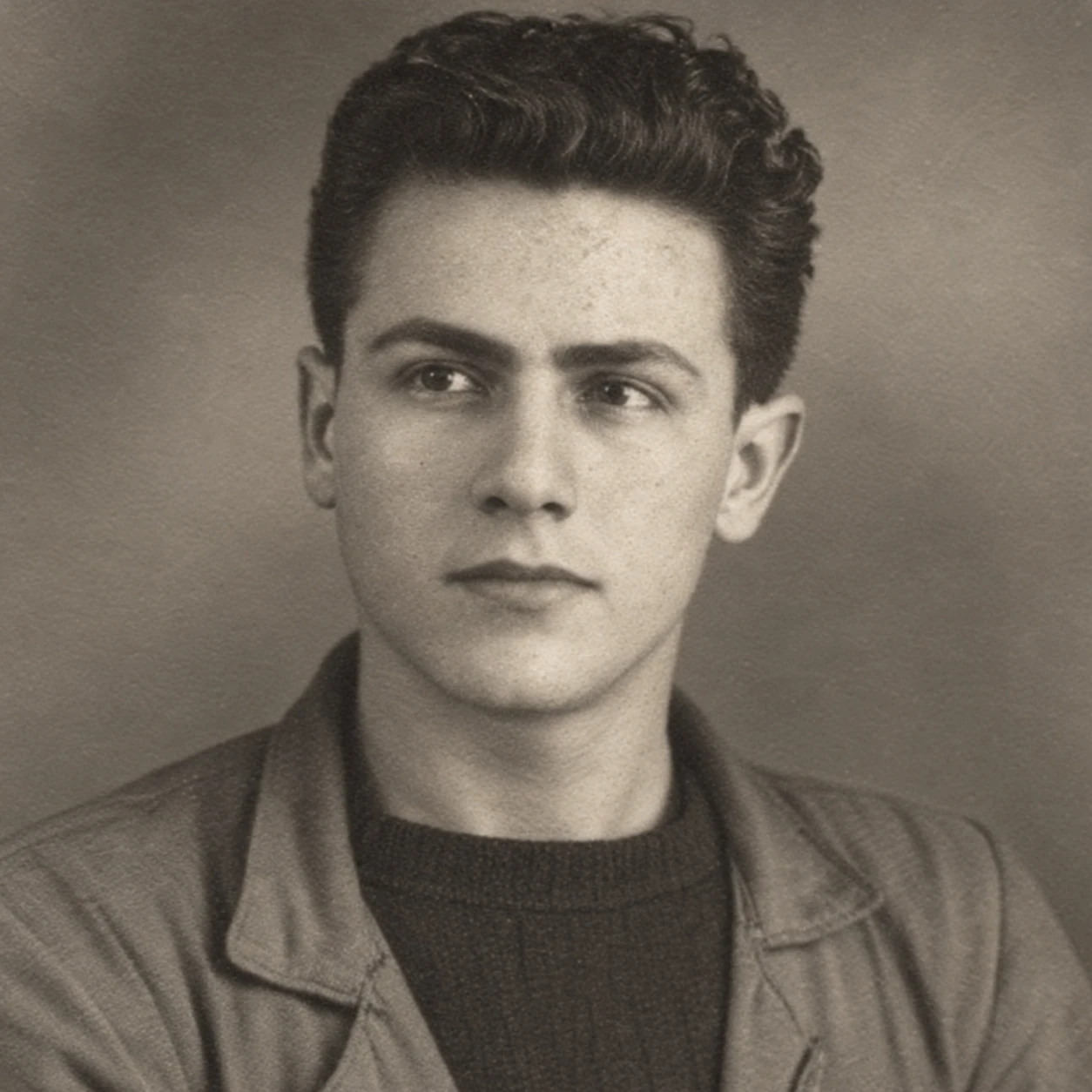
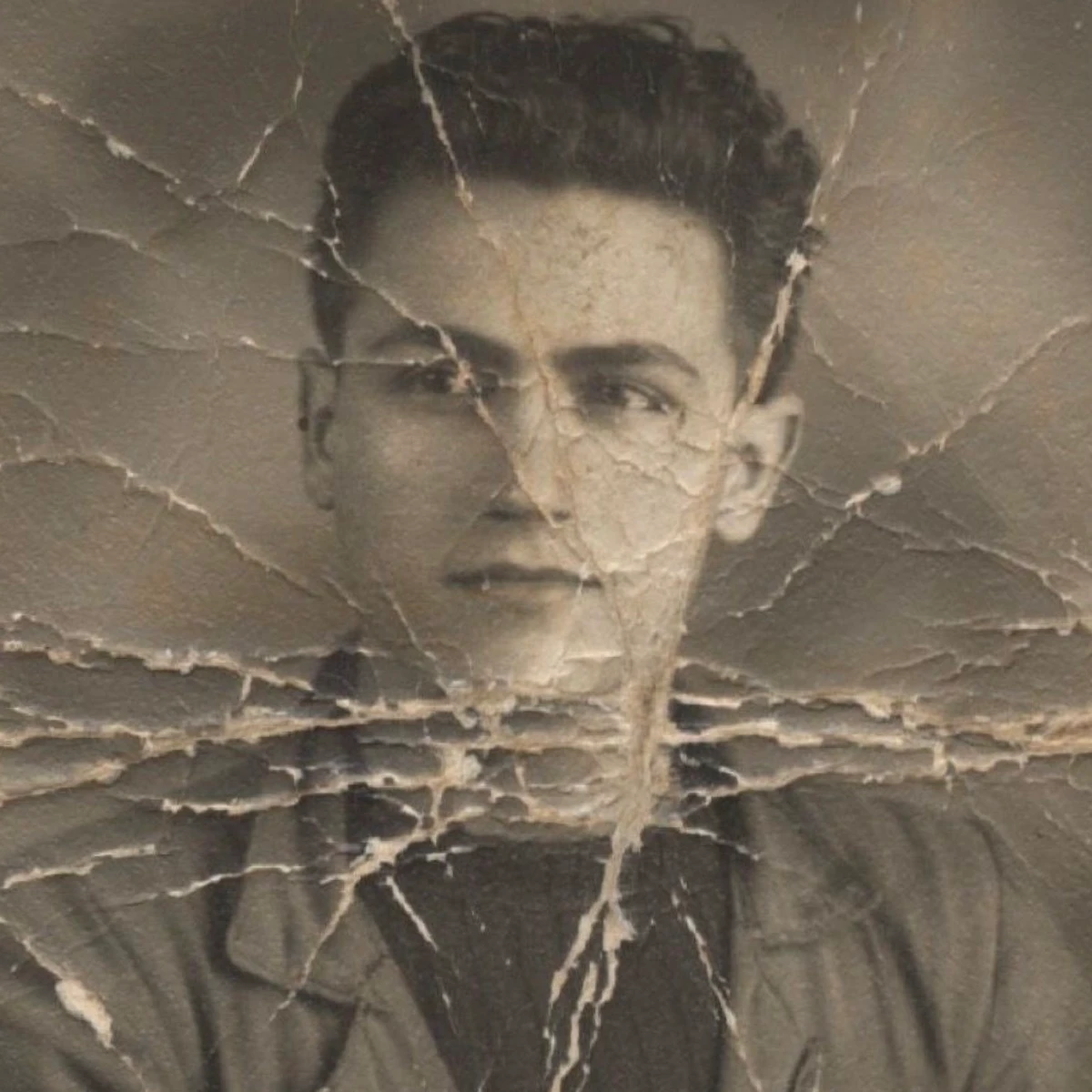


03 / VECTORIZER
Tattoo for the healed result.

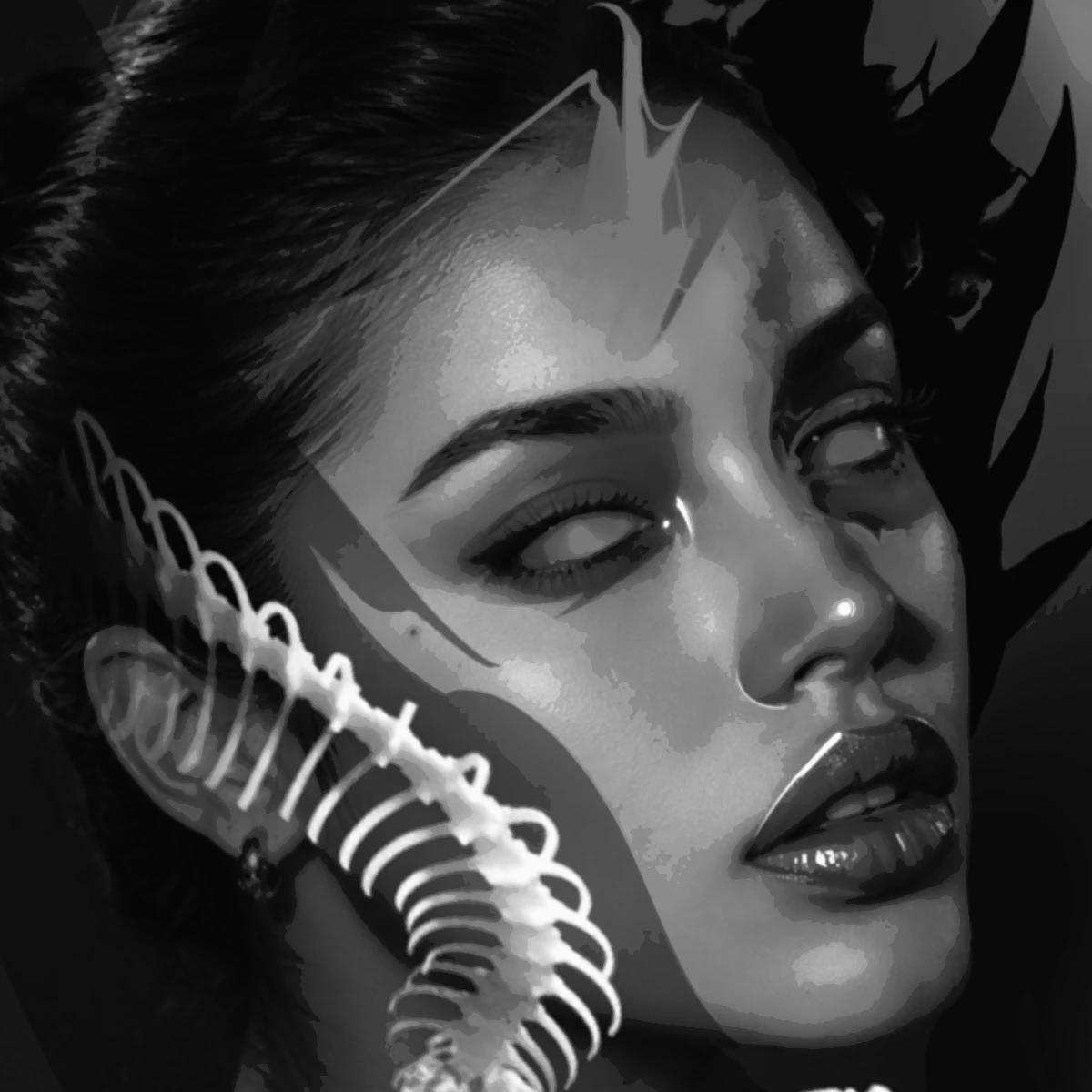 OriginalResult
 OriginalResult
 OriginalResult
 OriginalResult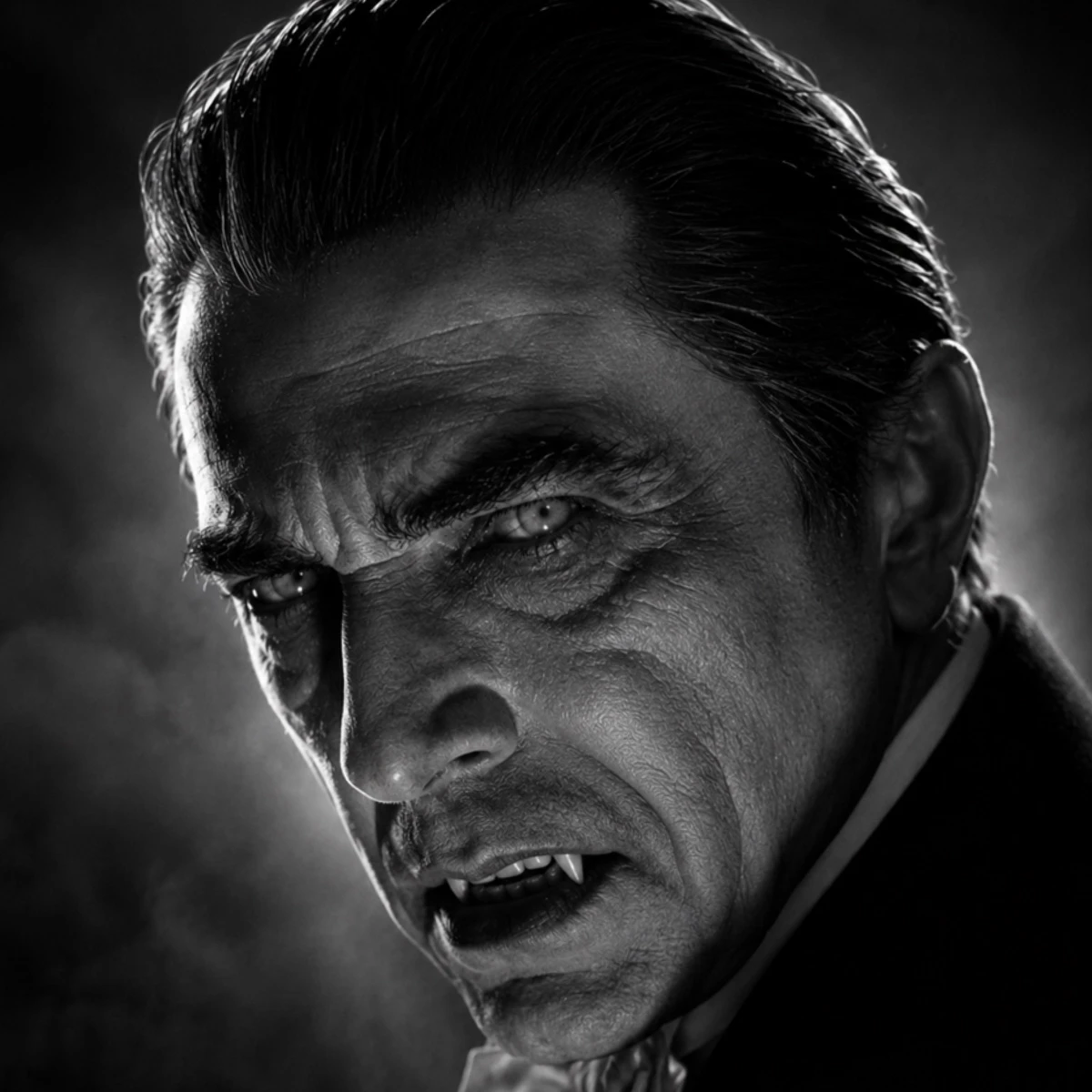
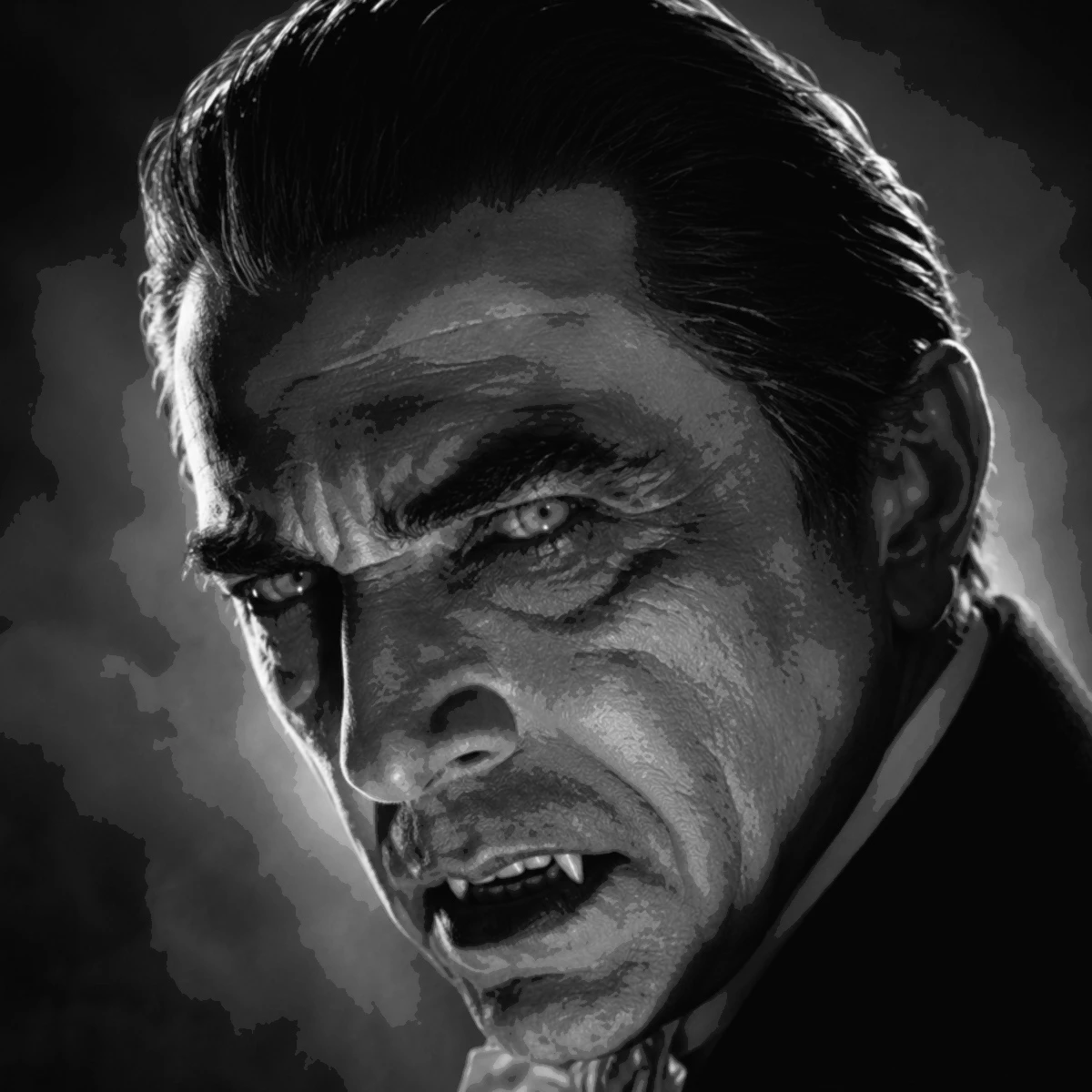 OriginalResult
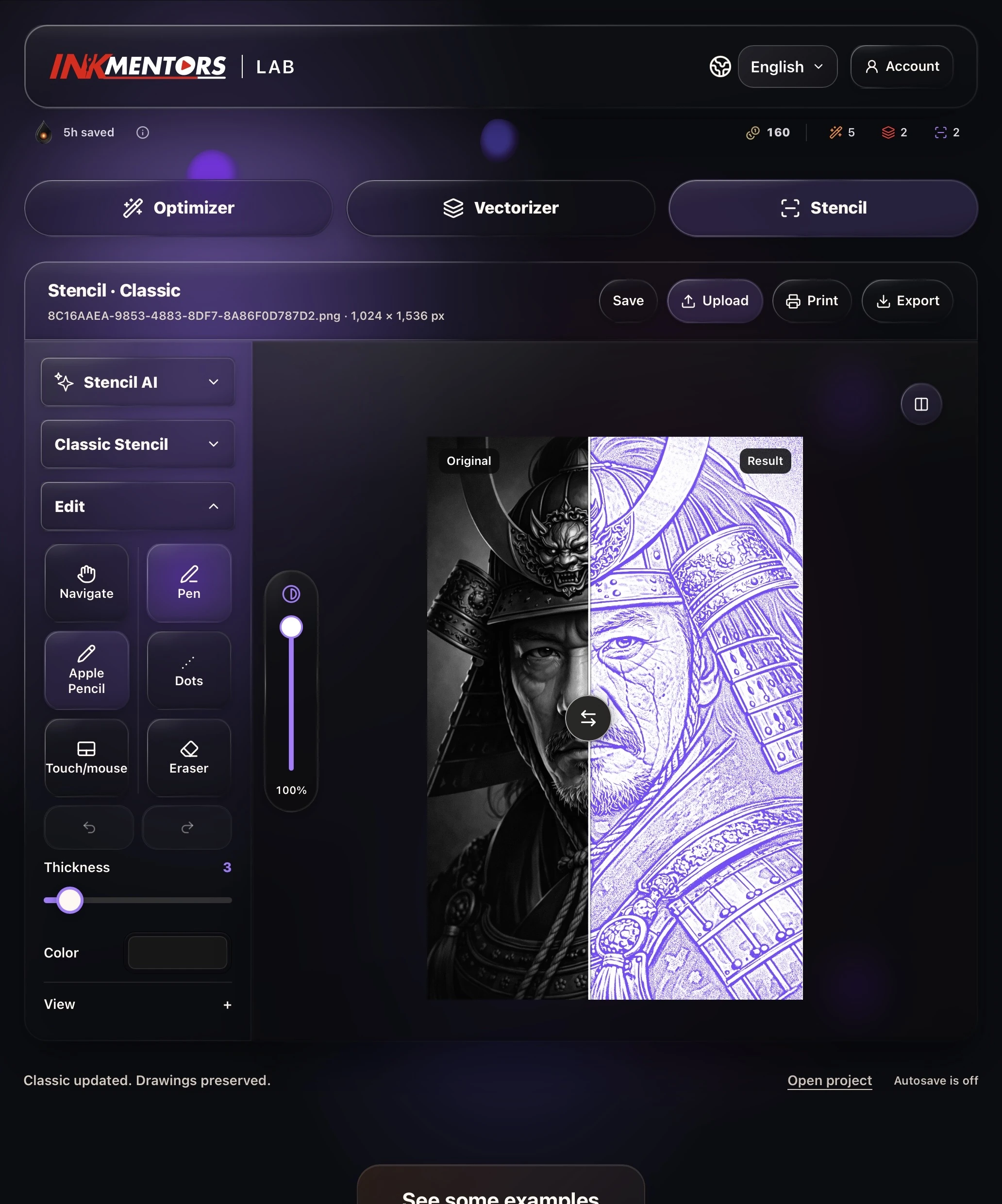
04 / STENCIL
From 1 to 16 pages in just a few seconds.
Align the pages. Keep every line connected.
Edit them your way: add or erase details.
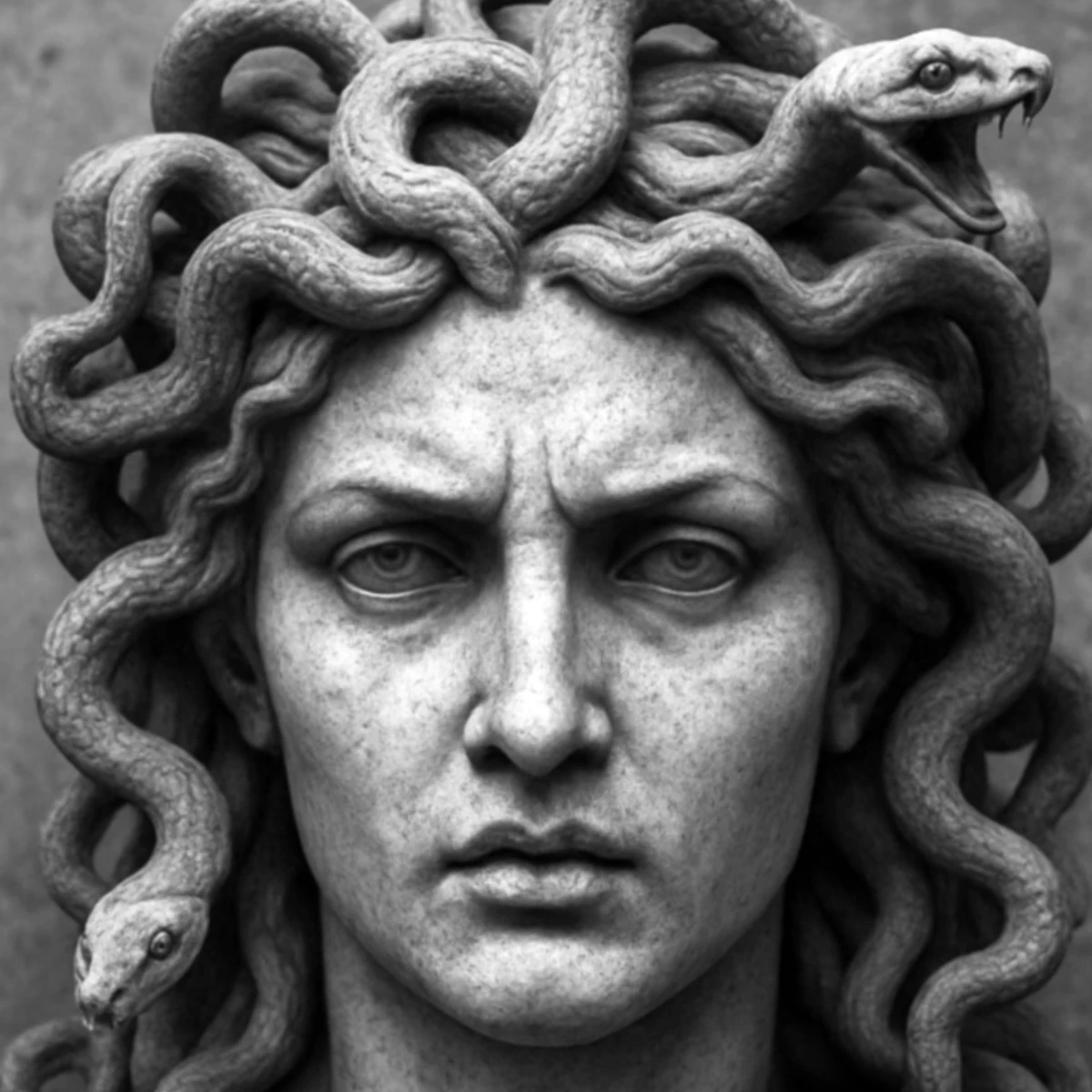
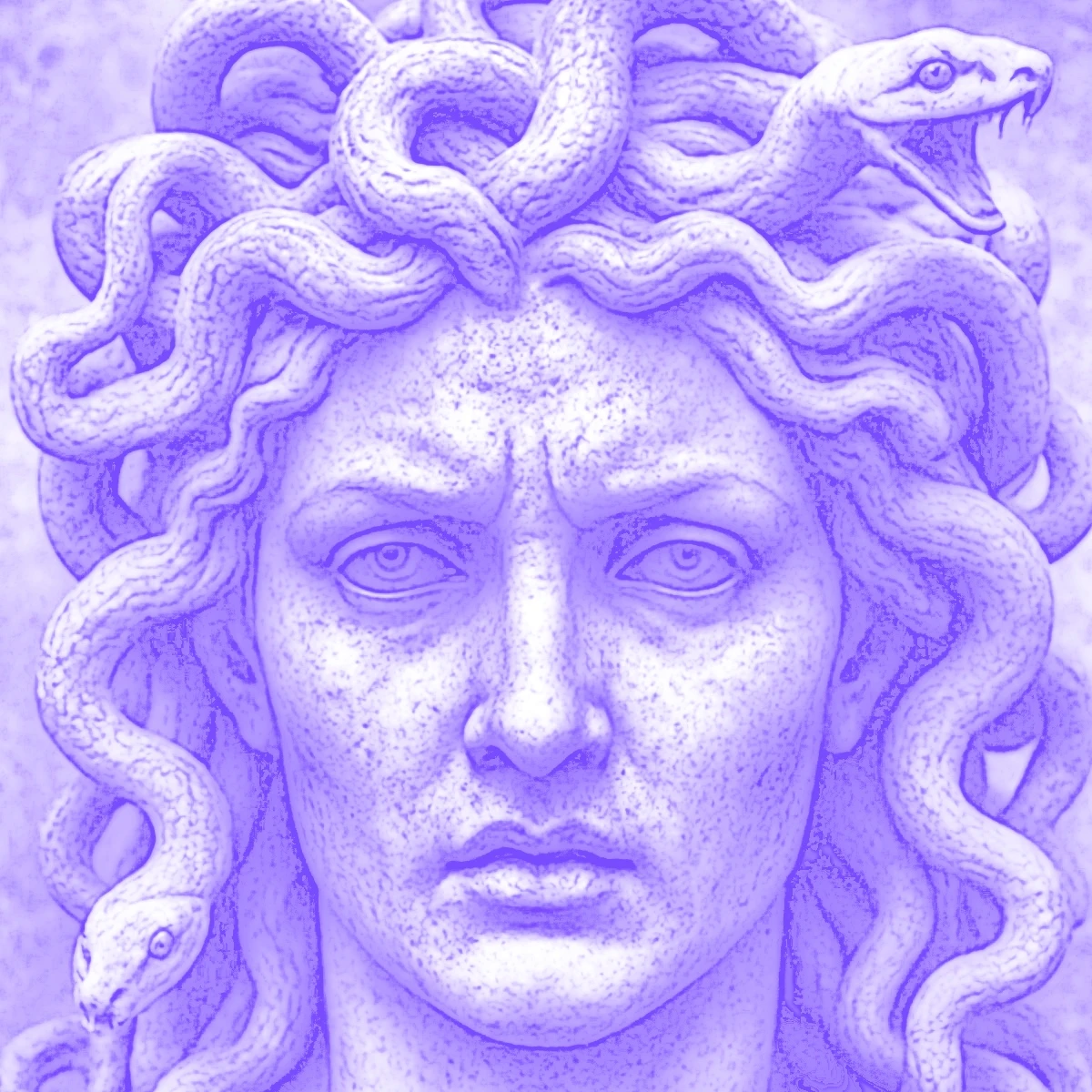 OriginalResult
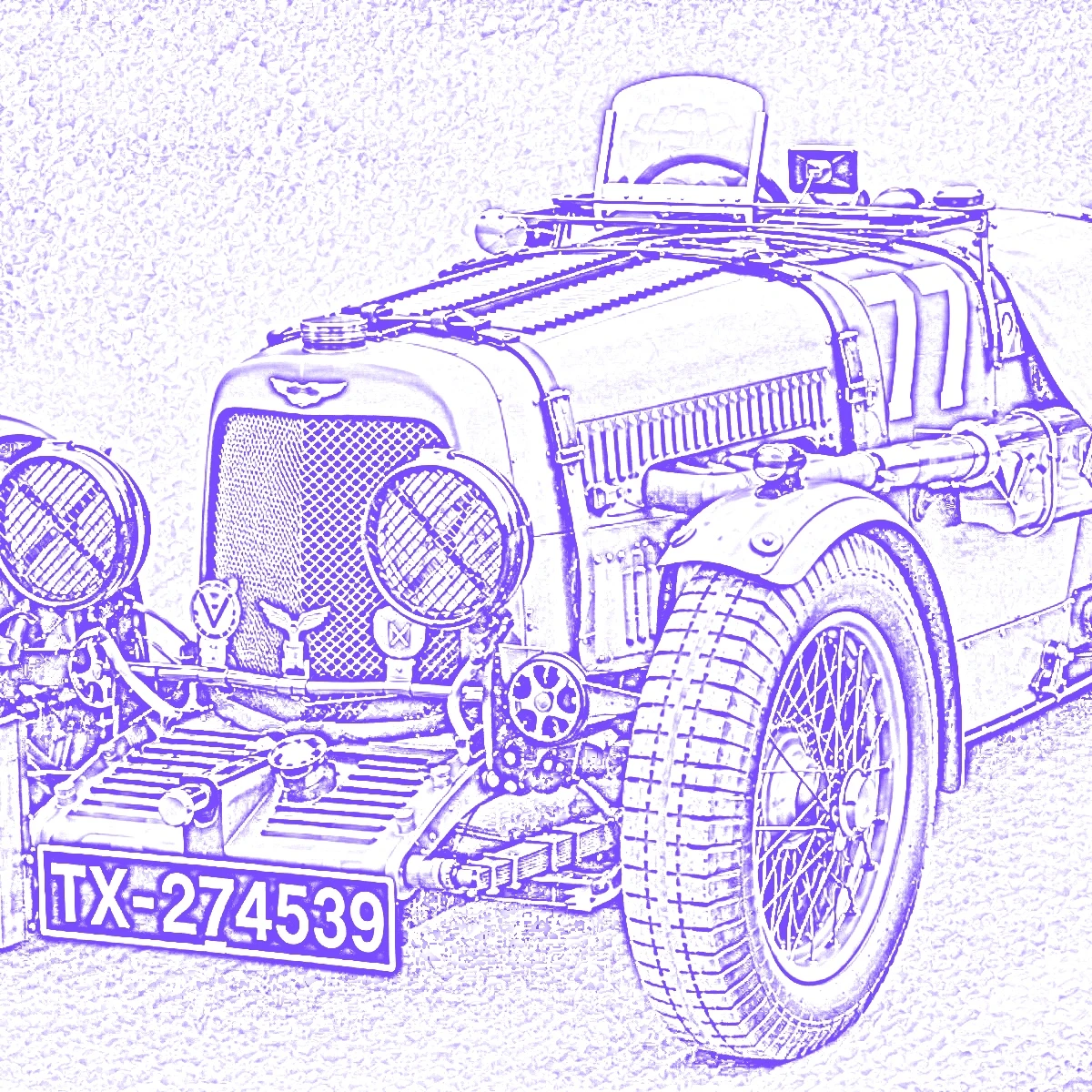 OriginalResult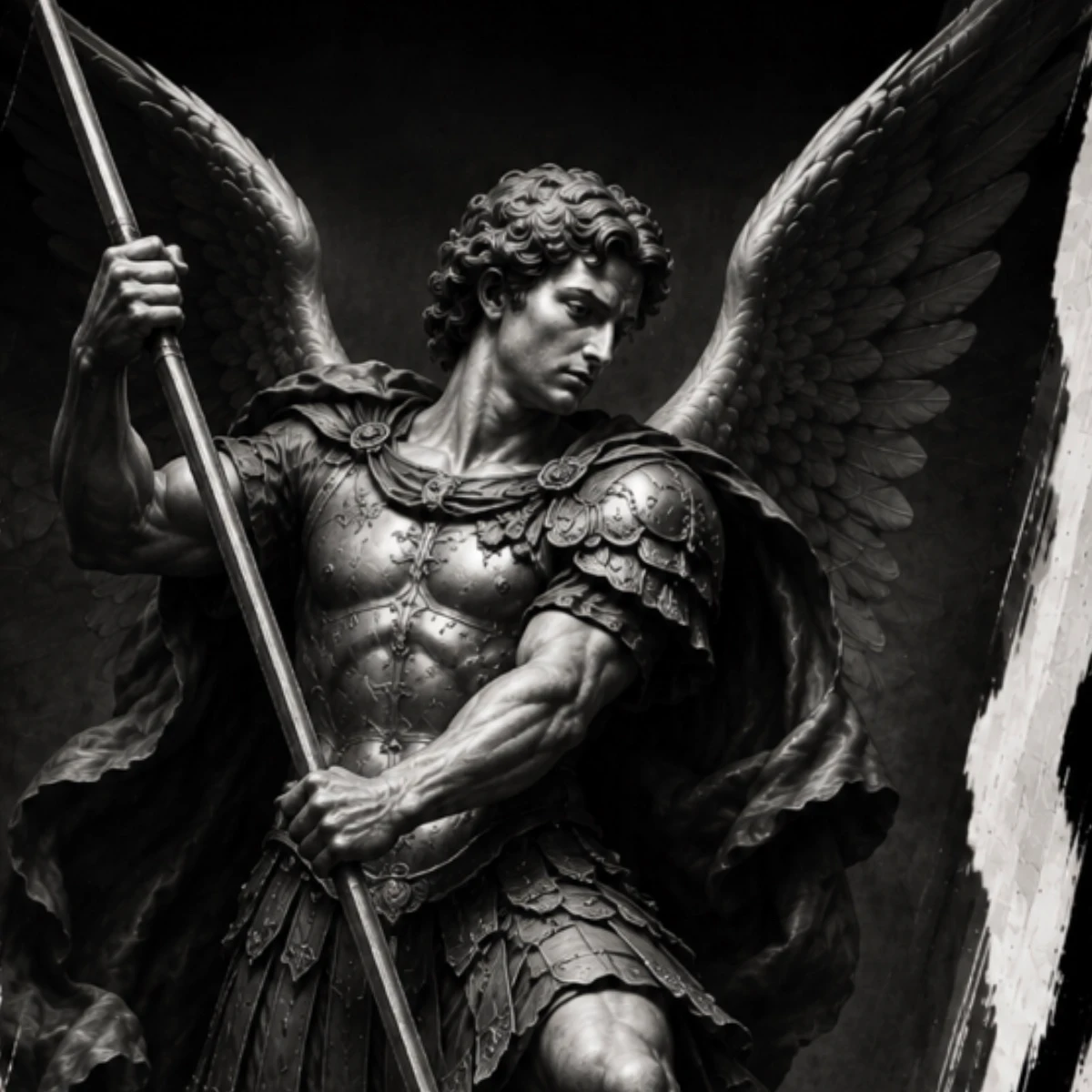
 OriginalResult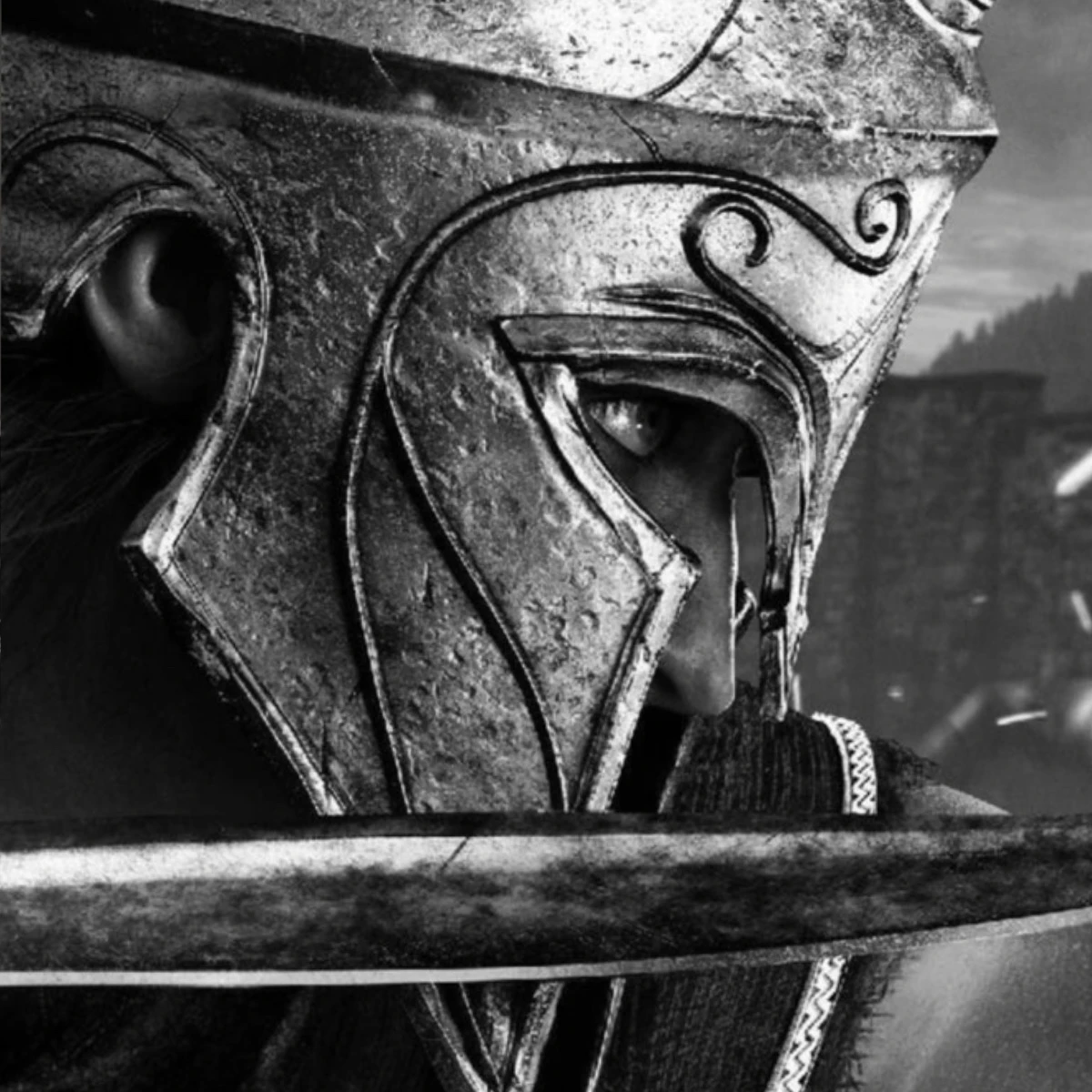
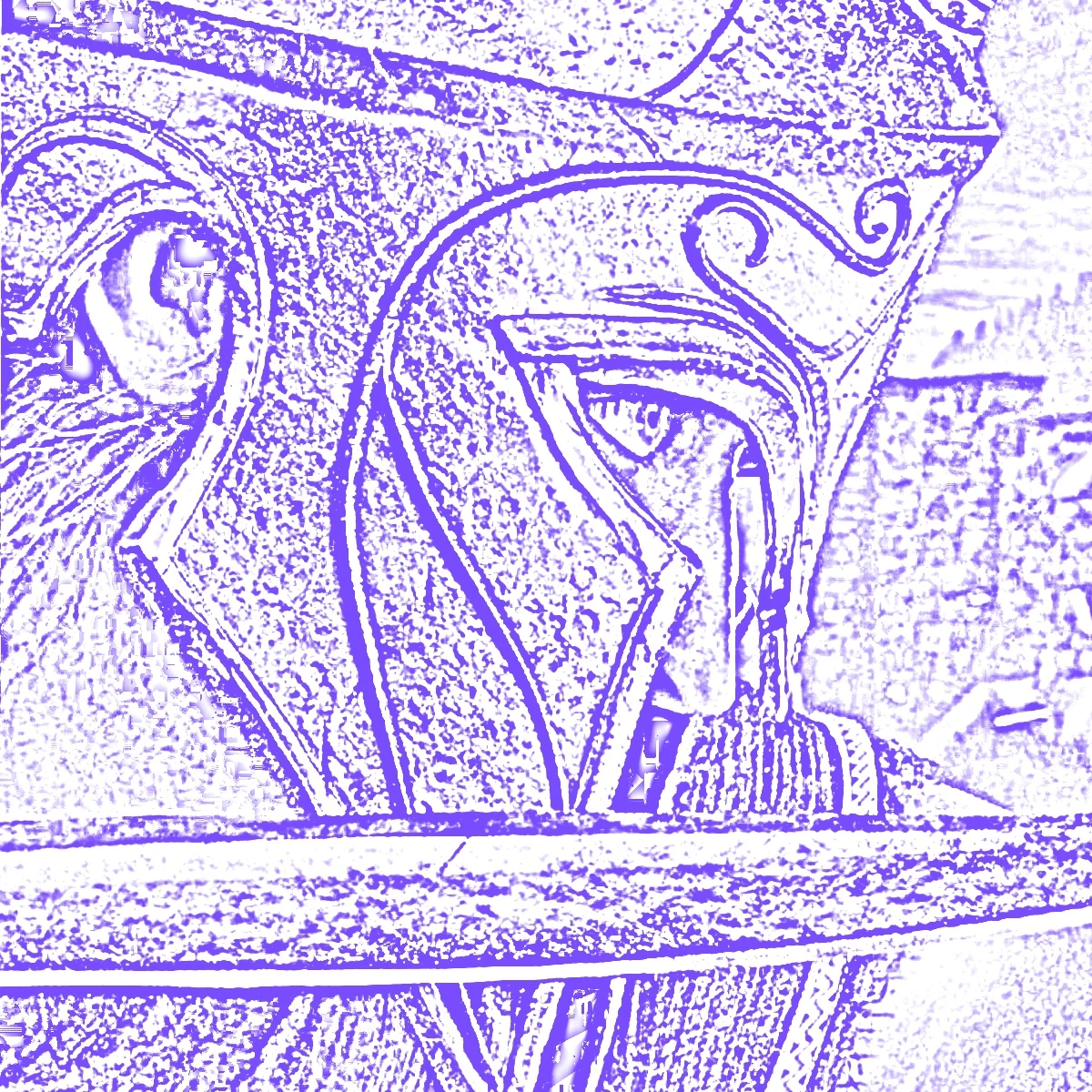 OriginalResult
 OriginalResult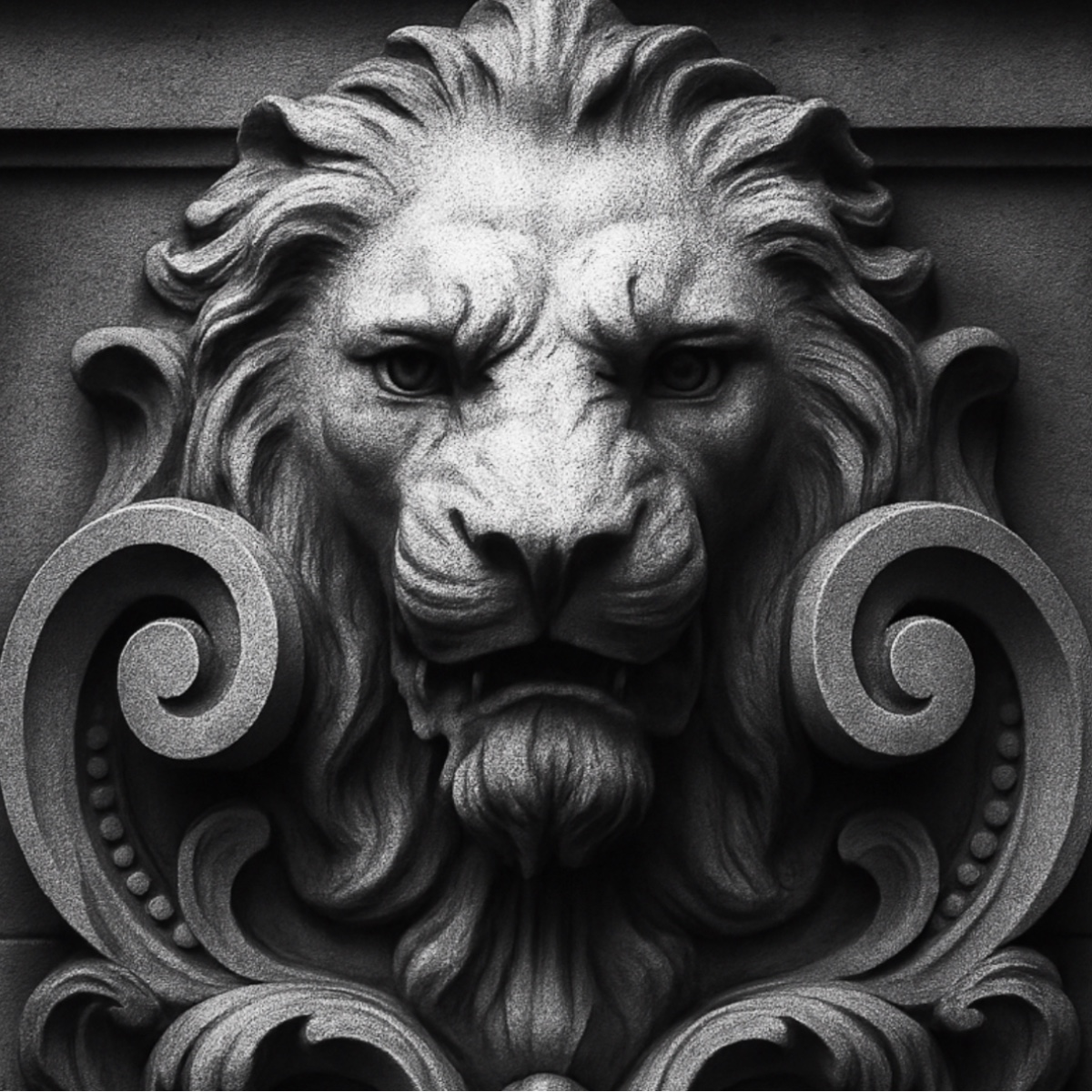
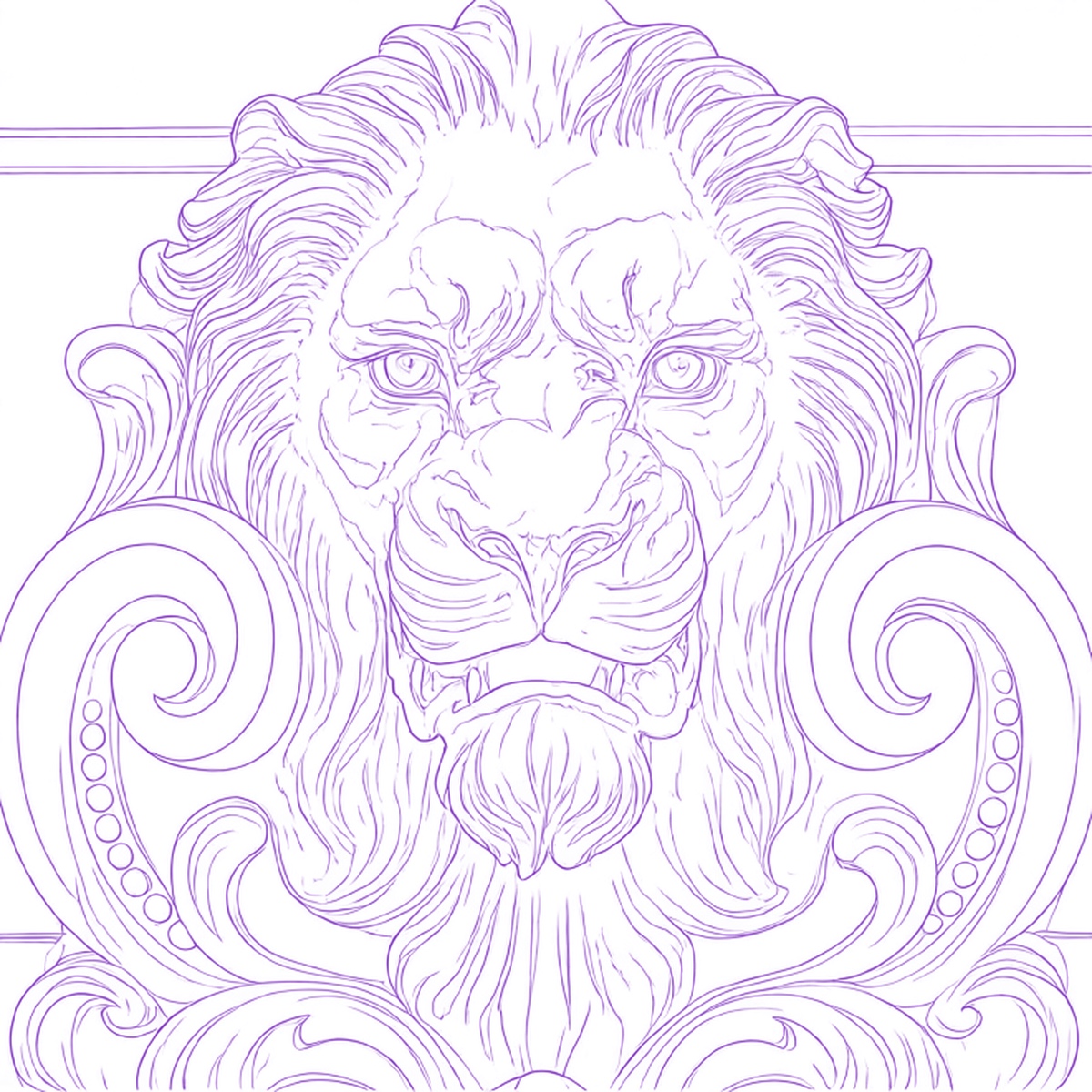 OriginalResult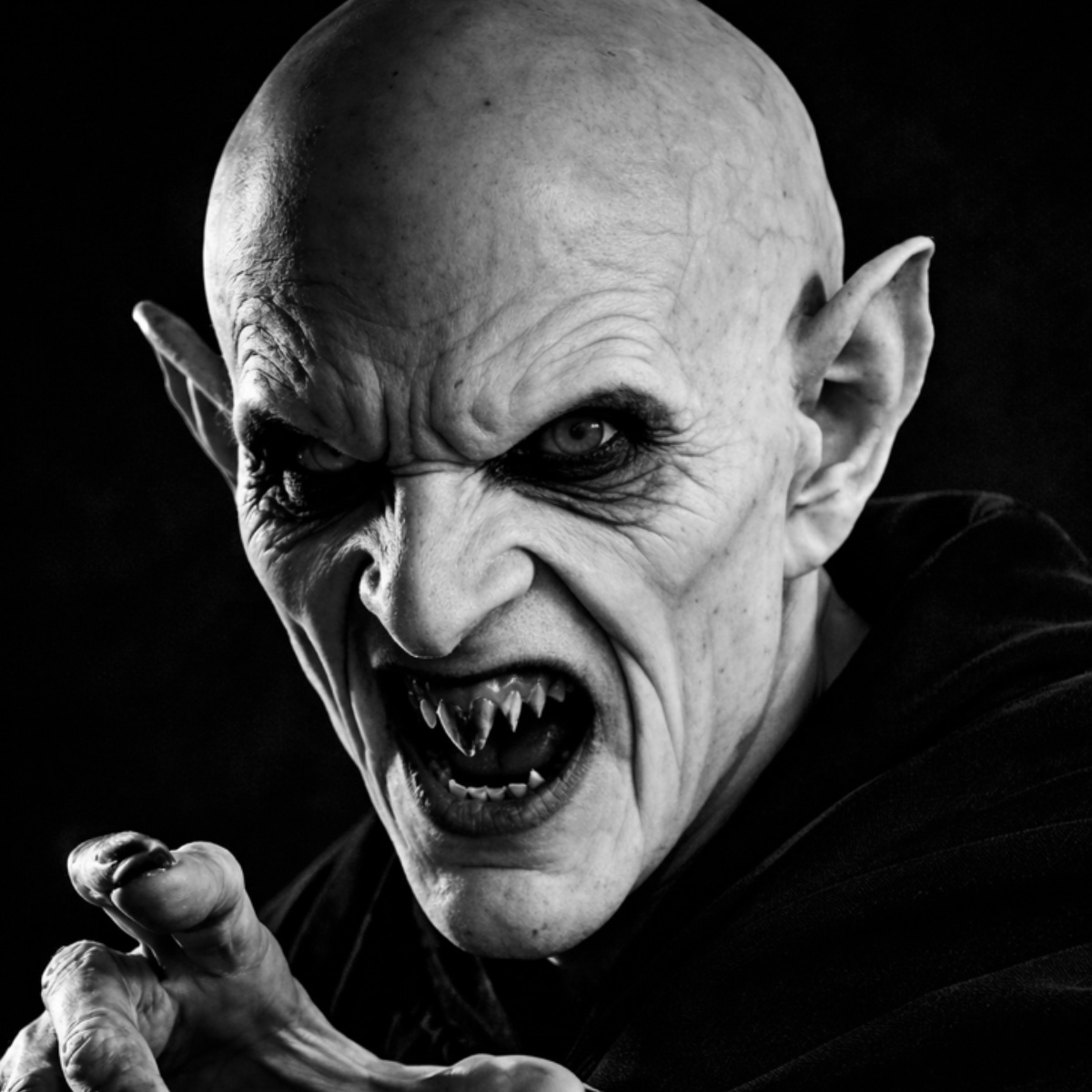
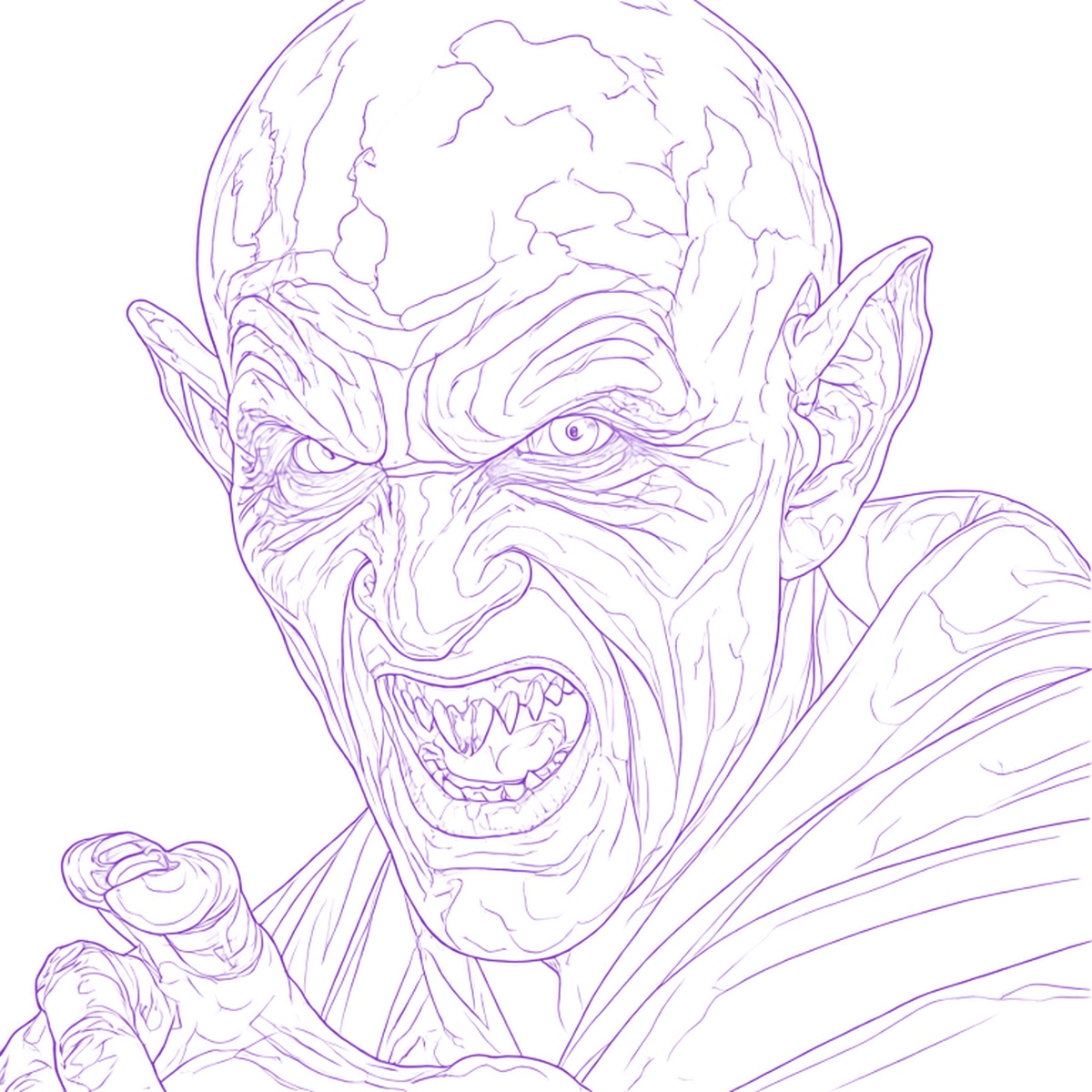 OriginalResult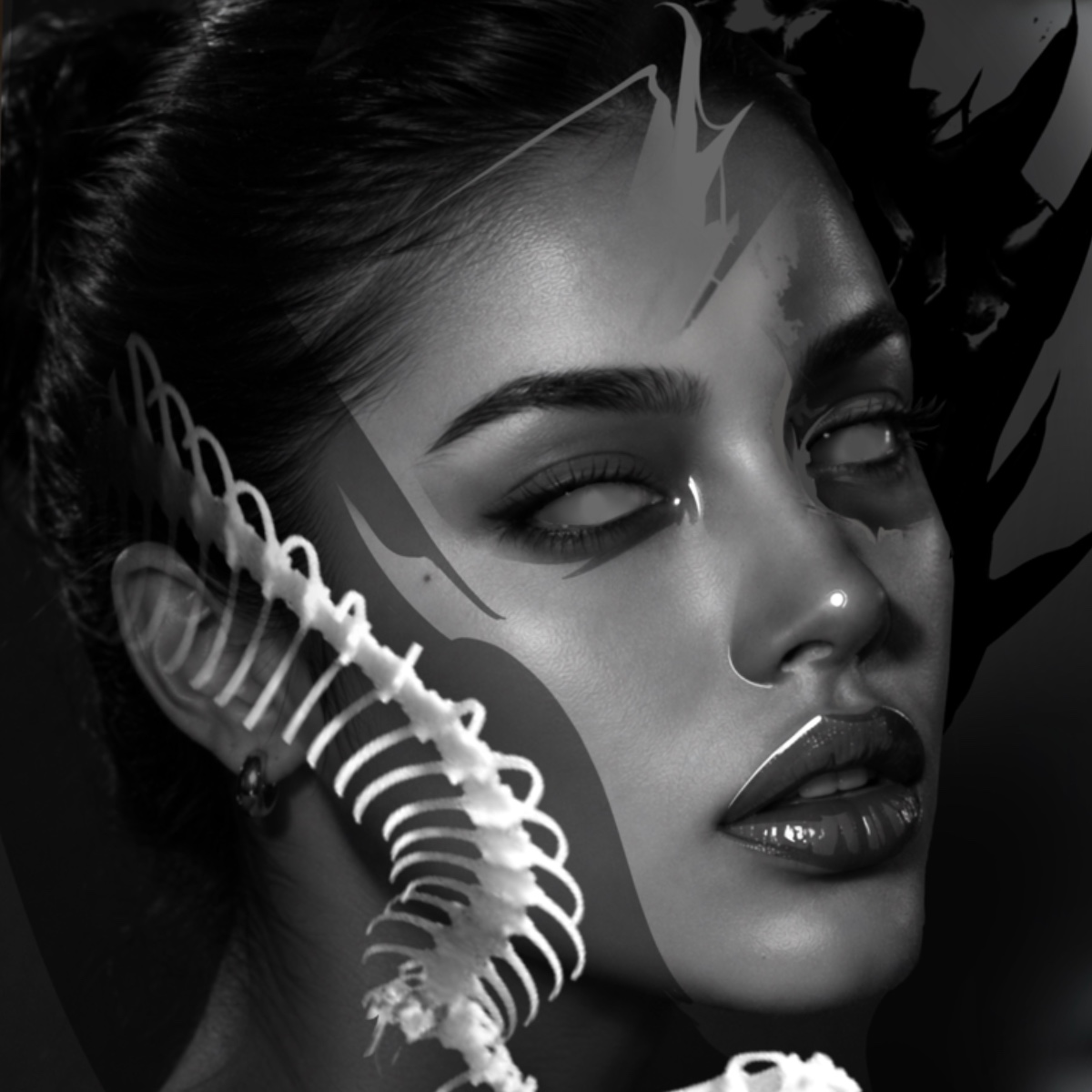
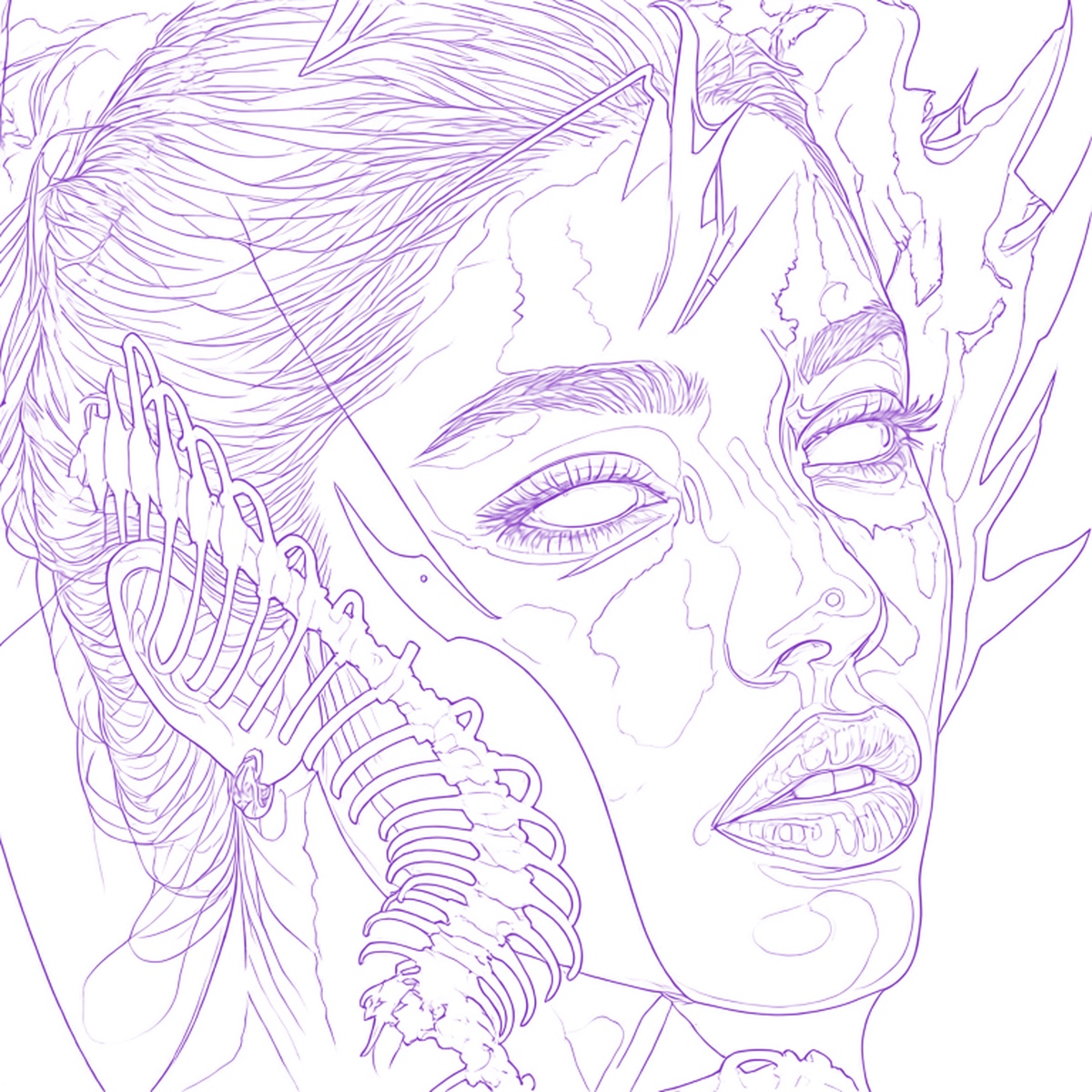 OriginalResult
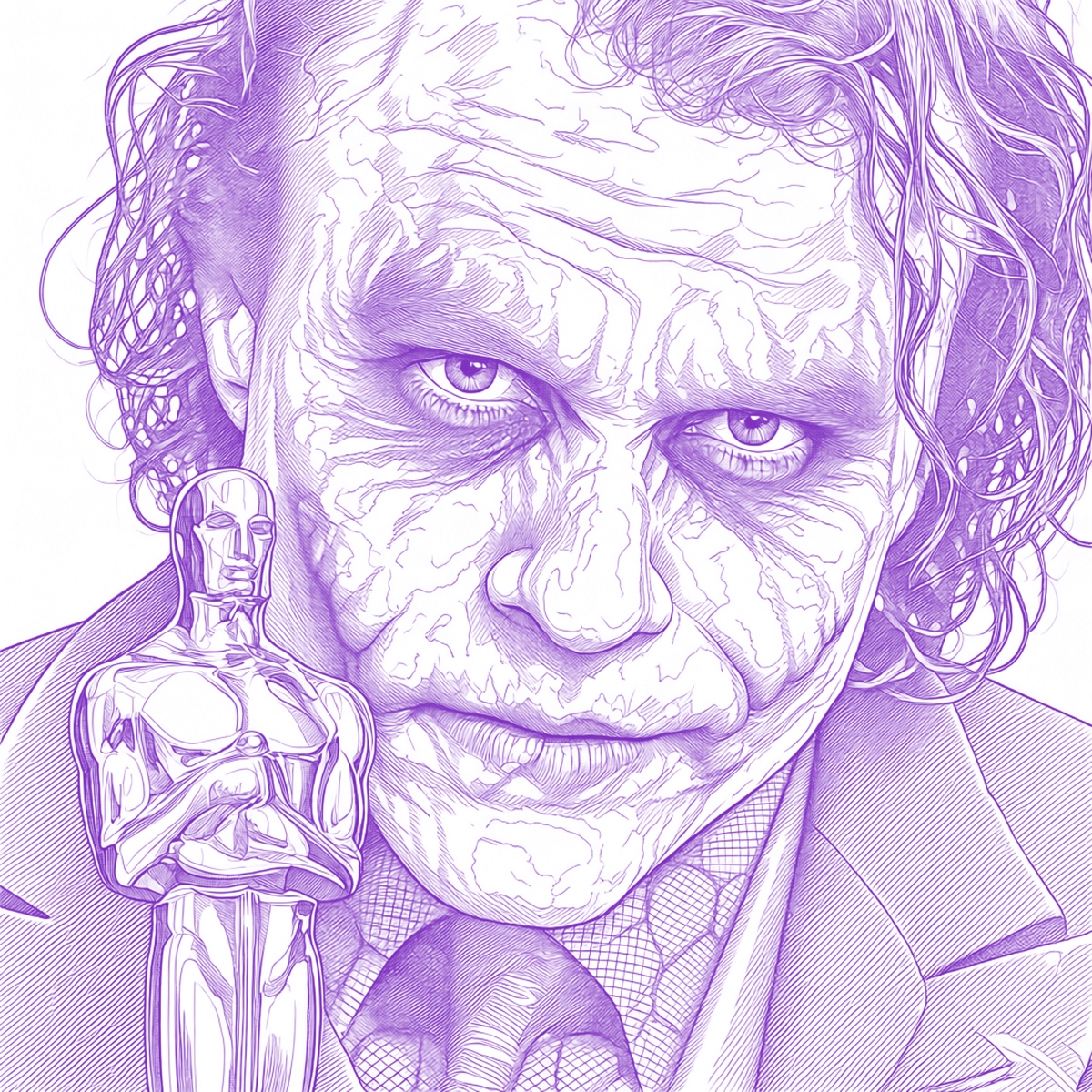 OriginalResult
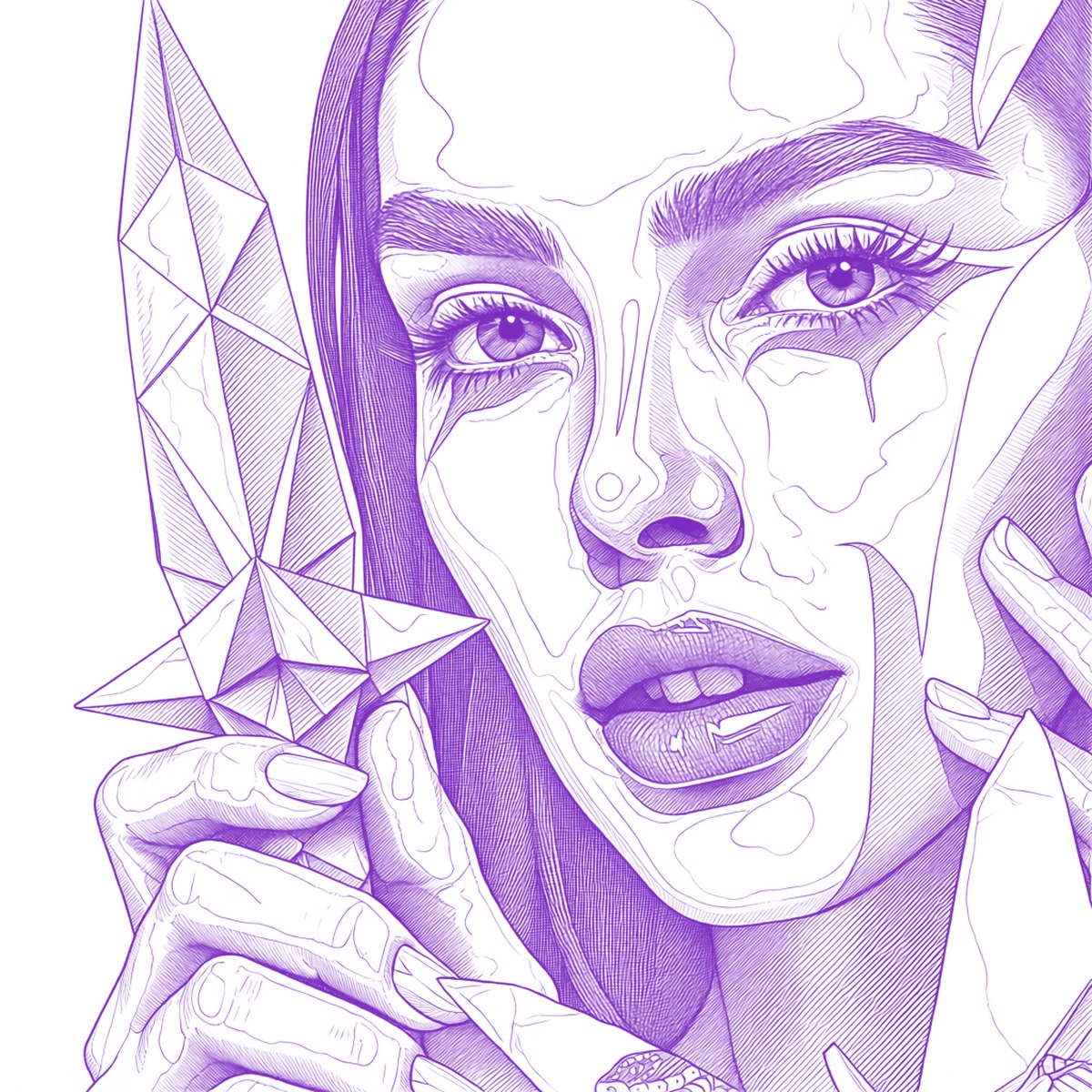 OriginalResult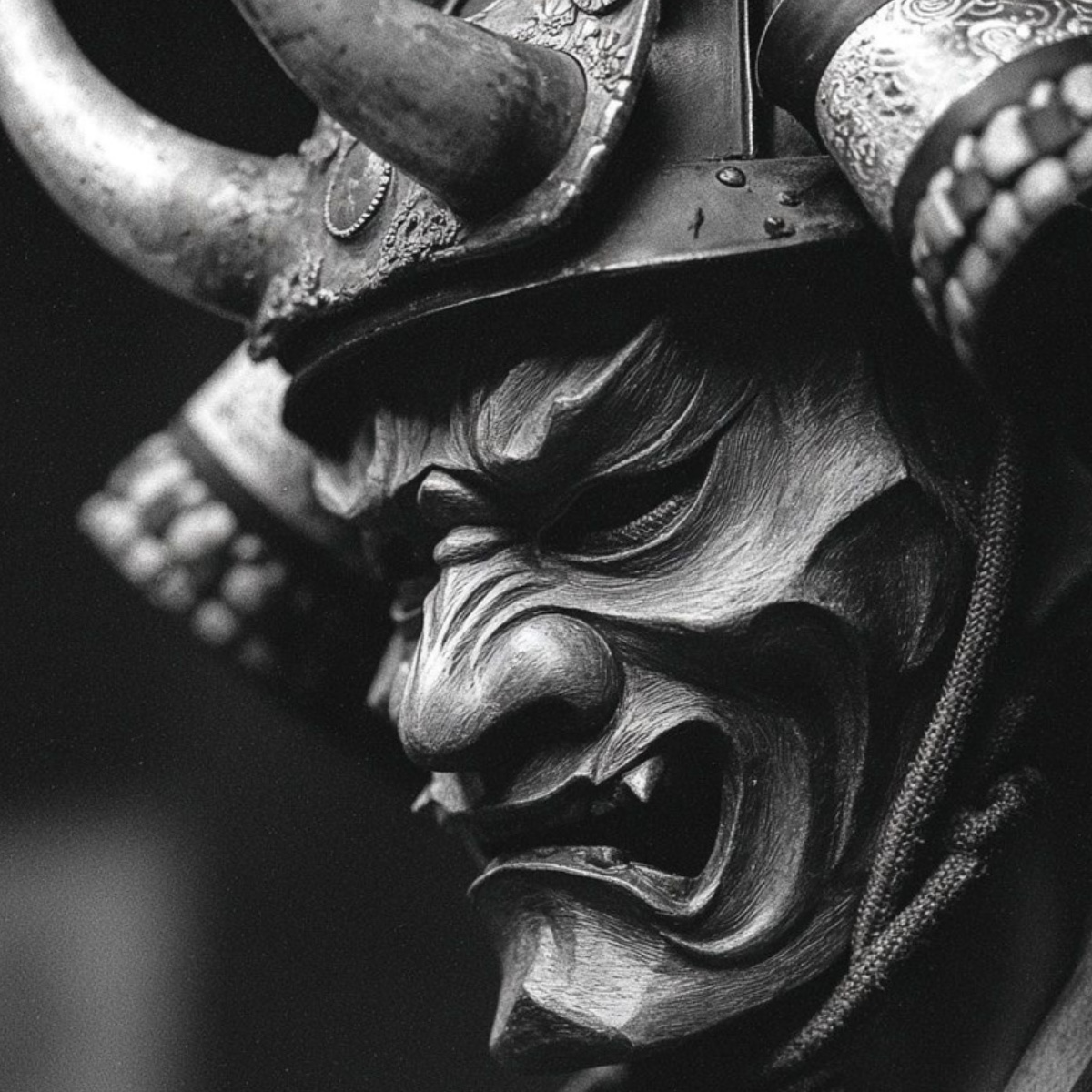
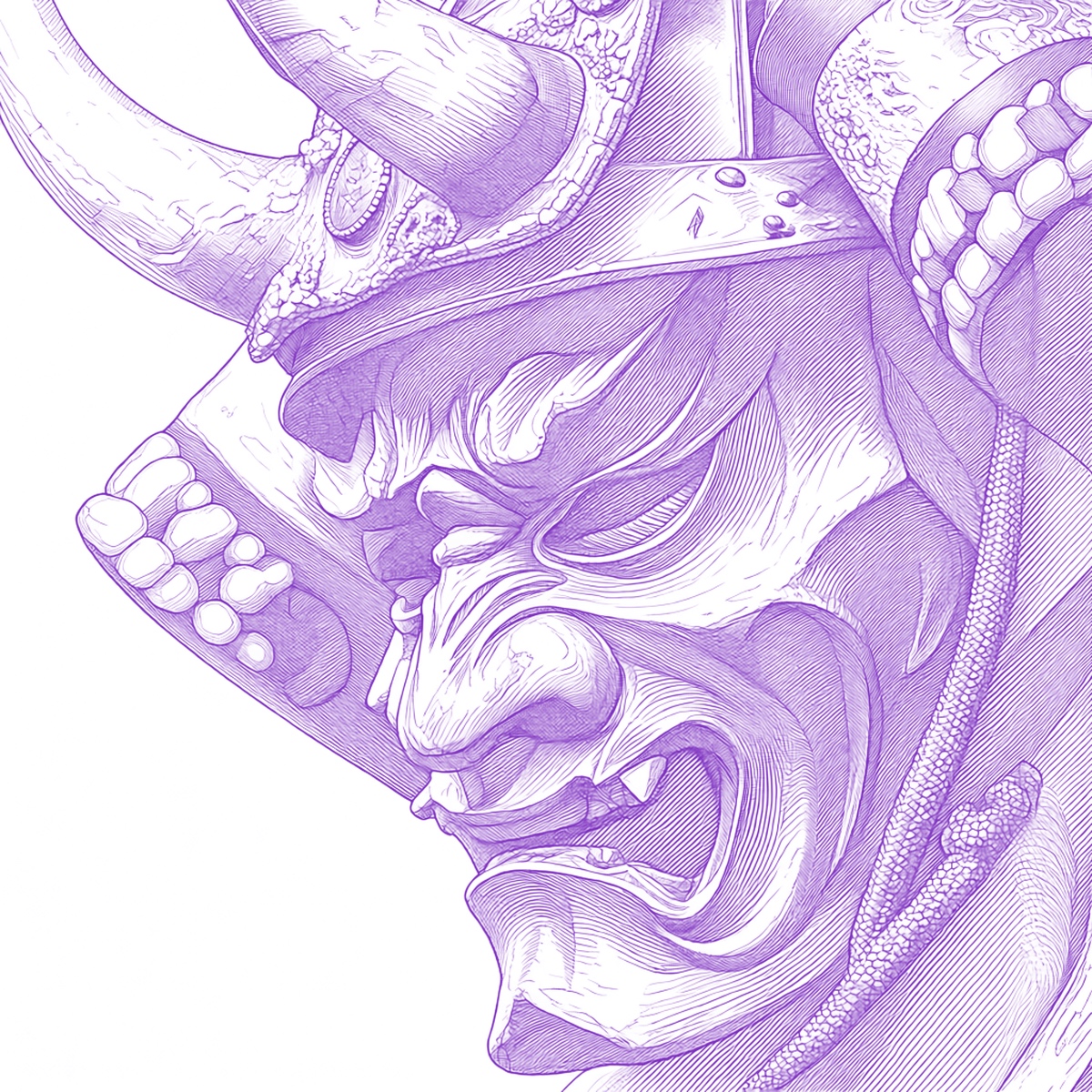 OriginalResult
INKMENTORS GALLERY
A gallery created for tattoo artists. Explore curated references, discover new ideas and save the images you want to turn into your next project.
PRO + GALLERY GALLERY
No references in this view. Explore the Gallery and save your favourites.
05 / BASIC, PRO AND ADVANCED PLANS
Choose the plan that suits you best.
AI generation: OpenAI 5 credits · InkLab 30 credits.
The essentials for stencil preparation
€9.90 /month
Billed monthly: US$9.90.
€100.00 /year
One annual charge of US$100.00.
Save almost 2 months
Save 18.80 USD per year.
14 days of unlimited use of the included tools · no AI or Gallery downloads
More possibilities for your references
€19.90 /month
Billed monthly: US$19.90.
€200.00 /year
One annual charge of US$200.00.
Save almost 2 months
Save 38.80 USD per year.
14 days of unlimited non-AI tools · 100 AI credits in total · no Gallery downloads
Inspiration and preparation in one workflow
€29.90 /month
Billed monthly: US$29.90.
€300.00 /year
One annual charge of US$300.00.
Save almost 2 months
Save 58.80 USD per year.
100 AI credits and 10 Gallery downloads in total
06 / ABOUT INKMENTORS
InkMentors is a platform dedicated to the education and development of tattoo artists. Through its courses and community, it has helped thousands of professionals develop their technique.
Students’ questions about the tools used in training led to InkMentors Lab: a set of resources that supports the daily work of any tattoo artist, whether or not they study at the academy.
We want to make available the resources we wish we had when we started: tools that save time, shared knowledge and a community that grows together.
Basic: unlimited vectorization, unlimited Classic and Shaded stencils, multi-page Puzzle printing and 1 GB of project storage. Pro: unlimited vectorization and Classic/Shaded stencils, Puzzle printing, 500 AI credits every month, AI image optimization, AI stencil creation and 5 GB of storage. Advanced: unlimited non-AI tools, 500 monthly AI credits, a gallery of tattoo-ready images with 200 downloads every month and 5 GB of storage. Basic has no AI; Basic and Pro have Gallery preview only, without downloads.
Basic trial: 14 days of unlimited included tools, without AI or Gallery downloads. Pro trial: 14 days of unlimited non-AI tools and 100 total AI credits, without Gallery downloads. Advanced trial: 100 total AI credits and 10 total Gallery downloads; duration is not specified. Trial balances do not reset monthly. AI generation costs 5 credits with OpenAI or 30 with InkLab.
Full Gallery is included in Advanced: 200 downloads per paid month, and 10 total downloads during the trial. Basic and Pro have preview access only and no Gallery downloads.
Yes. Open InkMentors Lab in Safari on your iPad to prepare references, edit stencils, save projects and prepare for printing. Keep Safari up to date. Performance depends on image size and available device memory.
The editor has an Apple Pencil input mode, alongside navigation and touch/mouse modes. Pen, dots and eraser are available for edits. Pressure sensitivity, tilt and special Pencil gestures are not advertised as supported features.
Import PNG, JPEG or WebP images. Export PNG, JPEG and print-ready PDF, or save an editable InkMentors project to reopen your work. Vectorizer does not mean SVG export or editable vector paths. Online project storage and client organisation require an account and an eligible plan.
Set the dimensions, paper and page layout in Print. Puzzle spreads larger designs across multiple sheets. Review the PDF and your printer’s scaling before printing. Paper and driver settings matter; universal printer compatibility is not guaranteed.
Saving is manual. Use Save to store your work, then check the saved confirmation. Open the saved project to continue with its images, results and edits. An exported image or PDF is different from an editable project.
Check the renewal and cancellation terms in your subscription. Export projects you want to keep; confirm post-cancellation access and retention with support.
InkMentors Gallery is a visual library created specifically for tattoo artists. Explore curated references, discover new ideas and save images for future projects within the InkMentors ecosystem.
Yes. The Gallery selection is refreshed regularly, bringing new references and ideas to explore.
Yes. Save your favourite references and find them again in Saved while you have eligible Gallery access.
No. Gallery complements the existing workflow. Start with a reference or idea, then continue with the InkMentors Lab tools.
Basic: unlimited vectorization, unlimited Classic and Shaded stencils, multi-page Puzzle printing and 1 GB of project storage. Pro: unlimited vectorization and Classic/Shaded stencils, Puzzle printing, 500 AI credits every month, AI image optimization, AI stencil creation and 5 GB of storage. Advanced: unlimited non-AI tools, 500 monthly AI credits, a gallery of tattoo-ready images with 200 downloads every month and 5 GB of storage. Basic has no AI; Basic and Pro have Gallery preview only, without downloads.
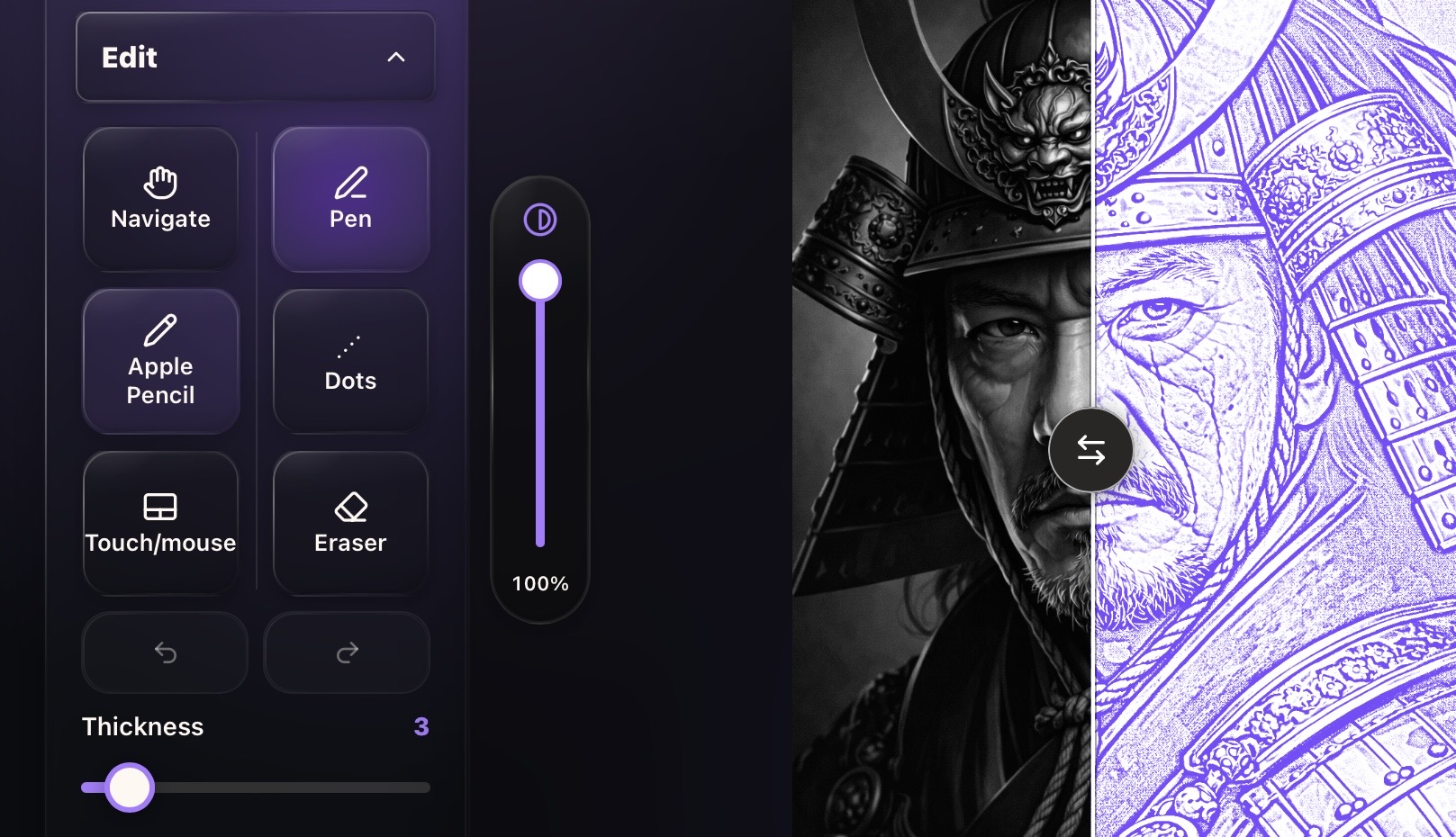
INKMENTORS LAB
Enhance the reference, separate tones and prepare your stencil for printing.
Find your plan